
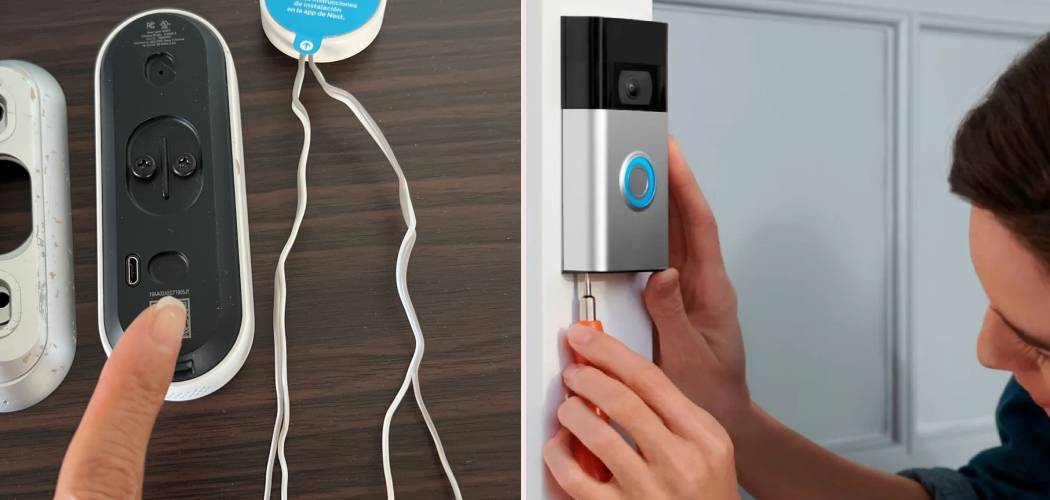
A doorbell can be a wonderful tool for knowing when guests arrive. But sometimes, you need a little peace and quiet. Whether you have a sleeping baby, a sensitive pet, or simply want to enjoy an uninterrupted afternoon, knowing how to disable doorbell chime sounds is a useful skill. This guide will walk you through the various methods to silence your doorbell, from simple temporary fixes to more permanent solutions for both traditional and smart doorbells.
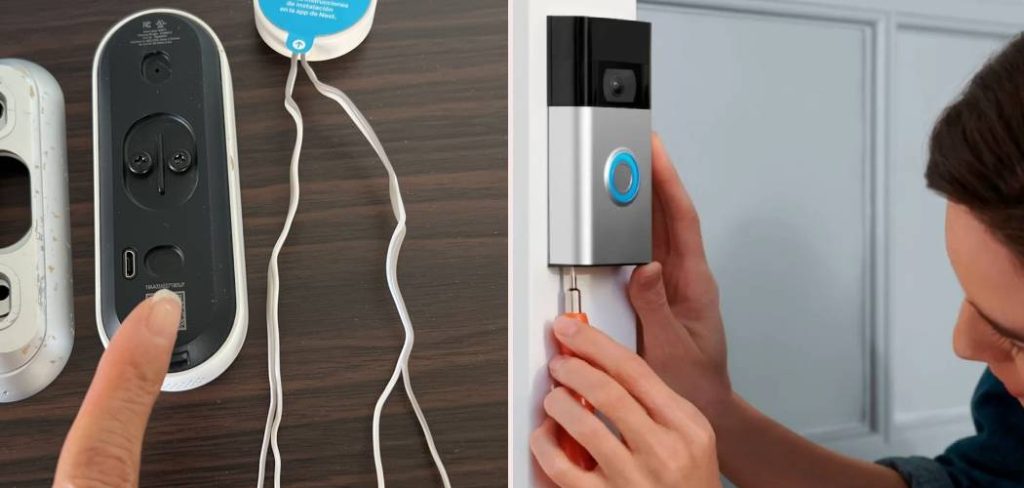
Why You Might Want to Turn Off Your Doorbell Sound
There are many reasons why you might want to mute your home’s alert system. Understanding your specific need can help you choose the best method.
Napping Children or Family Members
A sudden, loud ring can easily disrupt a much-needed nap. For parents with infants or those caring for light sleepers, temporarily silencing the indoor chime is often essential.
Anxious or Reactive Pets
Dogs, in particular, can become very agitated by the sound of a doorbell. This can lead to non-stop barking, which creates stress for both the pet and the owner. Turning off the chime can help maintain a calm environment for your furry friends.
Working From Home
In an age of remote work and virtual meetings, unexpected interruptions can be unprofessional. Disabling your doorbell ensures that an important call or a period of deep focus isn’t broken by a delivery or visitor.
Unwanted Visitors
If you’re dealing with frequent solicitors or simply wish for some privacy, silencing the chime can prevent unwanted disturbances at your front door.
System Malfunctions
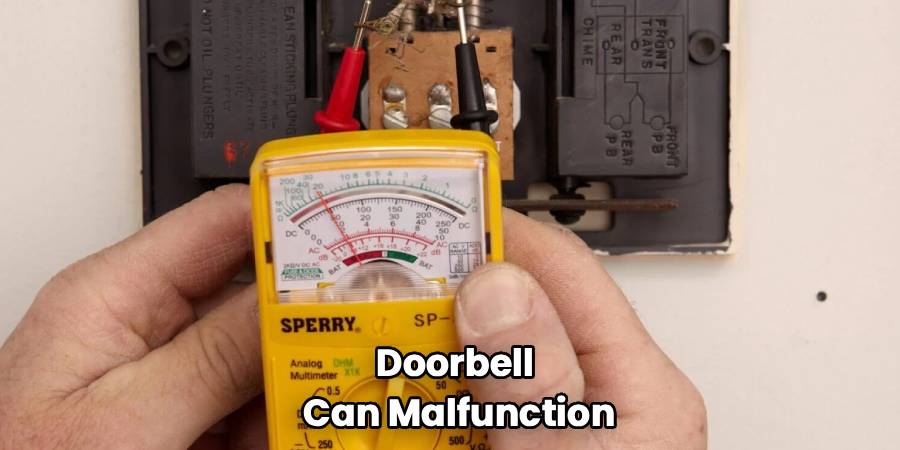
Sometimes, a doorbell can malfunction, causing it to ring continuously or at random times. In these cases, disconnecting the chime is necessary until you can perform a repair or replacement.
Safety First: Before You Begin
Before you attempt to modify any wiring, safety is paramount. Most traditional doorbells operate on a low-voltage system, but the transformer they connect to is wired into your home’s standard 120-volt electrical system.
Turn Off the Power
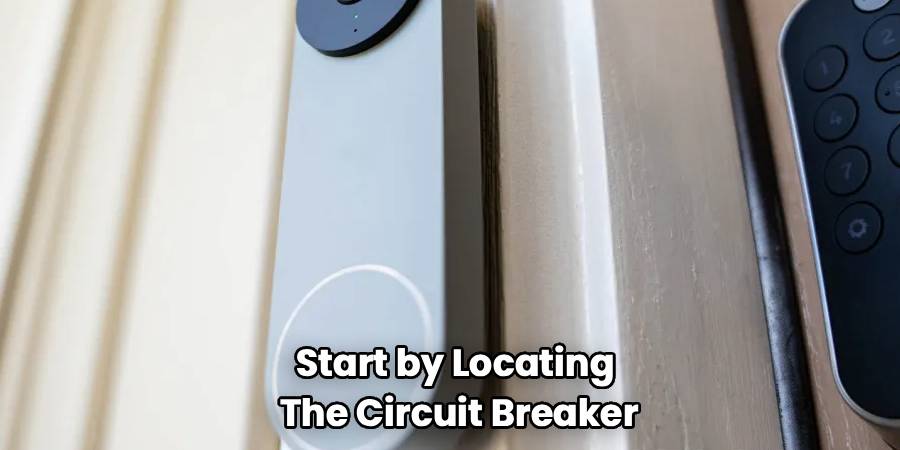
Always start by locating the circuit breaker that controls your doorbell. It might be labeled “doorbell,” “utility,” or it may be part of a general lighting circuit. Flip the breaker to the “OFF” position to cut all power to the system.
Use a Voltage Tester
Even after turning off the breaker, it’s wise to double-check that the power is off. Use a non-contact voltage tester to confirm there is no electrical current flowing to the transformer or the chime box wires before you touch them.
A Step-by-Step Guide for Muting a Traditional Wired Doorbell
For standard, wired systems, you typically have a chime box inside your home connected to a transformer and the button outside. This section on how to disable doorbell chime will cover the most common methods.
Step 1: Locate Your Doorbell Chime Box
The first step is to find the indoor chime unit. This is the box that actually makes the sound. It’s usually a plastic or wooden cover mounted on a wall in a central location like a hallway, entryway, or living room. Sometimes it can be found in a closet or utility room.
Step 2: Remove the Chime Cover
Most chime box covers can be removed easily. They often snap on and off or are held in place by small screws. Gently pull the cover off or use a screwdriver to release it. Be careful not to damage the plastic or the wall.
Step 3: Identify the Wires
Inside, you will see a simple mechanism with at least two wires connected to screw terminals. These terminals are typically labeled “Front” (for the front door), “Trans” (for the transformer), and sometimes “Rear” (for a back door). The wires carry the low-voltage electrical signal that activates the chime.
Step 4: Disconnect a Wire to Mute the Sound
To temporarily disable the chime, you only need to disconnect one of the wires. The easiest one to work with is usually the wire connected to the “Front” terminal. Use a small screwdriver to loosen the screw and detach the wire.
Step 5: Secure the Disconnected Wire
Once the wire is detached, you must secure it to prevent it from touching any other wires or metal components. Wrap the exposed metal tip of the wire with a piece of electrical tape. This prevents any accidental connections that could cause a short circuit or other issues. You can then tuck the wire safely inside the chime box.

Step 6: Replace the Cover
With the wire securely taped and tucked away, you can place the cover back onto the chime box. The doorbell button outside will no longer trigger the indoor sound. To re-enable it, simply reverse the process: remove the tape and re-attach the wire to the “Front” terminal.
How to Mute Modern and Smart Doorbells
Smart doorbells from brands like Ring, Nest, Arlo, and Google offer more convenient ways to manage sound alerts without touching any wires. The process is usually handled through the device’s mobile app.
Disabling a Ring Doorbell Chime
For Ring users, you can mute the internal mechanical or digital chime connected to the system.
Through the Ring App
- Open the Ring app on your smartphone.
- Tap the three lines on the top left to open the menu.
- Select “Devices” and choose your Ring Video Doorbell.
- Go to “Device Settings” and then “In-home Chime Settings.”
- Here, you can select your chime type (mechanical or digital) and toggle the “Ring my in-home chime” setting off.
This will stop your existing indoor chime from sounding, but you will still receive notifications on your phone.
Disabling a Google Nest Doorbell Chime
Google Nest doorbells also provide app-based controls to silence your indoor sound.
Through the Nest or Google Home App
- Open the Nest or Google Home app.
- Select your doorbell from the device list.
- Tap the “Settings” icon (a gear symbol).
- Look for an option labeled “Indoor Chime” or similar.
- Toggle the “Indoor Chime On/Off” setting to the off position.
Additionally, Nest offers a “Quiet Time” feature, which lets you temporarily mute the indoor chime for a set duration, such as 30, 60, or 90 minutes.
Disabling Other Smart Doorbell Brands
Most other smart doorbell systems, like Arlo or Wyze, follow a similar process. You will need to navigate through the device’s settings in its respective mobile app to find the controls for the indoor chime. Look for menu items like “Chime Settings,” “Audio Settings,” or “Device Configuration” to find the toggle switch.
Frequently Asked Questions
Here are answers to some common questions about managing your doorbell’s sound.
How can I temporarily turn off my doorbell chime?
The easiest way for a smart doorbell is to use the “snooze” or “quiet time” feature in the app. For a traditional wired doorbell, you can place a small piece of foam or thick tape over the metal plunger inside the chime box to dampen the sound without disconnecting wires.
Will disconnecting the chime affect my smart doorbell’s power?
It depends on the model. Some smart doorbells require the circuit to be complete through the chime to receive power. If you disconnect the chime, the doorbell may lose power. Always consult your device’s manual before disconnecting wires. Many smart systems use a “jumper” or “bypass” cable (often included) to complete the circuit if you’re not using an indoor chime.
Can I just turn down the volume of my doorbell chime?
Most traditional wired chimes do not have a volume control. The sound is produced by a physical hammer striking a metal bar. Some electronic chimes may have a small volume switch inside the unit. Smart chimes, like the Ring Chime or Nest Chime Connector, almost always have volume controls within their app settings.
What if my doorbell is ringing constantly?
A constantly ringing doorbell is usually caused by a stuck button or a short in the wiring. The button on the exterior can get stuck due to dirt, moisture, or wear. Try cleaning it first. If that doesn’t work, there may be a short circuit where the two low-voltage wires are touching. You should disconnect the chime and inspect the wiring from the button to the chime box for any damage.
Conclusion
Learning how to disable doorbell chime sounds is a straightforward process that empowers you to control the sounds in your home. For traditional systems, it involves a simple and reversible wiring adjustment, while smart doorbells offer the convenience of app-based controls. By following these steps, you can easily create a quieter, more peaceful living environment whenever you need it.

