
We have all been there. You just got the baby down for a nap, or maybe you work the night shift and you are finally drifting off to sleep. Then, it happens. Ding-dong! The loud, piercing chime of the doorbell echoes through the house, sending the dog into a barking frenzy and ruining your moment of peace. Whether you are dealing with pesky solicitors, pranksters, or just need reliable silence for a home office, knowing how to disable doorbell systems is a skill that can save your sanity.
While doorbells are undeniably useful for alerting us to guests or deliveries, there are plenty of legitimate reasons to want them turned off—either temporarily or permanently. The good news is that you don’t need to be a certified electrician to silence the noise. Whether you are dealing with a classic hardwired chime, a wireless battery-operated unit, or a high-tech smart doorbell, the process is generally straightforward and safe if you follow the right precautions.
In this guide, we are going to walk through everything you need to know. We will look at the different mechanisms behind doorbells, safety tips for handling wires, and the specific methods to silence that chime for good (or just for nap time).
Safety Precautions Before You Start
Even though doorbells run on low voltage (usually between 16 and 24 volts), safety is always the priority. You are working with electricity, and while a doorbell shock isn’t typically dangerous to an adult, it can still surprise you.
Always locate your breaker box and turn off the power to the area where your doorbell transformer is located. If you aren’t sure which breaker controls it, it is safer to turn off the main power briefly or use a voltage tester to ensure the wires are dead before you touch them. Grab a screwdriver (usually a Phillips head), some electrical tape, and perhaps a ladder if your chime box is high up on the wall.
3 Effective Methods on How to Disable Doorbell
Before we dive into the specific actions, it is helpful to understand what you are working with. Most homes have one of two systems: a traditional wired system with a transformer and a chime box, or a modern smart doorbell that runs on Wi-Fi. We are going to cover both because disabling a mechanical striker is very different from changing settings in an app.
Locating Your Chime Box
For traditional wired systems, the noise comes from a physical box mounted on your wall, often in the hallway or living room. It usually looks like a small plastic or wooden cover. This is the command center for the noise.
Gently remove the cover. It might snap off, or you might need to unscrew it. inside, you will see two or three wires attached to terminal screws labeled “Front,” “Rear,” and “Trans” (for transformer). This is where the magic—and the noise—happens.
Method 1: Disconnecting the Wire at the Chime
This is often the easiest and most reversible method for wired systems. If you want to stop the sound without removing the exterior button or messing with the transformer in the attic or basement, do it here.
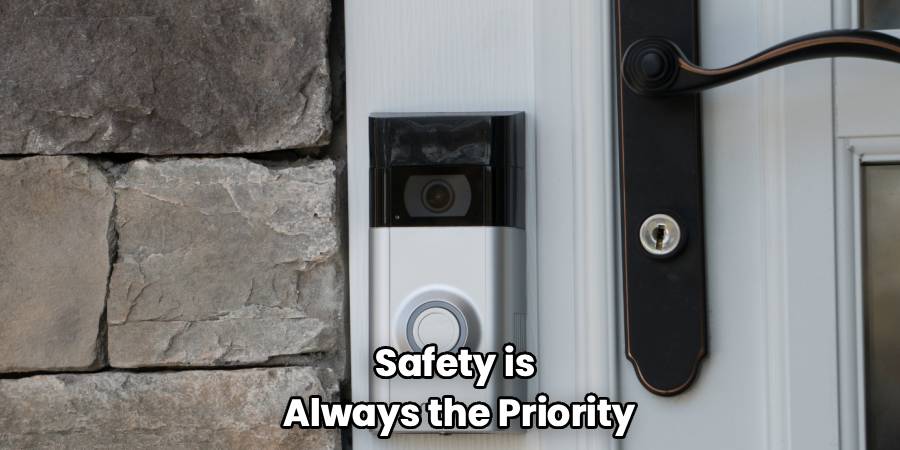
Locate the wire connected to the terminal labeled “Front.” This wire controls the chime for the front door. Use your screwdriver to loosen the screw holding the wire in place. Once loose, pull the wire away from the terminal.
Crucial Step: Do not just leave the bare wire dangling. Wrap the exposed copper end with electrical tape. This prevents it from accidentally touching the other terminals or metal parts, which could cause a spark or a short circuit. If you want to disable both the front and back doorbells, disconnect the “Rear” wire as well. Tuck the taped wires safely aside inside the box and replace the cover.
Method 2: Disconnecting the Exterior Button
If you are planning to remove the doorbell entirely—perhaps you are painting the exterior or replacing the siding—you might want to disconnect it at the source outside.
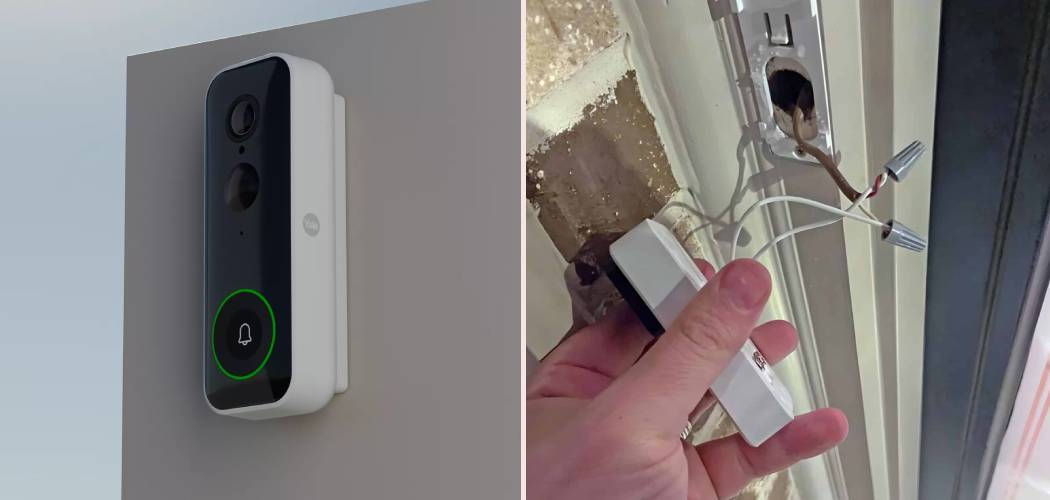
Unscrew the doorbell button plate from the doorframe. Gently pull it out to reveal the wires behind it. You will see two wires connected to the back of the button. Loosen the screws and detach the wires.
Just like with the chime box, you must wrap these wires individually in electrical tape. If you let them touch, it closes the circuit, and your indoor chime might get stuck in a continuous “ding,” which can overheat the transformer. Once taped, push them back into the hole in the wall and cover the hole or reinstall the dummy plate.

Method 3: Installing a Toggle Switch
If you want the best of both worlds—a working doorbell for deliveries but silence for nap time—you can install a simple toggle switch. This requires a quick trip to the hardware store for a basic single-pole switch.
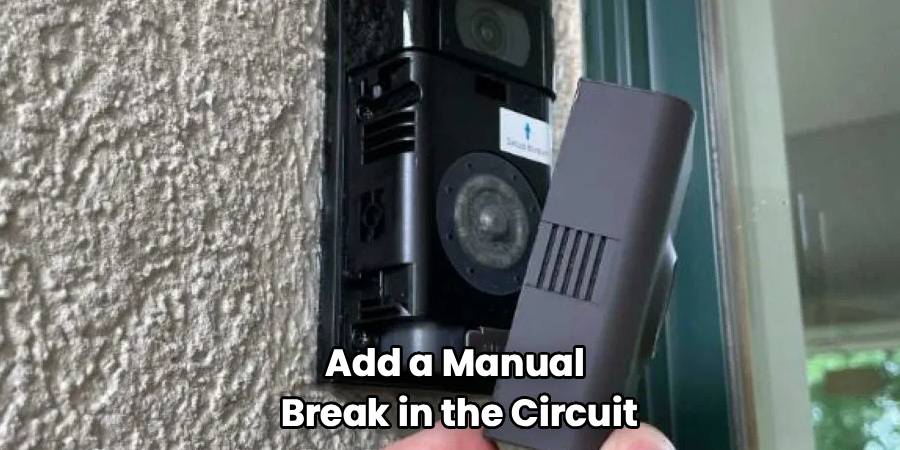
You will install this switch on the wire leading to the transformer or inside the chime box on the “Trans” wire. Essentially, you are adding a manual break in the circuit. When the switch is “On,” the current flows, and the doorbell works. When you flip it “Off,” the circuit is broken, and the button outside does nothing. This is a fantastic intermediate solution if you aren’t ready to permanently turn off doorbell functionality.
How To Disable Doorbell Chimes on Smart Devices
If you have a Ring, Nest, or Arlo video doorbell, you likely don’t need a screwdriver at all. These devices rely on software to trigger the chime, whether it’s a digital chime on your phone or a mechanical one on your wall.
For most smart doorbells, you will open the companion app on your smartphone. Look for “Device Settings” and find a section labeled “Chime Settings” or “Doorbell Tone.” There is usually a toggle switch to “disable indoor chime.”
This is great because you still get the notification on your phone that someone is at the door, but the house remains silent. If you have a digital chime (a speaker that plugs into an outlet), you can simply unplug it. If your smart doorbell is hardwired to your old mechanical chime, there is usually a setting in the app specifically to “Disable Mechanical Chime.”
Dealing with Wireless Battery Units
If you have a simple wireless doorbell that you bought at a hardware store (the kind that sticks on with adhesive), disabling it is incredibly simple. These units consist of a button outside and a receiver plugged into an outlet or running on batteries inside.
To stop the noise, just unplug the receiver or remove the batteries from the receiver unit. There are no wires to tape and no transformers to worry about. If you want to stop people from pressing the button outside, you can pry the button off the doorframe, remove its battery, and put it in a drawer.
Verifying the Silence
Once you have performed your chosen method, it is time to test. Go outside and press the button. If you hear silence, you have succeeded. If you still hear a hum or a faint ding, double-check that your wires aren’t touching anything metal.
When you are in the middle of figuring out the specific wiring of your home, seeing all those colorful cables can be intimidating. However, remember that the goal is simply to interrupt the loop of electricity. Whether you cut the loop at the button, the chime, or the transformer, the result is the same: silence. This straightforward logic is central to the process of how to disable doorbell wiring safely and effectively.
Frequently Asked Questions
It is normal to have a few questions, especially if your home’s wiring looks a bit older or if you are worried about causing damage. Here are some of the most common questions homeowners have when trying to mute their doorbells.
Can I just cut the wires?
Technically, yes, you can cut the wires, but it is rarely the best idea. If you cut the wires short, you might not have enough length to reconnect them later if you decide to sell the house or reactivate the doorbell. It is always better to unscrew the wires and cap them with wire nuts or electrical tape. This preserves the integrity of the system for future use. If you absolutely must cut them, leave as much slack as possible.
Will disabling the doorbell damage the transformer?
No, disconnecting the doorbell will not damage the transformer. The transformer’s job is to step down the voltage from your home’s main line (120V) to the low voltage (16-24V) needed for the doorbell. It is designed to be “always on.” When the doorbell button is not being pressed, the circuit is open, and no load is being drawn. By disconnecting the wires, you are simply keeping the circuit permanently open. The transformer will sit there happily doing nothing. However, if you short the wires (connect them together directly without a chime in between) and leave them, that will overheat and damage the transformer.
How do I find the transformer if I want to turn it off completely?
Finding the transformer can be like a game of hide-and-seek. Builders typically hide them in out-of-the-way places to keep them unsightly boxes hidden. Common locations include:
- Attached to the side of the main electrical panel.
- In the garage, near the ceiling.
- In the attic, often buried under insulation near the entrance.
- In a utility closet or basement near the furnace light.
- Inside the chime box itself (rare, but possible).
If you want to completely de-energize the system, you can disconnect the low-voltage wires at the transformer screws.
Is it safe to touch the wires without turning off the breaker?
Doorbells are low-voltage systems, meaning the shock risk is very low compared to a standard wall outlet. You generally won’t get seriously injured touching 16 volts. However, you can still feel a tingle, especially if you are sweaty or standing on a damp surface. More importantly, if the transformer is faulty or wired incorrectly, higher voltage could be present. To be a responsible DIYer, we always recommend turning off the breaker. It eliminates all risk and prevents accidental sparks that could scare you or singe the wall.
Can I remove the exterior button and cover the hole?
Absolutely. If you are removing the doorbell permanently, you will likely want to patch the area. After disconnecting and taping the wires, push them into the wall cavity. You can then fill the screw holes with wood filler or spackle. If there is a larger hole for the wiring, you might need a small patch kit or a blank wall plate. Many hardware stores sell blank plates specifically designed to cover old intercom or doorbell holes if you don’t want to do masonry or siding repair immediately.
Conclusion
Learning how to disable doorbell noise is a simple DIY task that can restore peace to your home. You don’t need to suffer through nap-ruining interruptions or barking dogs every time a delivery driver drops off a package. Whether you choose to disconnect a wire in the chime box, install a handy toggle switch, or simply adjust the settings on your smart device app, you have the power to control your home’s sound environment.
Remember, the key is safety and reversibility. By using electrical tape and avoiding cutting wires where possible, you ensure that the next homeowner—or a future version of you—can easily reconnect the chime if needed. So go ahead, grab that screwdriver, and enjoy the sound of silence. You have earned it.

