
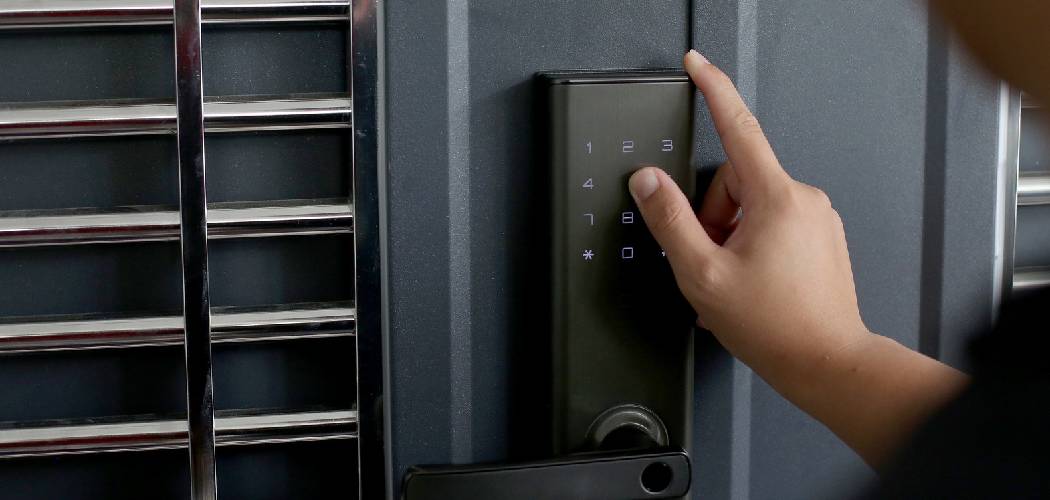
If you need to know how to reset door lock code combinations, the process usually involves removing the interior battery cover, pressing a specific reset button, and entering a new master PIN on the keypad. Most modern electronic deadbolts and smart locks are designed to be user-friendly, allowing you to update your access credentials in just a few minutes.
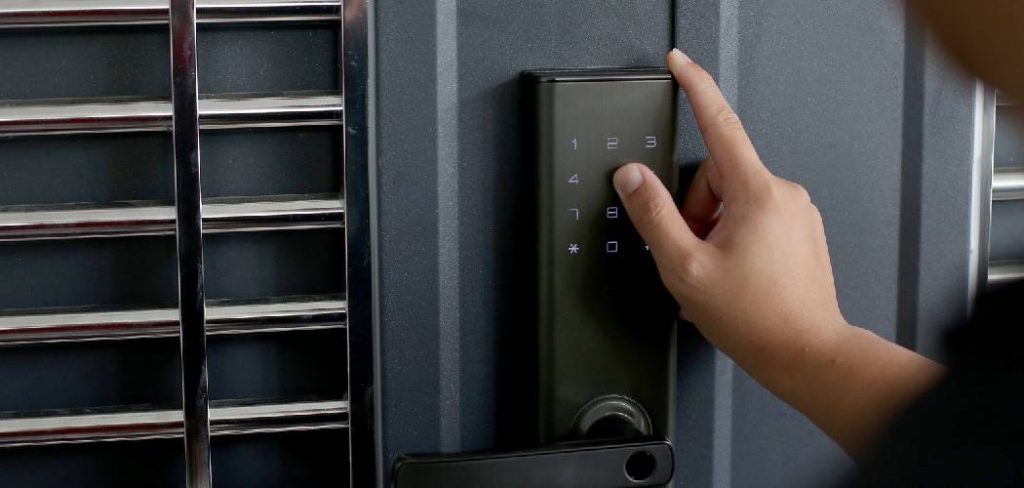
Changing your keypad code is one of the most practical ways to maintain control over who enters your home. Whether you recently moved into a new property, finished a home renovation, or simply want to update an old combination, refreshing your lock ensures your space remains secure.
This guide will walk you through the standard steps to clear out old combinations and program a fresh, secure code for your peace of mind.
Why This Task Matters
The most common reason people update their lock combinations is to regain strict control over home access. Over time, you may give your entry code to a pet sitter, a contractor, a neighbor, or a visiting family member. While it is helpful to share access temporarily, leaving those same codes active indefinitely can compromise your household security.
Relying on old codes increases the chance that someone might enter your home without your knowledge. Even if you trust the people who have your code, they might write it down on a piece of paper or share it with someone else by accident.
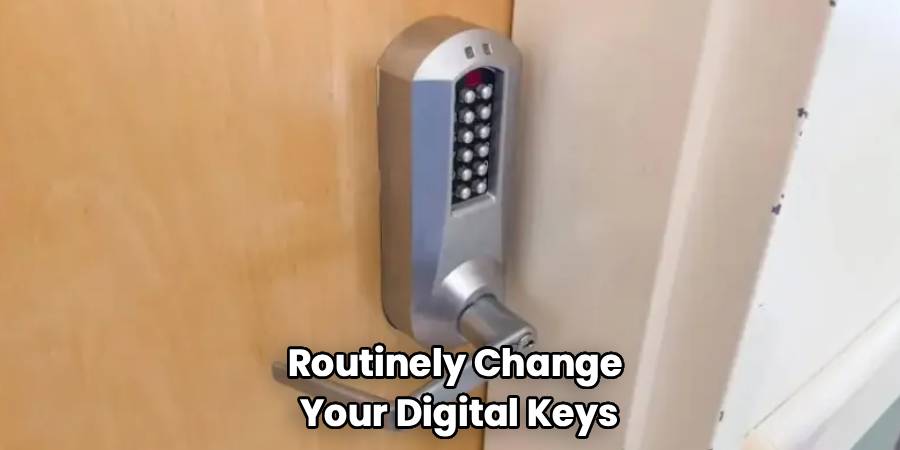
Routinely changing your digital keys is just as important as keeping track of physical keys. By taking a few minutes to wipe the system and establish a new combination, you close off any lingering security gaps. This simple maintenance task keeps your home secure, protects your family, and gives you complete control over your front door.
Tools or Materials You May Need
Start with the safest and simplest check by gathering the right items before you take anything apart. Most modern smart locks require very little equipment to adjust. Having everything within reach will make the process smooth and straightforward.
- A standard Phillips-head screwdriver (to remove the battery cover)
- A paperclip, safety pin, or the manufacturer’s reset tool (for pressing recessed buttons)
- Four new AA or AAA alkaline batteries (to ensure the lock has full power)
- Your lock’s user manual (to verify specific button sequences)
- A pen and paper (to temporarily write down your new code while programming)
- A clean towel (to place small screws on so they do not roll away)
Before You Begin
Before you begin, make sure the door is physically open and the deadbolt is in the extended, locked position. Working with the door open prevents you from accidentally locking yourself out if the new code fails to program correctly on the first try.
Next, verify the brand and model of your keypad lock. Exact instructions vary by brand, model, and firmware, so knowing your device helps you follow the right sequence. Locate the battery compartment on the interior side of the door. Check the current batteries for any signs of corrosion or low power. If the lock has been acting sluggish or flashing a red warning light, replace the batteries right now. A lock with low power may fail mid-reset, causing the system to freeze.
Step-by-Step Guide to How to Reset Door Lock Code
Step 1 – Open the Door and Extend the Deadbolt
Start with the safest and simplest action. Prop your door wide open so it cannot swing shut while you work. Turn the interior thumb latch so the metal deadbolt extends fully out of the door, just as it would if the door were securely locked.
Keeping the door open ensures you are never trapped outside if a programming error occurs. Extending the deadbolt allows the internal computer to recognize the locked position. Many electronic locks require the bolt to be extended so the internal motor can calibrate the locking direction properly.
Step 2 – Remove the Interior Battery Cover
Move to the inside of your door and locate the plastic or metal housing covering the batteries. Depending on your brand, you may need a small Phillips-head screwdriver to remove one or two small screws at the top or sides of the casing.
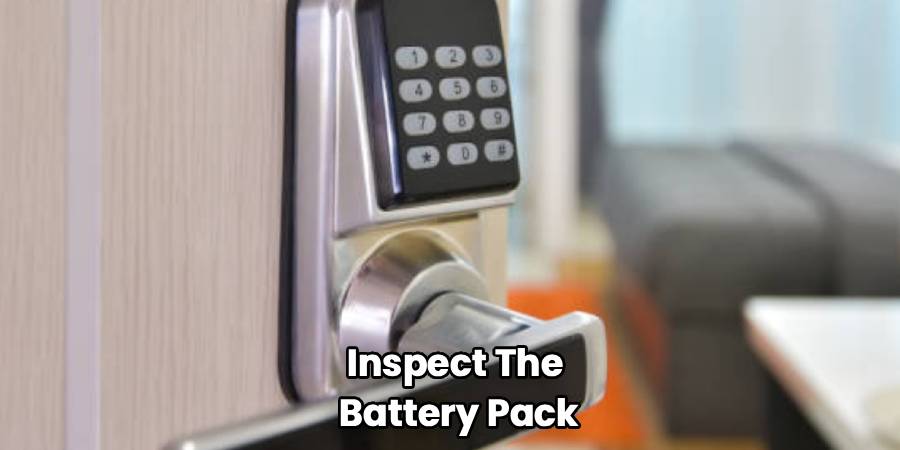
Carefully lift the cover off and set it aside. Place any screws on a towel so they do not bounce away. Take a moment to inspect the battery pack. You should see a cluster of four alkaline batteries. Leave them in place for now unless your specific model requires you to disconnect power before hitting the reset button.
Step 3 – Locate the Factory Reset Button
Look closely around the battery pack or on the main interior circuit board for a small button. This is usually labeled “Reset,” “Program,” or “PRG.” On some models, this button is recessed inside a tiny hole to prevent accidental presses.
If the button is hidden inside a pinhole, grab your unbent paperclip or reset tool. Take your time to locate the exact button. Do not poke randomly at the exposed circuit board, as you could damage the internal wiring. If you cannot find the button, check your manufacturer manual for a diagram.
Step 4 – Press and Hold the Reset Button
Once you locate the reset button, press and hold it down. If it is a recessed button, gently insert your paperclip until you feel a soft click, then hold it there.
Most models require you to hold this button for anywhere from five to ten seconds. Watch the exterior keypad or listen closely. You will typically hear a long beep, a series of short beeps, or see the keypad flash green or red. This signals that the lock has successfully wiped its memory and returned to its original factory settings.
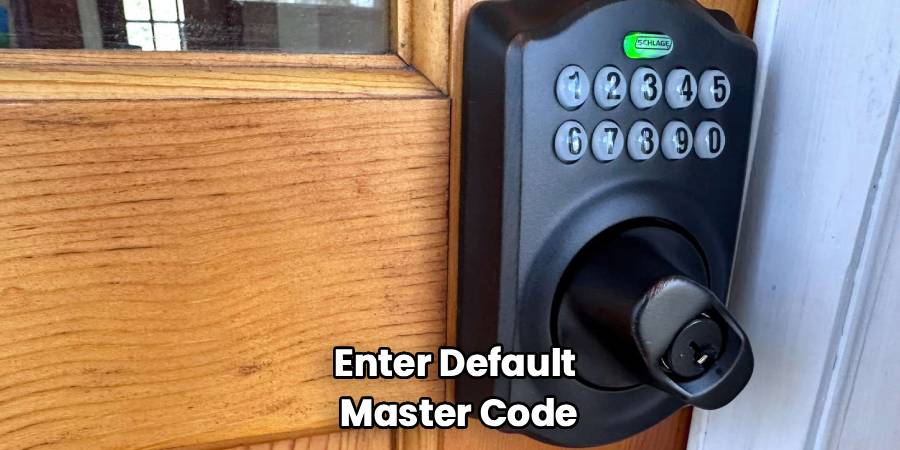
Step 5 – Enter the Default Factory Master Code
Because you just wiped the lock’s memory, your old codes will no longer work. The lock now operates on a default master code set by the factory. Check your manual to find this generic sequence.
Walk around to the exterior keypad and punch in the default code. Press the lock or unlock button to confirm. The deadbolt should retract or extend. If this does not work, try the next step. You may need to run a door-handing process, which teaches the lock which way the door swings.
Step 6 – Program Your New Master Code
Now that the lock is running on factory settings, it is time to secure it. Enter the default master code once more to access the programming menu. Press the specific sequence of buttons outlined in your manual to initiate a code change.
Type in your brand-new, unique master code. Choose a sequence of four to eight digits that you have not used before. Press the confirmation button—usually a checkmark, a lock symbol, or a pound sign. The lock should beep or flash green, letting you know the new code has been accepted.
Step 7 – Add Individual User Codes
With your master code established, you can now add daily user codes for your family members. Enter your new master code to open the programming menu. Select the option to add a new user.
Type in a separate four-to-eight-digit code for everyday use. Confirm the entry on the keypad. It is safer to use these secondary codes for daily entry, reserving your master code strictly for programming changes. Add as many user codes as you need, writing them down temporarily if necessary to ensure you do not forget them.
Step 8 – Test the New Codes Safely
Keep the door completely open for this final test. Extend the deadbolt using the interior latch. Walk around to the exterior keypad and enter your newly created user code. Press the unlock button.
The motor should smoothly retract the deadbolt. Next, test the lock button to ensure the bolt extends without sticking. Test every single user code you just created. Once you confirm that all the new combinations operate the lock correctly and smoothly, you can safely close your door and replace the interior battery cover.
Common Mistakes to Avoid
The most common reason a keypad reset fails is skipping the manual verification step. Beginners often assume all smart locks follow the exact same button sequence. Pressing random buttons on the keypad can lock you out of the programming menu entirely. Always verify your specific model’s steps before you begin pressing buttons.
Another frequent mistake is attempting to program the lock while the door is closed. If you reset the lock and the new code fails to register, you will find yourself locked outside your home without a backup plan. Always keep the door wide open during any mechanical or electronic adjustments.
Many people also forget to replace old batteries during a reset. If the lock loses power halfway through the reset sequence, the internal computer can glitch. This leaves the device stuck between the old memory and the factory settings. Always use brand-new, name-brand alkaline batteries. Do not use lithium or rechargeable batteries, as their voltage output fluctuates in a way that confuses electronic deadbolts.
Finally, do not rely on the factory default code. Some homeowners reset the lock but forget to program a new master code. Factory codes are public knowledge and can easily be found online. Leaving your lock on a default setting completely compromises your home security.
Safety Warnings
Always include relevant safety guidance when working with heavy doors and electronic hardware. When dealing with keypad deadbolts, never place your fingers directly inside the strike plate hole on the door frame while testing the lock. If the motorized bolt extends unexpectedly, it can pinch or injure your fingers.
For safety, do not mix old and new batteries, and never mix battery brands. Doing so can cause battery leakage, which creates chemical corrosion that ruins the exposed circuit board.
If your lock is hardwired into a larger home alarm system or smart home panel, reset it cautiously. Wiping the lock might trigger a false alarm or disconnect the device from your home security network. Keep your alarm company’s phone number handy to cancel any accidental dispatch. If the lock emits a burning smell or the battery pack feels unusually hot to the touch, stop immediately, remove the batteries safely, and do not continue.
When to Call a Professional
Call a professional if your keypad is completely unresponsive even after installing fresh batteries. If you notice exposed, frayed, or pinched wiring behind the battery cover, do not attempt to repair the electrical components yourself. Damaged wiring requires a qualified locksmith or technician.
You should also seek help if the internal motor makes a loud grinding noise or struggles to push the deadbolt out. This often indicates a serious mechanical misalignment with the door frame, rather than a simple programming error. If you follow your manufacturer’s instructions perfectly but the system repeatedly flashes an error code, a professional locksmith can diagnose the internal fault safely.
Expert Tips
To keep your electronic deadbolt functioning smoothly, clean the keypad surface regularly with a dry microfiber cloth. Avoid using harsh chemical sprays directly on the buttons, as liquid can seep behind the numbers and short-circuit the board.
When choosing a new code, avoid obvious patterns like a sequence of consecutive numbers, your home address, or common birth years. Instead, pick a random sequence that is easy for your family to remember but difficult for strangers to guess.
If your lock has a physical key override, make sure you know where that physical backup key is located. Test the mechanical key in the cylinder at least once a year. Lubricate the keyhole with a graphite-based lock spray so the internal pins do not seize up from lack of use.
Frequently Asked Questions
Can I reset my keypad if I forgot the master code?
Yes. Most keypad deadbolts allow you to perform a hard factory reset without knowing the current master code. You will need to access the interior side of the door, remove the battery cover, and hold down the physical reset button to wipe the device’s memory back to factory settings.
Do I have to remove the lock from the door to reset it?
No. You do not need to uninstall the entire lock from your door. You only need to remove the small interior cover to access the battery pack and the reset button. The exterior keypad and internal deadbolt mechanism stay firmly attached to the door.
Why is my lock beeping red after I reset it?
A flashing red light or repeated beeping usually indicates a power issue or a handing error. First, check that your batteries are brand new and properly seated. If the power is fine, the lock may need to relearn whether your door swings left or right, known as the door-handing process.
How often should I change my door lock code?
It is practical to update your codes at least once a year. You should also change them immediately after moving into a new home, following a break-up, after completing major home renovations, or if you suspect someone has learned your combination without your permission.
Can I use rechargeable batteries in my smart lock?
No. You should strictly avoid rechargeable and lithium batteries. Electronic deadbolts require a steady, consistent voltage to operate the motorized bolt. Rechargeable batteries drain inconsistently, which can cause the lock to fail unexpectedly or drop its connection to your smart home hub.
Conclusion
Understanding how to reset door lock code settings is a vital skill that gives you complete authority over your home’s entry points. By taking a few minutes to remove the interior cover, trigger the reset button, and program a new combination, you easily eliminate security vulnerabilities caused by old, shared passwords.
Remember to keep the door open during the entire process, use fresh alkaline batteries, and carefully test your new combinations before closing the door. Taking your time ensures the internal motor operates smoothly and your new codes register without any errors.
Your safety and peace of mind are always worth the minor effort of a system reset. If you have verified your codes and the deadbolt extends perfectly, you can confidently shut your door knowing your home is secure. Take the safest next step today by reviewing who currently has access to your home and refreshing your lock if needed.

