
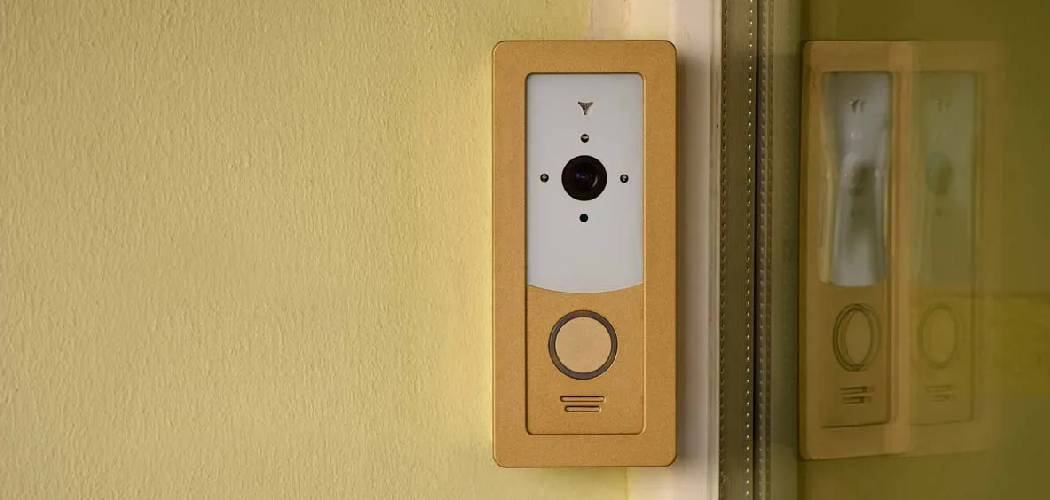
Feeling a little overwhelmed by that blinking keypad on your wall? You aren’t alone; many homeowners inherit a security system or get a new one installed and then feel hesitant about actually using it.
Whether you are heading out for a vacation or just tucking in for the night, knowing exactly how to set home alarm systems correctly is the key to true peace of mind. This guide will walk you through the process, demystifying the jargon and helping you feel confident that your home is secure.
Understanding Your Security System Basics
Before you start punching in codes, it helps to know what you are actually telling the system to do. Most modern security setups aren’t just “on” or “off.” They have different modes designed for how you live your life.
Your panel is the brain of the operation, communicating with sensors on your doors, windows, and sometimes motion detectors in the corners of your rooms. When you arm the system, you are essentially telling the brain to pay attention to specific signals.
If a sensor trips while the brain is listening, the siren sounds. The trick is knowing which sensors you want the system to ignore and which ones need to be on high alert.
Keypad vs. App Control
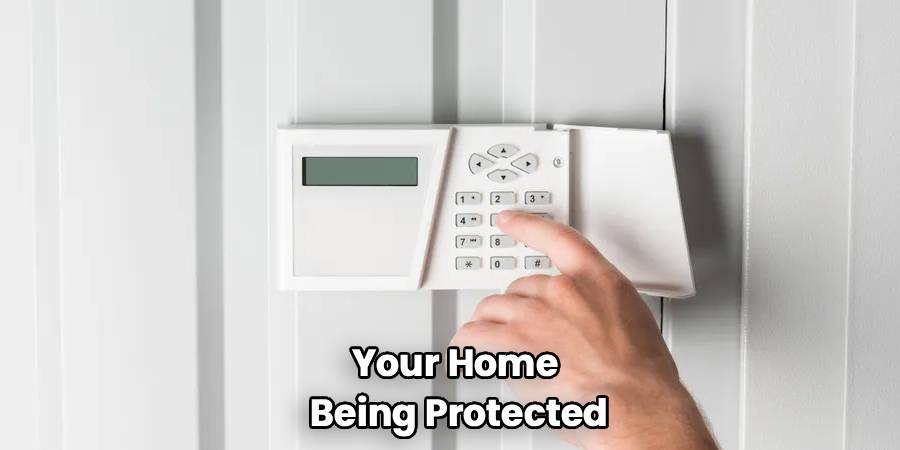
In the past, everything happened at the physical box on the wall near your front door. Today, you likely have options. Traditional keypads require a four-digit user code to arm or disarm.
Modern systems often pair with a smartphone app, letting you secure your house from the driveway or even your office. Key fobs act like car remotes, letting you press a single button to secure the perimeter. Regardless of the method, the underlying logic remains the same. You are initiating a countdown that ends with your home being protected.
Common Terminology
You will see a few standard terms on almost every brand of panel, from ADT to Honeywell.
Ready Light: This is usually a green indicator that means all sensors are closed (no windows open) and the system can be armed.
Bypass: This feature allows you to force the system to ignore a specific broken or open sensor while arming the rest.
Delay: This is the countdown timer (usually 30 to 60 seconds) that gives you time to leave the house after entering your code.
Chime: A non-emergency sound that beeps when a door opens, usually used when the system is disarmed.
Pre-Arming Checklist
You cannot successfully secure your home if the system thinks a door is wide open. This is the most common reason for that annoying “not ready” beep. Before you even touch the keypad, do a quick physical sweep of your home.
Check Perimeter Sensors
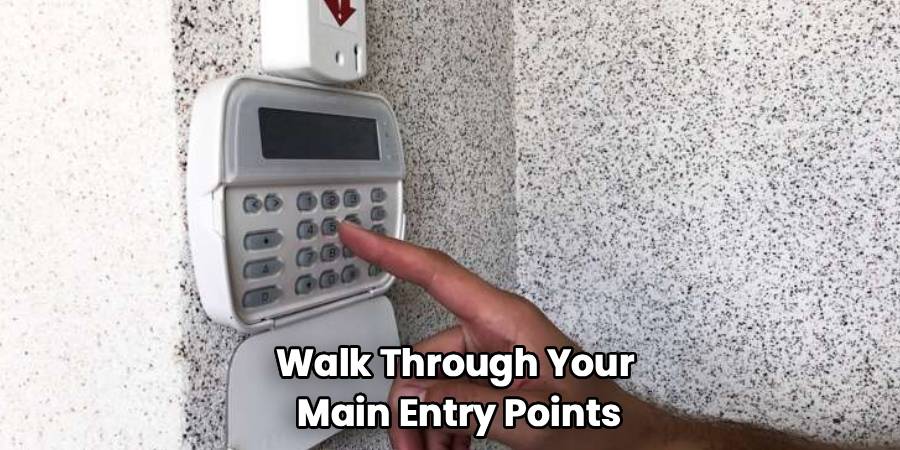
Walk through your main entry points. Ensure the front, back, and side doors are fully latched. Check that all ground-floor windows are closed and locked. Sometimes a window looks closed but isn’t latched tight enough for the magnetic contact to connect. If you have a garage door sensor, make sure the overhead door is completely down.
Clear Motion Paths
If you are setting the system to “Away” mode, motion detectors will likely be active. Make sure there are no floating balloons in the living room; these are notorious for triggering false alarms. Check that large pets are contained in areas without motion sensors if your system isn’t pet-immune. Even curtains blowing from an air vent can sometimes trip a sensitive infrared detector. A quick tidy-up can prevent a panic-inducing siren later.
Verify the “Ready” Status
Look at your keypad or app. You should see a solid green light or a text message saying “Ready to Arm.” If the light is red or the screen lists a “Fault” or “Open Zone,” you need to address that specific sensor. Most keypads will tell you exactly which zone is open (e.g., “Zone 3: Kitchen Window”). Close that zone, and the light should turn green.
Step-by-Step Guide on Arming the System
Now that your house is physically secure, it is time to engage the digital protection. The process varies slightly by manufacturer, but the core steps are universal. This section covers the practical application of how to set home alarm configurations for different scenarios.
Step 1: choose your arming mode
You generally have three choices: Stay, Away, and Night. Choosing the right one is crucial to avoiding false alarms while ensuring safety.
Stay Mode: Use this when you are inside the house. It arms the perimeter (doors and windows) but disables interior motion detectors. You can walk to the kitchen for water without setting off the siren.
Away Mode: Use this when everyone is leaving the house. It arms everything: perimeter sensors, glass break detectors, and interior motion sensors. If someone walks through your living room, the alarm goes off.
Night/Instant Mode: This is a stricter version of Stay mode. It arms the perimeter but removes the entry delay. If someone opens the front door, the alarm sounds instantly instead of giving them 30 seconds to enter a code.
Step 2: Enter your user code
Once you have selected your mode, the system will ask for authorization. Type in your four-digit security code. On some touchscreen panels, you simply press the “Arm Away” icon, and it might not ask for a code until you disarm. Be careful not to mistype, as repeated wrong attempts can sometimes lock the keypad for a few minutes. If you have a quick-arm button, you might just need to press and hold the “#” or “Lock” key.
Step 3: Wait for the exit delay
As soon as you confirm the code, the countdown begins. You will typically hear a slow beeping sound. This is your cue to leave.
Do not linger to check your mail or look for your keys. The keypad will usually display a countdown timer. If you are staying home (Stay Mode), there might be no beeping, or it might be silent.
Step 4: Exit and close the door
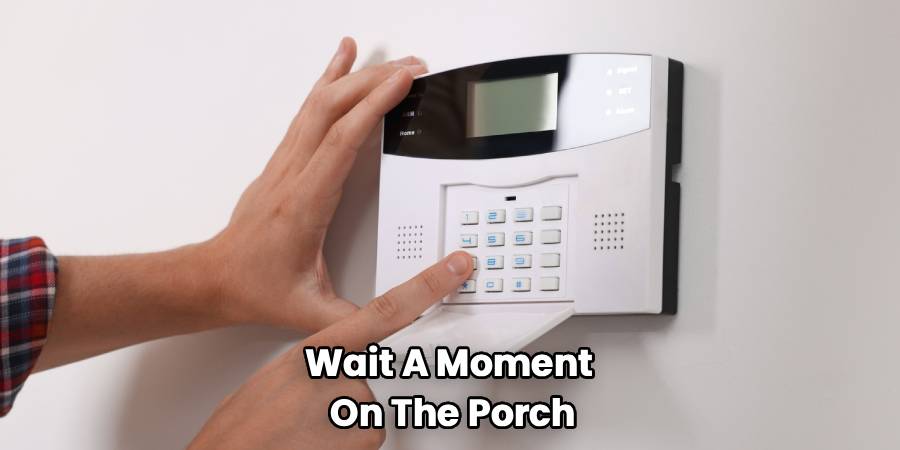
Open your exit door, step out, and pull it firmly closed. Wait a moment on the porch. Depending on your system settings, the beeping might speed up for the last 10 seconds and then stop.
Silence usually means the system is fully armed and monitoring. If you hear a long, continuous tone instead of silence, you may have failed to close the door in time, triggering an exit fault. In that case, go back inside, disarm, and start over.
Troubleshooting Common Issues
Even with a perfect routine, technology can sometimes be finicky. You might encounter errors that prevent the system from arming. Here is how to handle the most frequent hiccups without calling a technician.
Handling “Zone Faults”
Sometimes a sensor goes bad or a battery dies. If the keypad says “Zone 5 Open” but you know the window is closed, the sensor might be faulty. You can still arm your house by using the “Bypass” function.
Enter your code, press the “Bypass” button, and then enter the zone number (e.g., 05). The system will arm everything except that one broken window. Remember to call for service soon, as that window is now unprotected.
Dealing with Power Trouble
If your power goes out, your backup battery should kick in. However, a “Low Battery” light on the keypad usually refers to the main backup battery in the panel or a sensor battery. A low system battery can sometimes prevent arming. If this happens, you may need to replace the specific CR2032 or 9V battery in the sensor causing the trouble.Consult your manual to see how to open the sensor casing.
What if I can’t leave in time?
If you are elderly or have mobility issues, the standard 30- or 60-second exit delay might be too short. You don’t have to rush and risk a fall. Call your alarm monitoring company. They can remotely reprogram your panel to give you a 90-second or even 2-minute exit delay. Customizing the system to your pace is part of good security management.
Preventing False Alarms
False alarms are a nuisance to your neighbors and a drain on police resources. They can also result in hefty fines from your local municipality. Most false alarms are caused by user error, not equipment failure. Being deliberate about your arming process is the best prevention.
Secure your pets
If you get a new puppy or cat, your old “Away” settings might not work. Standard motion sensors look for heat and movement patterns. A cat jumping on a high bookshelf can trick the sensor into thinking a human is walking upright. If you have active pets, ask your installer about “pet-immune” sensors. Alternatively, restrict pets to a room without motion detectors when the system is armed.
Manage guest access
House sitters, cleaners, and contractors are common triggers for false alarms. Do not just give them your master code. Program a secondary “guest code” for them.
Show them exactly how to use the keypad before you leave them alone with it. Explain the difference between the “Stay” and “Away” buttons clearly. Writing instructions down on a sticky note near the keypad is also a helpful reminder.
Watch for environmental triggers
Changes in your home environment can affect sensors. During the holidays, a helium balloon drifting into the path of a motion detector is a classic trigger. Ceiling fans left on high speed can sometimes wobble enough to disturb sensors. Even a large spider spinning a web directly over a lens can cause an activation. Keep cobwebs cleared away from corners where sensors are mounted.
The Importance of Routine Testing
You wouldn’t drive a car for years without checking the oil. Your security system needs similar attention to ensure it works when it counts. Just because the green light is on doesn’t guarantee every signal is reaching the monitoring center.
Monthly Communication Tests
Most panels have a “Test” mode. This sends a signal to the monitoring station to verify the phone line or cellular connection is working. Call your monitoring company and ask to put your account on “Test.”
Then, trip your alarm intentionally. Open a window or walk past a motion detector. Let the siren ring for 15 seconds, then disarm it. Call the company back to verify they received the signals.
Check Sensor Batteries
Wireless sensors rely on batteries that typically last 3-5 years. Don’t wait for the low-battery beep at 3 AM. Make a habit of checking the system status menu annually.Some modern apps will show you the exact battery percentage for each device. Proactive replacement keeps your perimeter secure without unexpected downtime.
Frequently Asked Questions
Can I set the alarm if a window is broken?
Yes, but you must bypass that specific zone. The system will not allow you to arm with an “Open” circuit unless you tell it to ignore that circuit. Check your user manual for the specific “Bypass” command sequence for your keypad model.
What happens if I open a door while the system is arming?
If you are in the exit delay countdown, you can open and close the entry door freely. However, if you open it and fail to close it before the timer hits zero, the siren will sound. Always ensure the door is latched tight before the countdown ends.
Does “Stay” mode turn off glass break sensors?
Usually, yes, but it depends on the installer’s programming. Standard “Stay” programming keeps door/window contacts active but bypasses interior protection like motions and glass breaks. If you want glass break sensors active while you sleep, ask for “Night” mode programming.
Can I arm the system from my phone if I forgot?
If your system has a cellular communicator and smart home integration (like Alarm.com or ADT Pulse), yes. Open your security app and check the status. If it shows “Disarmed,” simply tap the shield icon to arm it remotely.
Will the alarm work if the internet goes down?
Most modern security systems use a cellular backup. If your Wi-Fi or landline is cut, the dedicated cellular chip in the panel continues to communicate. However, older systems relying solely on VoIP or landlines will fail if those lines are down.
Conclusion
Learning how to set home alarm protocols correctly is the single most effective way to protect your property and family. It shifts security from being a reactive annoyance to a proactive habit. By understanding the different modes, checking your perimeter, and maintaining your equipment, you ensure that your home remains a fortress.
Take the time today to practice these steps. Build the muscle memory so that arming your system becomes as natural as locking the deadbolt. Your peace of mind is worth that extra few seconds at the keypad.

