
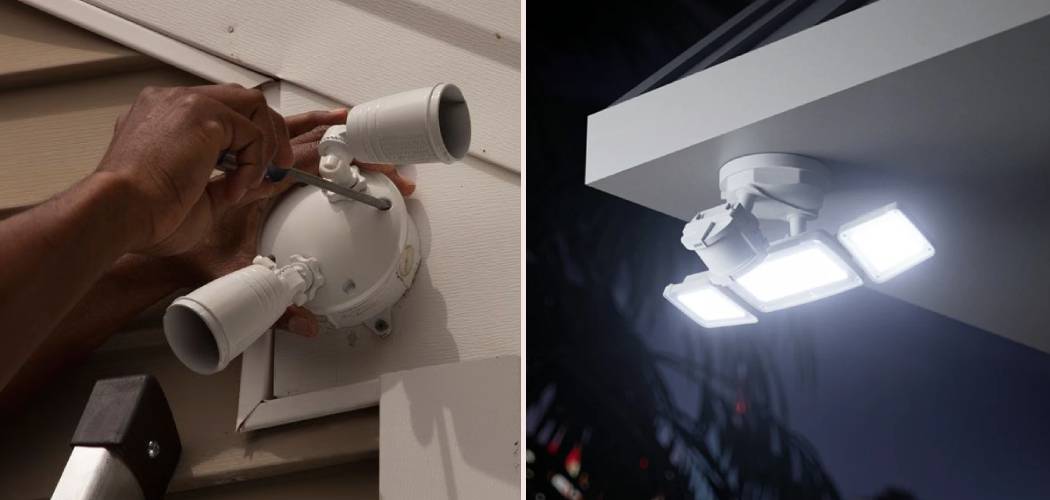
Motion sensor lights are a fantastic addition to any home. They provide security, convenience, and can even help save on energy bills by only turning on when needed. However, there are times when you might want them to stay off. Perhaps you’re hosting an outdoor movie night, trying to enjoy some stargazing, or simply finding that a sensitive light is being triggered too often by passing cars or neighborhood pets.
Whatever your reason, knowing how to deactivate motion sensor lights is a useful skill. This guide will walk you through several methods, from simple overrides to more permanent solutions, so you can take control of your lighting. We’ll cover temporary fixes, resetting procedures, and even how to bypass the sensor altogether.
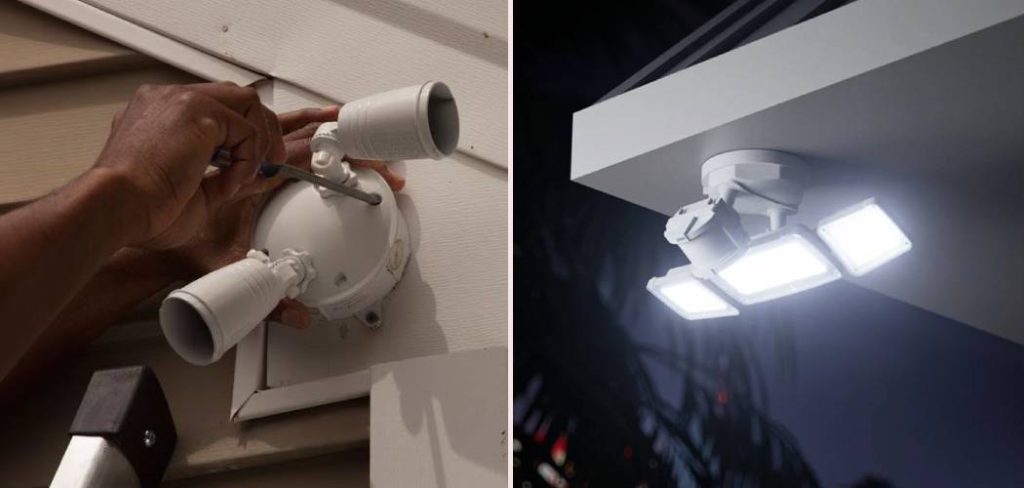
Step-by-Step Guide to Disabling Your Lights
There are a few different ways to approach this task, depending on your needs and the type of motion sensor light you have. Some methods are temporary, allowing you to easily reactivate the motion-sensing feature, while others are more permanent. Let’s explore the most common and effective techniques.
Step 1: Use the Light Switch Override
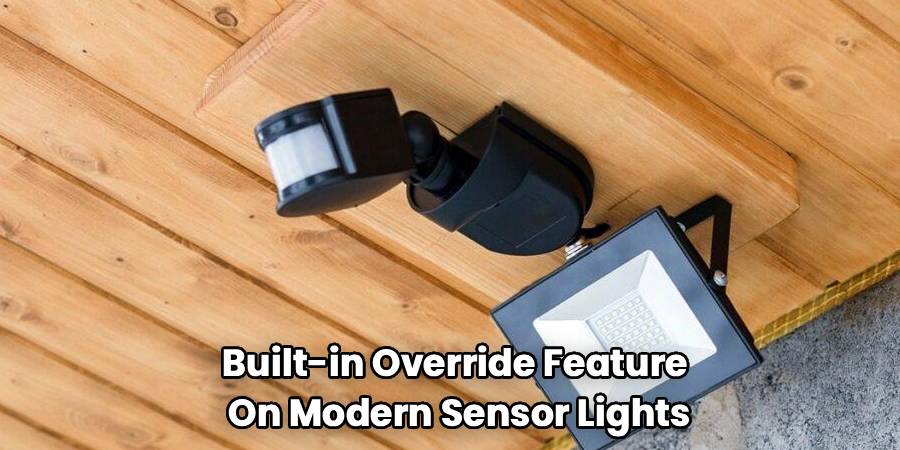
Many modern motion sensor lights come with a built-in override feature that you can control from your existing light switch. This is the simplest method and is perfect for temporarily keeping the lights on or off. The process is often referred to as “cycling the power.”
To do this, you simply flip the light switch that controls the fixture off and on very quickly. Typically, you’ll want to turn it off for about one second and then immediately turn it back on.
- To Keep the Light On: Cycling the power once often puts the light into a manual “on” mode, overriding the motion sensor. The light will stay on continuously until you reset it. To return to motion-sensing mode, turn the switch off, wait for about 30 seconds to a minute, and then turn it back on.
- To Keep the Light Off: This is less common, but some models have a feature where rapidly flipping the switch multiple times (e.g., three or four times in quick succession) will disable the light completely until the next morning or until you reset it.
The exact sequence can vary between manufacturers, so if a quick off-and-on cycle doesn’t work, consult the user manual for your specific light fixture. This is the first thing to try because it requires no tools and is completely reversible.
Step 2: Adjust the Sensor Settings
If your goal is to reduce unwanted activations rather than turn the light off completely, adjusting the sensor’s settings is your best bet. Most motion detectors have small dials or switches on the unit itself, usually on the bottom or side of the sensor head. You might need a small screwdriver to make these adjustments. You’ll typically find three main settings.
- Sensitivity (SENS): This controls how sensitive the sensor is to movement. If your light is being triggered by small animals or blowing leaves, turning the sensitivity down can solve the problem. Turn the dial counter-clockwise to decrease its range.
- Duration (TIME): This setting determines how long the light stays on after it’s been triggered. You can set it from as short as one minute to as long as 15-20 minutes. If you simply want the light to turn off faster, this is the dial to adjust.
- Light Level (LUX/DUSK): This setting tells the sensor when it’s dark enough to start working. If your light is coming on during twilight hours when you don’t need it, you can adjust this setting so it only activates in complete darkness.
By fine-tuning these settings, you can often find a balance that meets your needs without having to fully disable the unit.
Step 3: Cover the Sensor Physically
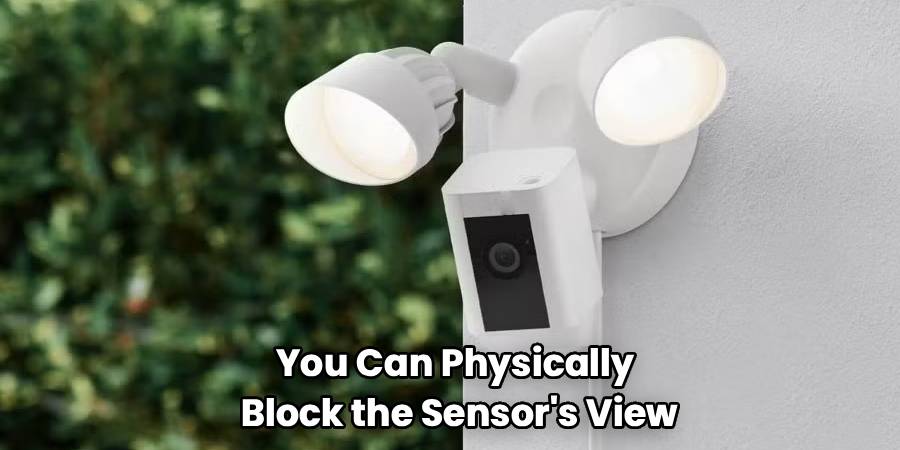
For a simple, non-permanent solution, you can physically block the sensor’s “view.” This is a surprisingly effective low-tech trick. The sensor works by detecting infrared changes, so if it can’t see the area, it can’t detect motion.
You can use a small piece of dark-colored electrical tape or duct tape to cover the lens of the motion detector. Black electrical tape is ideal as it blocks light effectively and is weather-resistant for outdoor fixtures.
Start by covering only a small portion of the sensor. This might be enough to block the specific area causing false triggers, like a busy sidewalk, while still allowing the light to activate when someone approaches your door. If you want to disable it completely, cover the entire sensor lens. This method is easily reversible—just peel the tape off when you want the motion detection to function again.
Step 4: Cutting the Power
If you want to ensure the light stays off for an extended period, the most straightforward method is to cut its power source. There are two primary ways to do this.
- Turn off the Switch: If your motion sensor light is connected to a dedicated indoor wall switch, simply flipping that switch to the “off” position will cut the power. The light will remain off until you flip the switch back on. This is the easiest and safest way to control the fixture.
- Turn off the Circuit Breaker: If there isn’t a dedicated wall switch or you want to be certain the fixture has no power (for instance, if you plan on doing maintenance), you can turn it off at the circuit breaker. Locate your home’s main electrical panel and find the breaker that controls the circuit your light is on. It might be labeled “Exterior Lights,” “Patio,” or something similar. Flip the breaker to the “off” position. This will disable the light and everything else on that circuit until you flip it back on. Always use caution when working with your electrical panel.
Step 5: Bypassing the Sensor with Wiring
This is a more advanced option that should only be attempted if you are comfortable and knowledgeable about working with electrical wiring. If you have any doubts, hire a licensed electrician. Bypassing the sensor involves changing the wiring so that the light fixture receives power directly, controlled only by a light switch, effectively turning it into a standard light.
First, you must turn off the power at the circuit breaker. Use a voltage tester to confirm there is no power going to the fixture. Then, you’ll need to access the wiring inside the light’s junction box.
Typically, you will see a black wire (hot), a white wire (neutral), and a green or copper wire (ground). The motion sensor itself will also have wires connecting it to the light and the power source. The goal is to disconnect the sensor from the circuit. You’ll want to connect the main power supply’s black wire directly to the black wire leading to the light socket, bypassing the sensor’s control unit completely. The white wires should remain connected, as should the ground wires.
Again, this is a permanent modification. It turns your motion sensor light into a regular switched light. This should only be done if you are certain you no longer want the motion-sensing functionality.
Frequently Asked Questions
Here are answers to some common questions people have about managing their motion sensor lights.
Can you override a motion sensor light?
Yes, absolutely. Most motion sensor lights have a built-in override mode. You can usually activate it by flipping the wall switch controlling the light off and on quickly. This action often puts the light into a manual mode, where it will stay on continuously. To revert to the motion-sensing mode, you typically turn the switch off, wait for up to a minute, and then turn it back on. This resets the sensor. Always check your light’s manual, as the exact procedure can differ slightly between models.
How do I make my motion sensor light stay on?
To make your motion sensor light stay on, you’ll want to use its manual override feature. As mentioned above, the most common way to do this is to go to the light switch that controls the fixture and flip it off and then back on within about a second. This power cycle signals the internal logic to keep the light on, regardless of motion. The light will then remain illuminated until you reset it by turning the switch off for a longer period (30-60 seconds) before turning it back on.
Why won’t my motion sensor light turn off?
If your motion sensor light is stuck on, there could be several reasons. First, it might be in manual override mode. Try turning the switch off for a full minute to reset it. If that doesn’t work, the sensitivity setting might be too high, causing it to be constantly triggered by minor movements. Try turning the “SENS” dial down.
Another common issue is that the duration setting is too long. Check the “TIME” dial and set it to a shorter duration. In some cases, a power surge or outage can cause the sensor to get “stuck.” A full reset by turning off the circuit breaker for a minute can often fix this. If none of these steps work, the sensor itself may be faulty and need replacement.
Conclusion
Knowing how to deactivate motion sensor lights gives you greater control over your home’s lighting and security. Whether you need a temporary solution for a special evening or a more permanent fix for a malfunctioning unit, there is a method that will work for you. From the simple off-and-on trick at the light switch to adjusting the sensor’s settings, covering the lens with tape, or cutting the power at the breaker, you have plenty of options.
For those comfortable with electrical work, bypassing the sensor is also a possibility. By understanding these different techniques, you can ensure your motion sensor lights work for you, not the other way around.

