
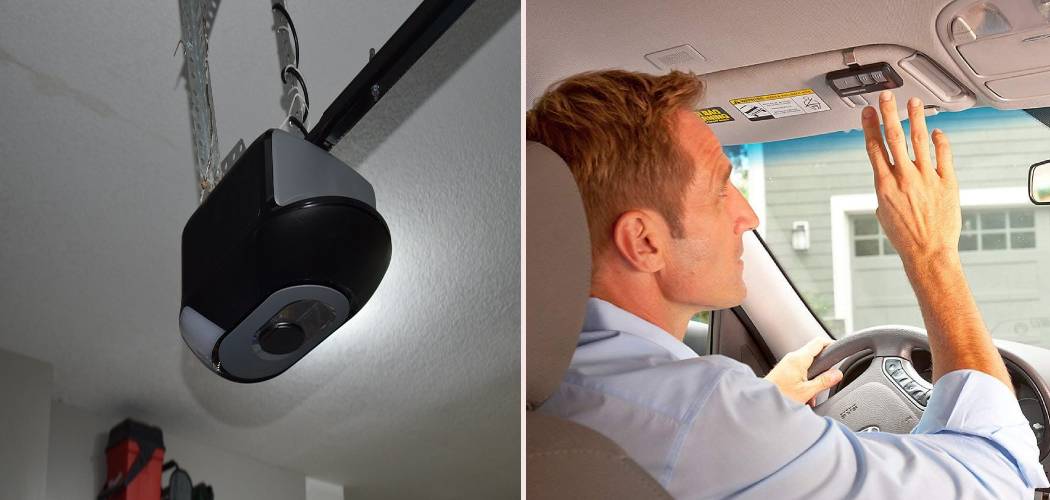
You just bought a sleek Ford F150, or maybe you’ve had one for years but finally decided to tackle that overhead console setup. You reach for your garage door clicker to start the pairing process, and… it’s gone. Maybe the previous owner didn’t hand it over, or perhaps it’s lost in a drawer somewhere. Panic sets in. You might think you’re stuck buying a replacement clicker just to set up your truck. But here is the good news: you don’t need it.
We are going to walk you through exactly how to program F150 garage door opener without remote. It is a common misconception that you absolutely need the handheld transmitter to clone the signal. While that is the “textbook” method, most modern garage door openers feature a “Learn” or “Smart” button on the motor unit itself. This button is your golden ticket. It allows your truck’s HomeLink system to talk directly to the garage door opener, bypassing the need for a handheld remote entirely.
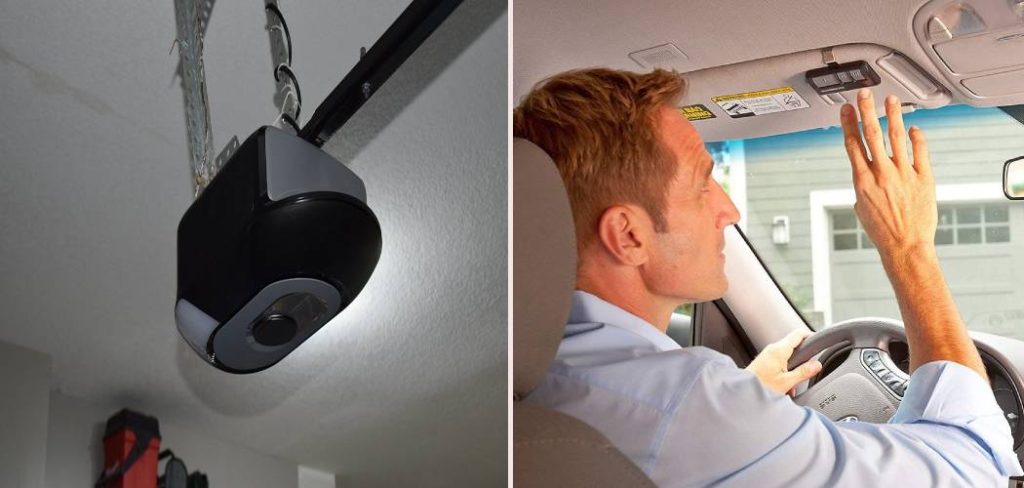
This guide is designed to be a comprehensive resource. We will cover safety, the different systems Ford has used over the years, and troubleshooting tips for when things don’t go as planned. If you are ready to get that F150 Homelink setup running smoothly, grab a stepladder and let’s get started.
Understanding Your F150’s System
Before we jump onto the ladder, it helps to know what you are working with. Ford trucks typically use a system called HomeLink, which is the industry standard for vehicle-to-home communication. It is that row of three buttons usually found on your sun visor or the overhead console near your map lights.
However, if you have an older F150 (roughly pre-2010), you might have a system called Car2U. You can tell the difference easily:
- HomeLink: Usually has a clearer house icon with a single light or a light above each button.
- Car2U: Often has three separate lights, one above each button.
The method we are focusing on today primarily targets the HomeLink system, as it’s the most common in modern F150s, but the “Learn” button method works similarly for many rolling code technologies.
The “rolling code” is why this works. Modern openers change the code every time you use them to prevent thieves from grabbing your signal. Because of this security feature, the opener unit on your garage ceiling is designed to “learn” new devices directly, just like it learns a new remote you’d buy at the hardware store. Your truck is essentially just a big, expensive remote control.
Step-by-Step Guide
This process isn’t difficult, but it does require precision and a bit of agility. You will be moving between your truck and the garage door motor, so please be careful.
Step 1: Safety First and Preparation
Park your F150 outside the garage, but close enough that the signal can reach the motor. You do not want the garage door crashing down on your hood during testing. Keep the nose of the truck a few feet clear of the door’s path.
Make sure the area around the garage door motor is clear so you can safely set up a ladder. Also, ensure children and pets are away from the door. You will be triggering the door to move, and safety sensors (those little eyes near the floor) need to be unobstructed.
Step 2: Clear Previous Codes
If you bought your F150 used, there is a good chance the previous owner’s garage codes are still stored in the system. Even if it’s new, it’s good practice to wipe the slate clean.
- Turn your truck’s ignition to the “On” or “Accessory” position (you don’t need the engine running, which saves you from breathing exhaust fumes).
- Press and hold the two outer buttons (Button 1 and Button 3) on your F150’s visor or console.
- Hold them for about 10–20 seconds.
- Watch the indicator light. It will go from solid to rapid flashing.
- Release the buttons. The memory is now cleared.
Step 3: Locate the Learn Button
Now, head up the ladder to your garage door opener motor. You are looking for a button labeled “Learn” or “Smart.” It is usually located on the back or side of the motor unit, near where the antenna wire hangs down.
The button is often colored to indicate the frequency it uses:
- Yellow: Security+ 2.0 (very common in newer LiftMaster/Chamberlain units).
- Purple: Security+ 315 MHz.
- Orange/Red: Security+ 390 MHz.
- Green: Billion Code (older models).
Locating this garage door learn button is critical because, without a remote to clone, this button is the only way to tell the motor to accept your truck’s signal.
Step 4: The Programming Sequence
This is the part where timing matters. Once you press the button on the garage opener, you typically have a 30-second window to get back to your truck and finish the process.
- Press and Release: Firmly press the Learn button on the garage opener unit and release it immediately. Do not hold it down, or you might erase all programmed remotes for your house. You should see a small LED light near the button glow steadily.
- Move Quickly: Safely get down from the ladder and return to your F150 within 30 seconds.
- Program the Truck: Press and hold the HomeLink button you want to program (usually the first one).
- Hold and Release: Hold the button for 2 seconds, then release.
- Repeat: You may need to press, hold (2 seconds), and release the same button up to three times.
- Watch the Door: On the second or third press, the garage door should start to move.
Mastering this timing is the main hurdle when figuring out how to program F150 garage door opener without remote, but once you get the rhythm down, the door should respond immediately.
Step 5: Syncing Garage Door to Truck Confirmed
If the door moved, congratulations! You have successfully synced the system. If the light on your F150 HomeLink system has stopped flashing and turned solid (or off), the programming is complete.
Test it one more time: wait for the door to stop moving completely. Press your newly programmed button in the truck. The door should react instantly.
Common Issues When Learning How To Program F150 Garage Door Opener Without Remote
Sometimes, technology just doesn’t want to cooperate. If you followed the steps above and the door isn’t moving, don’t worry. This is a specific section dedicated to the nuances of doing this remote-free.
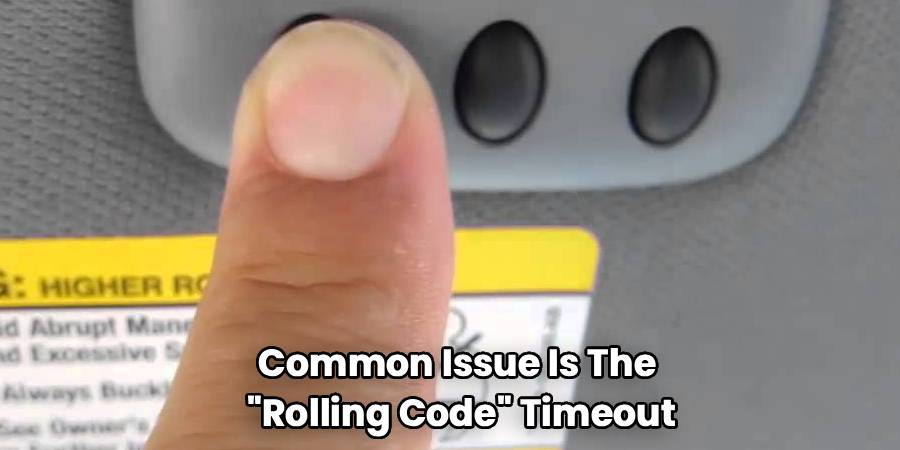
The most common issue is the “Rolling Code” timeout. If you took longer than 30 seconds to get from the ladder to the truck, the motor unit “timed out” and stopped listening for a new signal. You simply need to wait a minute for the unit to reset and try Step 4 again.
Another issue is LED light interference. If you have recently installed bright LED light bulbs in your garage door opener, they can emit a frequency that interferes with the radio signal. If you are struggling to get a connection, try unscrewing those bulbs temporarily while you program the unit.
Lastly, some older Genie or Overhead Door units require you to press the button in the truck twice before going to the Learn button on the ceiling. If you have a non-LiftMaster unit, check if your specific brand requires a “pre-programming” press in the car first.
Troubleshooting and Advanced Tips
Even with a perfect guide, variables can throw a wrench in the works. Here are some advanced garage door programming tips to help you troubleshoot.
The “Smart Button” vs. “Dip Switch”
If your garage door opener is very old (think 1990s or earlier), it might not have a Learn button at all. Instead, it might use DIP switches—tiny little switches inside the remote and the motor unit that you flip up or down to set a code.
Unfortunately, if you have a DIP switch system and no remote, you cannot program the F150 directly. The F150 needs a signal to clone. In this rare case, you would need to buy a universal remote, match the switch positions to your motor, and then use that remote to teach the truck. However, most openers manufactured in the last 20-25 years utilize the Learn button method we described.
Clearing Individual Buttons vs. All Buttons
Remember that Step 2 clears all buttons. If you have already programmed one button for your community gate or a second garage door, do not perform the “Clear Previous Codes” step. Instead, just overwrite the button you want to use.
To overwrite a single button without wiping the others:
- Press and hold the specific button you want to program.
- Wait for the light to flash slowly (about 20 seconds).
- Do not release the button.
- While still holding the button, have a helper press the Learn button on the garage unit (if you can coordinate it), or proceed with the standard cloning process if you eventually find a remote. Note: Overwriting usually requires a remote to clone. If you are strictly using the Learn button method, you typically just perform the Learn sequence on top of the existing button, and the rolling code sync should take over.
Maximizing Range
If your programming worked but you have to be right up against the door for it to open, check your antenna. The antenna is that thin wire hanging down from the motor unit. Ensure it is hanging straight down and not tucked up inside the housing. This simple fix can double your range.
Frequently Asked Questions
Here are some of the most frequently asked questions regarding syncing your Ford truck to your garage.
Can I program my F150 if my garage door opener is not a rolling code system?
Yes, but it is much harder without a remote. Non-rolling code systems (fixed code) usually require a remote to transmit the specific code to the car so the car can “record” it. The method described in this article relies on the “smart” aspect of rolling code openers that actively look for new devices. If you have an ancient fixed-code opener and no remote, you will likely need to buy a universal replacement remote first to act as a bridge.
Why is the light on my HomeLink blinking rapidly but the door won’t open?
A rapidly blinking light usually indicates that the car is in “training mode” or has successfully recorded a signal but hasn’t finished the handshake with the rolling code system. If it blinks rapidly and then stops, but the door doesn’t move, it means you successfully programmed the frequency, but you missed the “Learn Button” step. Go back to the garage motor, press the Learn button, and then press your truck’s button again to complete the cycle.
Do I need the engine running to program the opener?
No, and for safety reasons, you should not have the engine running if you are in or near a closed garage. However, the truck’s electrical system needs to be active. Turning the key to the “Accessory” or “Run” position (without starting the engine) provides enough power for the HomeLink system to operate and transmit strong signals.
Will this work with a community gate?
Community gates are tricky. They usually use commercial receivers that are not accessible to residents (you can’t just climb up and press a Learn button on the gate mechanism). For gates, you almost strictly need a handheld remote to clone the signal to your truck. If you don’t have one, you will need to contact your property manager to get a temporary one or have them help you program it at the receiver.
Is there a limit to how many openers I can program?
Your F150 comes with three buttons, so you can program up to three different devices. This could be three different garage doors, or two garage doors and a gate. If you run out of buttons, you cannot add more, as the hardware is limited to those three physical switches.
Conclusion
Losing a remote doesn’t mean you have to lose the convenience of your F150’s integrated features. Now that you know how to program F150 garage door opener without remote, you can easily get your truck synced up and ditch the plastic clickers for good. By utilizing the Learn button on your motor unit, you are essentially introducing your truck to your house as a trusted device.
Remember, the key is safety and timing. Ensure your ladder is stable, keep the truck parked just outside the door’s path, and move swiftly once you press that Learn button. It might take one or two tries to get the timing perfect, but once it’s set, you never have to worry about changing batteries in a remote again. Enjoy the seamless experience of rolling up to your home and opening the door with a simple press of your visor. Safe driving!

