
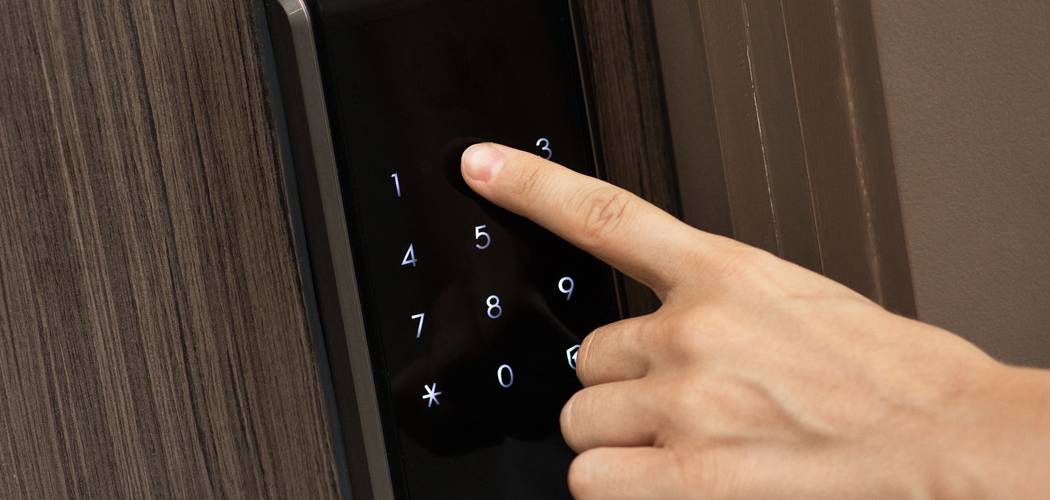
To reset your Kwikset lock, you generally need to press the program button on the interior assembly, enter your new mastercode or user code, and press the lock button to confirm the sequence. Learning how to reset door lock code Kwikset models is a straightforward process that restores your home security quickly. Many homeowners find themselves needing to update their access codes after a move, following home renovations, or simply as a routine safety measure.
Understanding this process ensures you always maintain total control over who enters your home. While electronic locks offer great convenience, dealing with lost codes or changing access permissions can sometimes feel overwhelming for beginners. Fortunately, the manufacturer designed these systems with straightforward reset procedures that do not require specialized technical skills or expensive locksmith visits. This practical guide will help you safely clear old codes, program new entry sequences, and test your hardware to ensure your home remains fully secure.
Why This Task Matters
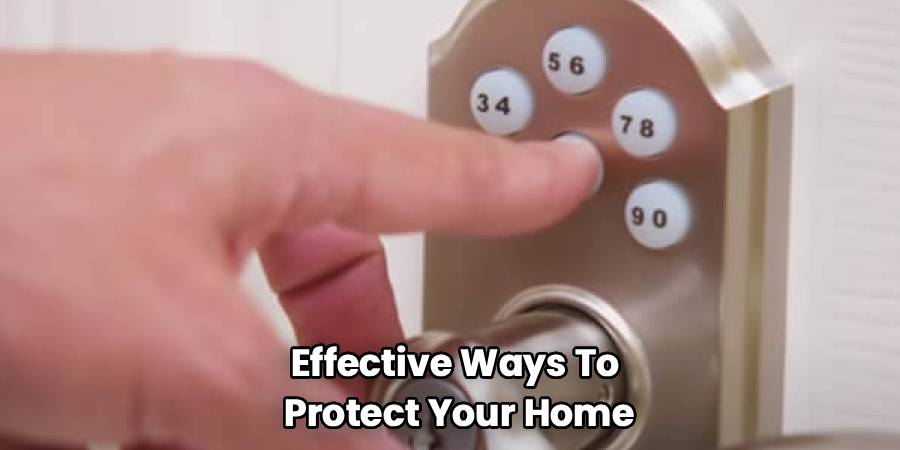
Updating your entry codes regularly stands as one of the most effective ways to protect your home. Over time, you might share your PIN with pet sitters, contractors, cleaning services, or visiting family members. Once those individuals no longer need access, leaving their codes active creates an unnecessary security vulnerability. Taking control of your lock programming allows you to manage entry permissions efficiently and confidently.
The most common reason for resetting a smart lock is moving into a new home or apartment. You can never be entirely sure who the previous owners gave their access codes to, making a complete factory reset an essential first task for peace of mind. Additionally, routine maintenance of your digital security hardware helps prevent technical glitches. When you perform a clean reset and input fresh codes, you ensure the electronic components function smoothly without memory errors or software hang-ups.
Tools or Materials You May Need
You only need a few basic items to complete this security update effectively and safely. Keep these materials nearby before you start the programming sequence.
- Phillips head screwdriver: You will need this tool to remove the interior cover of your lock, giving you access to the programming buttons and battery pack.
- Fresh AA alkaline batteries: Keep a new set of high-quality, non-rechargeable batteries on hand to ensure your lock has enough power to save the new memory settings.
- Your smartphone or a notepad: Use this to write down your new codes before you begin, preventing you from forgetting them during the programming steps.
- Manufacturer manual (optional): Having your specific model’s manual provides helpful visual diagrams if you need extra reassurance during the process.
Before You Begin
Start with the safest and simplest check by inspecting the physical condition of your lock and door. Ensure the door remains open during the entire process so you do not accidentally lock yourself out while testing the new codes. Verify that the deadbolt latch moves smoothly in and out of the door frame without catching or grinding.
Before you begin, make sure your lock has sufficient power to complete a memory reset. Weak batteries often cause programming failures or erratic lock behavior during the setup process. Remove the battery cover and inspect the compartment for any signs of corrosion or moisture. If the batteries look old or the low battery indicator was flashing previously, replace them immediately. For safety, clear the immediate area of any clutter so you have a steady stance while working with the lock’s interior buttons.
Step-by-Step Guide to How to Reset Door Lock Code Kwikset
Step 1 – Keep the Door Open and Unlocked
Begin by propping your door wide open and ensuring the deadbolt is in the unlocked, retracted position. This is the most crucial preparation step, as it completely eliminates the risk of locking yourself outside if a programming error occurs. Securing the door with a heavy doorstop keeps it steady while you work on the interior hardware. You need both hands free to handle the battery pack and press the internal programming buttons safely. Maintaining an open door also allows you to test both the interior thumb turn and the exterior keypad simultaneously. This straightforward physical check sets the foundation for a successful and frustration-free programming session.
Step 2 – Remove the Interior Lock Cover
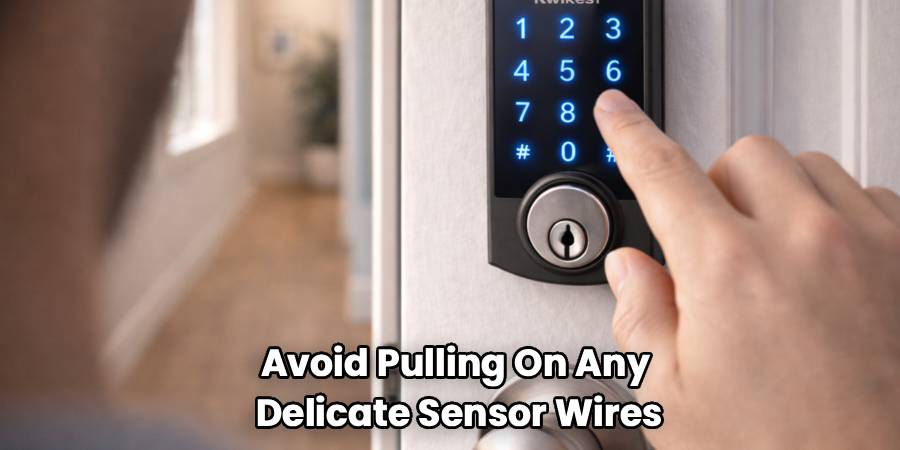
Use your Phillips head screwdriver to carefully remove the screws holding the interior faceplate in place. Most models have two to three small screws on the sides or bottom of the housing. Set these screws in a small bowl or cup so they do not roll away or get lost during the process. Gently slide the protective cover up and off the mounting bracket to expose the internal wiring, the battery pack, and the main circuit board. Handle this cover smoothly to avoid pulling on any delicate sensor wires connected to the housing. This step provides clear access to the designated reset buttons you will need shortly.
Step 3 – Locate the Program Button
Inspect the exposed back panel of your lock to find the main program button. On most standard models, this is a small, distinct circular button located near the top of the circuit board or beside the battery compartment. Some models label this clearly with the word “Program,” while others simply use a small black button. Take a moment to familiarize yourself with its location so you can press it easily when the programming sequence begins. If you cannot easily identify the button, refer to your specific user manual to confirm its exact position. Finding this button calmly prevents you from pressing the wrong reset switches later.
Step 4 – Understand the Factory Reset Option
If you have lost your mastercode or want to erase all previous user codes at once, you must perform a full factory reset. To do this, carefully remove the battery pack from the top of the lock housing. Press and hold the “Program” button while you reinsert the battery pack into its slot. Keep holding the button down for about thirty seconds until the lock beeps and the status light flashes red. This confirms that all previous memory data has been successfully wiped from the device. Knowing how to reset door lock code Kwikset models thoroughly ensures you start with a clean slate for your security.
Step 5 – Initiate the Code Programming Sequence
To add a fresh user access code, make sure the battery pack is secure and the lock has power. Press the “Program” button once firmly, but do not hold it down. You should hear a short beep, and the keypad on the exterior of the door will usually light up or flash to indicate it is ready to receive new information. Move to the exterior side of the open door immediately, as the lock only stays in programming mode for a few seconds. Staying calm and moving steadily ensures the lock does not time out before you enter your digits.
Step 6 – Enter Your New Access Code
Using the exterior keypad, carefully type in the new four to eight-digit PIN you wish to use for entry. Press each number firmly and deliberately, listening for the confirmation beep that follows each button press. Using a code that you can easily remember but others cannot easily guess enhances your overall home security. Avoid using simple sequences like standard ascending numbers or birth years, as these represent common security risks. If you make a mistake while entering the digits, simply wait for the keypad to time out and start the sequence over from the beginning.
Step 7 – Press the Lock Button to Save
Immediately after entering your final digit, press the main “Lock” button located at the center or top of the exterior keypad. This action tells the internal computer to save the sequence you just entered into its active memory. The lock will respond with a long beep and a green flash from the indicator light, signaling that the new code was successfully accepted. If you hear three short beeps and see a red light instead, the memory storage failed or timed out. If this does not work, try the next step by repeating the programming sequence with a slightly faster pace.
Step 8 – Test the New Code Securely
With the door still safely open, turn the interior thumb lever to extend the deadbolt into the locked position. Step to the outside keypad and enter the new code you just programmed. The lock should beep, and the motorized deadbolt should smoothly retract back into the door. Watch the mechanism closely to ensure it fully clears the edge of the door without hesitating. Run this test at least twice to guarantee the system reliably recognizes your new entry sequence. Once you confirm the code works perfectly, you can safely reinstall the interior cover and secure your home.
Common Mistakes to Avoid
A frequent mistake beginners make is attempting to program the lock while the door is closed. This simple error often leads to stressful lockouts if the code does not save properly or if the interior latch mechanism fails. Always keep your door wide open and the deadbolt fully retracted before you alter any security settings.
Another common oversight involves using incorrect or mismatched batteries. Combining old and new batteries, or using rechargeable variants, prevents the lock’s motor from receiving a consistent power supply. This voltage drop frequently causes the device to forget newly programmed codes or fail mid-rotation. Stick to fresh, high-quality alkaline batteries from the same package.
Many users also rush the programming sequence or press the buttons too aggressively. The internal circuit board needs a brief moment to register each keypad entry. Pressing multiple numbers at once or slamming the program button can damage the delicate tactile switches behind the plastic keys. Use firm, steady pressure, and listen for the confirmation beep after every single button press to ensure the system registers your actions accurately.
Safety Warnings
When working with electronic door hardware, always prioritize your physical safety and the integrity of the device. Never force the interior cover off the lock housing, as doing so can sever the delicate electrical wires connecting the battery pack to the exterior keypad. If you encounter resistance, check for a missed screw before pulling harder.
Take extra care when handling the battery pack and exposed circuit board. Make sure your hands are completely dry to prevent accidental short circuits or mild shocks. If you notice any battery acid leakage, rust, or exposed wiring inside the housing, stop immediately. Touching corroded components can cause skin irritation and indicates that the lock is no longer safe to operate. Do not attempt to re-wire a damaged lock yourself; instead, replace the compromised unit entirely to maintain secure fire exits.
When to Call a Professional
Sometimes, a malfunctioning lock requires more than a simple DIY reset. Call a professional if the internal deadbolt mechanism feels jammed, grinds loudly, or refuses to extend even when using the manual interior thumb turn. These physical symptoms usually point to a misaligned door frame, stripped gears, or a broken tailpiece that a standard code reset cannot fix.
You should also seek expert help if the keypad remains completely unresponsive after installing fresh, high-quality batteries. If the buttons do not light up, or if the lock emits continuous, rapid error beeps that you cannot silence, the internal circuit board has likely failed. A licensed locksmith or security technician can safely diagnose complex electrical failures, repair damaged mortise pockets, and ensure your home remains compliant with local fire safety codes.
Expert Tips
To make future updates easier, keep a secure, written log of your mastercode and active user pins in a safe place, such as a fireproof lockbox or an encrypted password manager. Relying solely on memory often leads to accidental lockouts and the need for repetitive factory resets.
Always clean your exterior keypad gently with a damp microfiber cloth rather than harsh chemical sprays. Over time, aggressive cleaners degrade the rubberized buttons and weather seals, leading to moisture damage inside the housing. Additionally, it helps to periodically check the alignment of your door’s strike plate. A deadbolt that rubs against the metal frame forces the lock’s internal motor to work significantly harder, which drains your batteries much faster and increases the likelihood of programming errors.
Frequently Asked Questions
Do I need the current mastercode to reset the lock?
You do not strictly need the current mastercode if you perform a complete factory reset. A factory reset wipes all existing memory, allowing you to create a brand new mastercode from scratch. However, adding or deleting individual user codes normally requires knowing the active mastercode first.
Why is my lock beeping red when I try to program it?
A red flashing light and rapid beeping usually indicate a programming error. The most common reason is that the sequence timed out because you waited too long between button presses. It can also mean the code you entered is already in use or the batteries are too weak.
Can I use rechargeable batteries in my smart lock?
You should avoid using rechargeable batteries in your electronic locks. Rechargeable batteries generally output a lower voltage than standard alkaline batteries, which can confuse the lock’s low-battery sensors. For reliable daily operation and secure memory storage, always use fresh, high-quality alkaline batteries.
How many user codes can my lock store at one time?
The storage capacity depends heavily on the specific model you own. Standard residential electronic deadbolts typically hold between four and eight distinct user codes. Advanced smart locks or touchscreen models can often store up to thirty unique PINs for different family members or guests.
What should I do if the keypad stops responding entirely?
Start with the safest and simplest check by replacing the current batteries with a fresh set of alkaline ones. If the keypad remains unresponsive, inspect the interior wire cable that connects the front and back panels to ensure it is plugged in securely. If the issue persists, the unit may require replacement.
Conclusion
Taking control of your home access is an essential part of maintaining a secure and welcoming environment. By learning how to reset door lock code Kwikset systems, you empower yourself to manage who enters your home without relying on costly professional help for routine updates. This straightforward task instantly eliminates security vulnerabilities left behind by previous owners, forgotten contractor codes, or outdated guest permissions.
Remember to approach the process calmly, keep your door safely open, and always rely on fresh batteries to ensure the programming sequence saves correctly. If you ever feel unsure about the physical condition of the hardware or the internal wiring, reaching out to a local security expert is always a smart and safe choice. Update your access codes today to take the safest next step toward complete home security peace of mind.

