
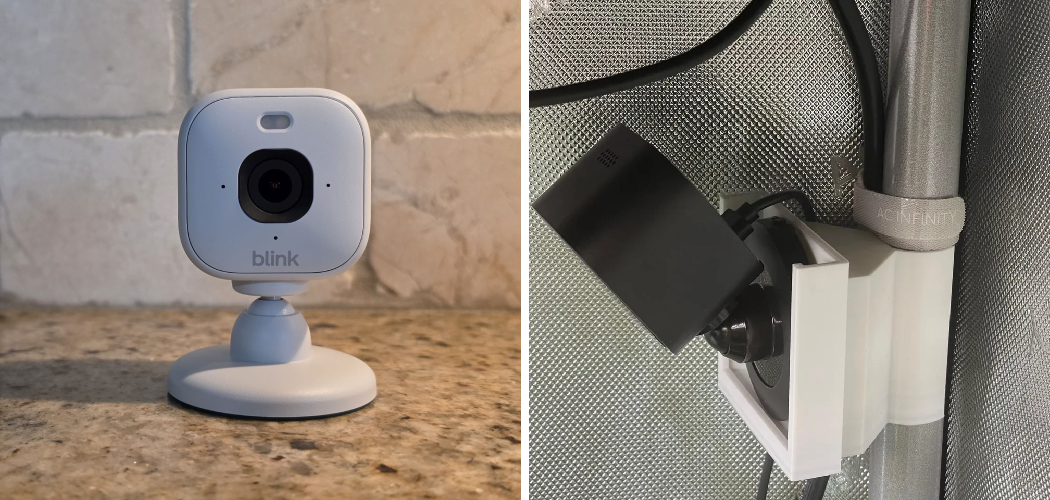
You unbox your new Blink Mini, feeling ready to watch over your home. You plug it in, prop it on a shelf, and open the app. The view looks fine — until the cat knocks it face-down behind a plant.
Now you’re recording the wall.
A camera sitting loose on a shelf misses the moments you bought it for. A bumped angle, a fallen unit, a blind spot near your door — small placement mistakes cost you real footage.
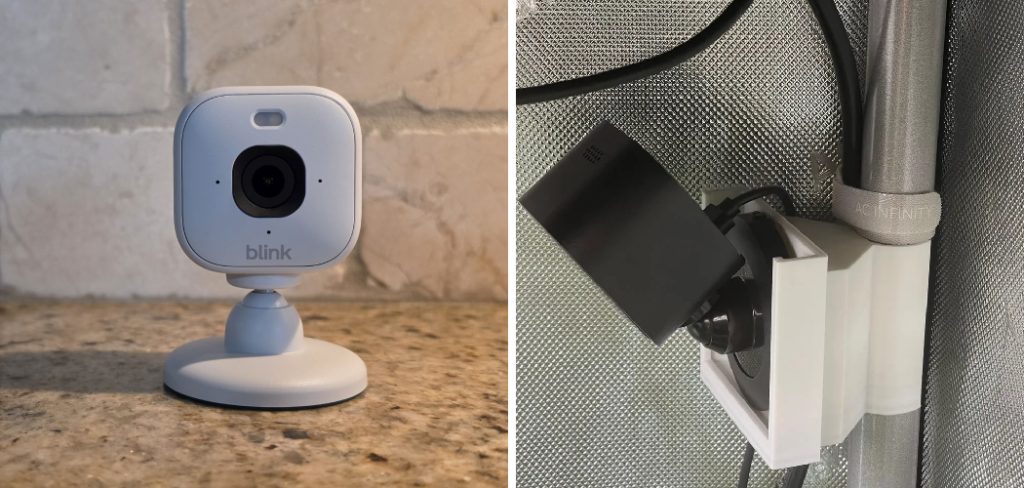
Mounting fixes that.
In this guide, you’ll learn how to mount a Blink Mini camera the right way. You’ll see what tools you need, how to choose between mounting methods, and the exact steps to get a stable, useful view. You’ll also learn the common mistakes that trip up first-timers and how to avoid every one.
Why Mounting Your Blink Mini Matters
The Blink Mini is small, light, and easy to set down anywhere. That’s also the problem.
A camera that sits loose gets bumped, tipped, or moved. Every shift changes your view, and you lose coverage of the spot that matters most.
Mounting the camera solves three things at once.
- Stability. The camera stays put, so your angle never drifts.
- Better coverage. You can aim it high, low, or into a corner for a wider view.
- Security. A mounted camera is harder to knock over or walk off with.
Here’s the part people forget: the Blink Mini is indoor-rated only. It isn’t built to survive rain or heat. So while you can mount it in many places, keep it out of direct weather unless you add a weatherproof housing.
In short: mounting turns a wobbly shelf camera into a stable, reliable set of eyes.
What You’ll Need Before You Start
Gather everything first. Nothing stalls a quick job like hunting for a screwdriver halfway through.
Most Blink Mini mounts need very little. Here’s your checklist.
The Basics
- Your Blink Mini camera and its power adapter.
- The stand or mount that came in the box.
- Your phone with the Blink app installed and set up.
- A nearby power outlet — the Mini needs constant power, not batteries.
For a Wall or Ceiling Mount
- A drill with the right bit, or a screwdriver.
- Screws and wall anchors (often included, or a small mounting kit).
- A pencil to mark your spots.
- A level or phone level app for a straight camera.
Nice to Have
- Adhesive mounting tape or a stick-on mount for a no-drill option.
- A cable clip pack to hide the power cord neatly.
- A microfiber cloth to wipe the lens before you finish.
Warning: The Blink Mini must stay plugged in at all times. Plan your spot within reach of an outlet, or you’ll be running an extension cord across the room.
In short: the box gives you the stand, and a few basic tools cover wall mounting.
Choosing Your Mounting Method
Before you drill anything, pick the method that fits your spot. Some are permanent. Some peel right off.
This table compares your main options so you know what to expect.
| Mounting Method | Damage to Wall | How Secure | Best For |
| Included stand | None | Low — easy to bump | Shelves, desks, temporary spots |
| Adhesive mount | Minimal | Medium — holds light weight | Renters, smooth walls, no drilling |
| Screw-in wall mount | Holes to patch later | High — very stable | Permanent placement, high angles |
| Third-party swivel mount | Depends on type | High — full aiming control | Corners, ceilings, tricky angles |
| Weatherproof housing | Varies by model | High — sealed and covered | Covered porches, garages |
Read this before you commit.
If you rent, skip the drill. An adhesive mount holds the light Blink Mini fine and won’t cost you your deposit. If you want the camera high on a wall or angled into a corner, a screw-in or swivel mount gives you the stability and reach the stand can’t.
In short: match the mount to your wall and how permanent you want it.
5 Step by Step : How to Mount a Blink Mini Camera
Take this slow the first time. A few careful minutes now saves you from re-drilling later.
Step 1: Set Up the Camera First
Get the camera working before you mount it.
- Open the Blink app and add your Mini.
- Connect it to Wi-Fi and confirm the live view loads.
- Test the picture from where you plan to mount it.
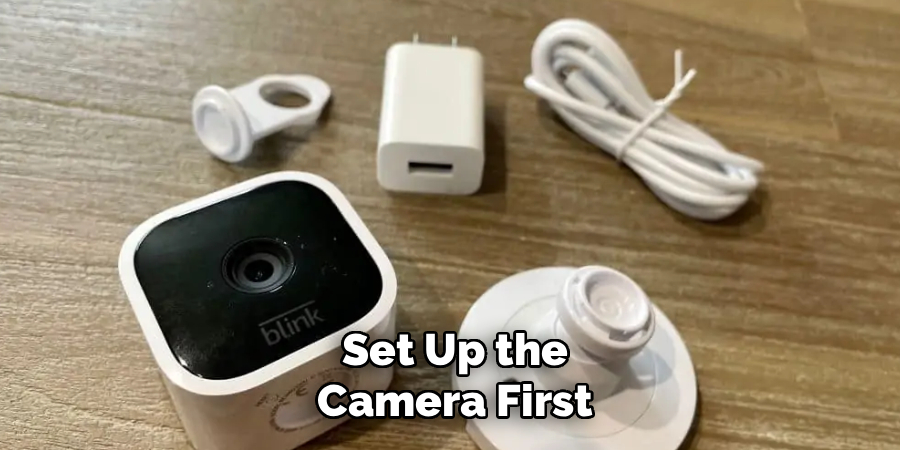
This confirms the spot gets a strong signal before you drill.
Step 2: Pick and Check Your Spot
Now find the right place.
- Choose a spot within reach of a power outlet.
- Aim for a corner or high point for the widest view.
- Check the live view from that height — hold the camera up and look.
- Avoid pointing straight at windows or bright lights, which wash out the image.
Step 3: Mount the Base
This step depends on your method.
For the adhesive mount:
- Wipe the wall clean and let it dry fully.
- Peel the backing and press the mount firmly for 30 seconds.
- Wait a few hours before attaching the camera, so the glue sets.
For a screw-in mount:
- Hold the mount where you want it and mark the screw holes with a pencil.
- Drill the holes and tap in wall anchors if needed.
- Screw the mount tight to the wall.
Warning: Check for wires or pipes behind the wall before drilling. A cheap stud finder saves you an expensive mistake.
Step 4: Attach and Aim the Camera
Now connect the Mini.
- Click or twist the camera onto the mount until it’s snug.
- Open the live view on your phone.
- Tilt and turn the camera until the frame covers your target zone.
- Keep the shot level so footage doesn’t look crooked.
Step 5: Manage the Cable
Don’t leave the cord dangling.
- Run the power cable along the wall edge or baseboard.
- Use cable clips to hold it in place.
- Plug into your outlet and confirm the camera powers on.
In short: set up first, test the spot, mount the base, aim with live view, then tidy the cable.
Best Placement Tips for a Clear View
A good mount means nothing if the angle is wrong. Placement decides whether you catch a face or an empty corner.
Follow these tips wherever you mount your Blink Mini.
- Mount 7 to 8 feet high. High enough to see the room, low enough to catch faces.
- Use a corner. Corners give the widest possible view of a space.
- Angle down slightly. This captures people and activity, not the ceiling.
- Face away from windows. Bright backlight turns people into dark shadows.
- Cover entry points. Aim at doors and hallways where people come and go.
Test every change. Walk through the room while watching a recording, then adjust until you show up clearly.
In short: mount high in a corner, tilt down, and keep bright light behind the camera, not in front.
Common Mistakes and Troubleshooting
Mounting a Blink Mini looks simple, and it mostly is. But a handful of small errors send people back to redo the whole job. Here are the ones that catch first-timers most — why they happen, and exactly how to fix each.
Mistake 1: Mounting Too Far From an Outlet
You pick the perfect corner, then realize the cord won’t reach.
Why it happens: The Blink Mini runs on constant power, not batteries. People forget to plan around the outlet.
The fix: Measure the distance to your nearest outlet before you mount. If the spot is ideal but far, use a rated extension cord or a longer USB power cable made for the Mini — not a random charger, which may not supply enough power.
Mistake 2: Weak Wi-Fi at the Mounting Spot
The camera worked near your router, but the mounted view keeps freezing.
Why it happens: Wi-Fi weakens through walls and distance. A spot that seems fine may sit in a dead zone.
The fix: Test the live view at the exact mounting height before drilling. If it lags, move closer to the router or add a Wi-Fi extender. A stable signal matters more than the perfect angle.
Mistake 3: Adhesive Mount Falling Off
You stick the mount up, and a day later the camera’s on the floor.
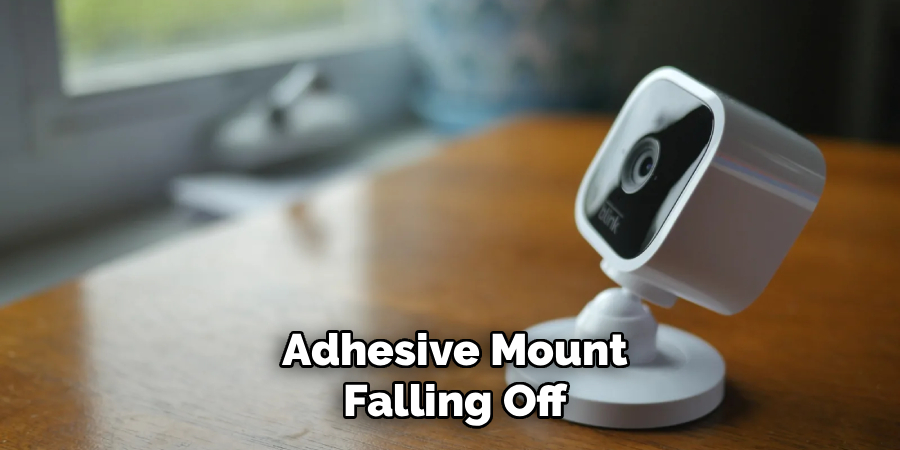
Why it happens: Dust, moisture, or a textured wall stops the glue from bonding. Attaching the camera too soon also breaks the seal.
The fix: Clean the wall with rubbing alcohol and let it dry fully. Press the mount hard for 30 seconds, then wait several hours before hanging the camera. On rough walls, switch to a screw-in mount instead.
Mistake 4: Pointing the Camera at a Window
Your daytime footage looks washed out or fully dark.
Why it happens: Bright light behind your subject tricks the camera’s exposure. It darkens everything to handle the glare.
The fix: Aim the camera so windows sit behind it, not in front. If you can’t avoid a window, close blinds during key hours or reposition the mount to a different wall.
Mistake 5: Mounting the Camera Crooked
Your view tilts to one side and looks unprofessional.
Why it happens: People eyeball the angle instead of checking it. A base that’s slightly off throws the whole frame.
The fix: Use a level on the mount before you tighten it. Then confirm the horizon looks straight in the live view and adjust before you walk away.
Mistake 6: Using It Outdoors Unprotected
You mount the Mini outside, and it fails after the first rain.
Why it happens: The Blink Mini is indoor-rated only. It isn’t sealed against water, heat, or cold.
The fix: Keep it indoors, or under a fully covered spot with a weatherproof housing made for the Mini. For open outdoor areas, use an outdoor-rated Blink model instead.
In short: plan for power and Wi-Fi, prep your wall, avoid backlight, check the level, and keep the Mini dry.
Frequently Asked Questions
Can you mount a Blink Mini camera on the wall?
Yes. You can use an adhesive mount for a no-drill option or a screw-in mount for a permanent, sturdy hold. Just make sure the spot sits within reach of a power outlet, since the Mini needs constant power.
Does the Blink Mini come with a mount?
The Blink Mini includes a small stand in the box, which works for shelves and desks. For wall or ceiling mounting, you’ll need a separate mounting kit or an adhesive or swivel mount, which you can buy cheaply.
Can I mount a Blink Mini outside?
Not directly. The Blink Mini is indoor-rated only and isn’t built to handle rain or weather. If you want to use it outdoors, place it in a fully covered area with a weatherproof housing, or choose an outdoor Blink model instead.
How high should I mount a Blink Mini camera?
Aim for about 7 to 8 feet high, ideally in a corner. That height gives you a wide room view while still capturing faces clearly. Angle it down slightly so you catch people and activity, not the ceiling.
Why does my Blink Mini keep disconnecting after mounting?
It’s usually a weak Wi-Fi signal at the new spot. Walls and distance from your router cut the connection. Test the live view before mounting, and add a Wi-Fi extender if the signal drops.
Wrapping Up
A Blink Mini sitting loose on a shelf misses the moments you bought it to catch. Now you know how to fix that for good.
You’ve learned how to mount a Blink Mini camera the right way — gather your tools, pick the method that fits your wall, test the spot, mount the base, and aim with live view. You also know the mistakes that trip people up, from weak Wi-Fi to bad angles, and how to solve each one.
Take your time, test as you go, and your camera will finally watch what matters.
Want to get even more from your setup? Check out our guide on [related topic: setting up Blink motion detection zones] next.

About
Robert D is a distinguished figure in the world of Safety Systems and Risk Management, with a decade of expertise creating innovative and sustainable workplace solutions. His professional focus lies in merging traditional safety protocols with modern digital monitoring techniques, fostering environments that are both practical and hazard-conscious. As the lead author of SafetyRift, Robert delves into the art and science of risk mitigation, inspiring safety officers and industry professionals alike to bridge the gap between compliance and culture.
Education
RMIT University (Melbourne, Australia)
Associate Degree in Design (Industrial Safety)
-
Focus on sustainable safety infrastructure, industry-driven risk assessments, and practical implementation.
-
Gained hands-on experience with traditional hazard identification and digital monitoring tools, such as IoT safety sensors and predictive analytics software.
Nottingham Trent University (United Kingdom)
Bachelor’s in Occupational Health and Safety (Honors)
-
Specialized in systemic design with a focus on blending human behavior psychology with modern safety production techniques.
-
Participated in industry-wide projects, working with global logistics and manufacturing firms to gain real-world insights into large-scale safety deployments.
Publications and Impact
In SafetyRift, Robert shares his insights on safety design processes, protective materials, and strategies for efficient, accident-free production. His writing bridges the gap between foundational safety knowledge and modern industrial needs, making it a must-read for both budding safety coordinators and seasoned risk management professionals.
