
Securing your home starts with a reliable lock, and Schlage has been a trusted name in home security for decades. Whether you have a traditional keyed lock, a modern keypad, or a sophisticated smart lock, understanding its features is key to your peace of mind.
This guide will provide clear, simple instructions on how to lock Schlage products, ensuring you can confidently protect your property. We’ll cover various locking mechanisms, from the simple turn of a knob to programming automatic features, making home security accessible for everyone.
Understanding Your Schlage Lock’s Features
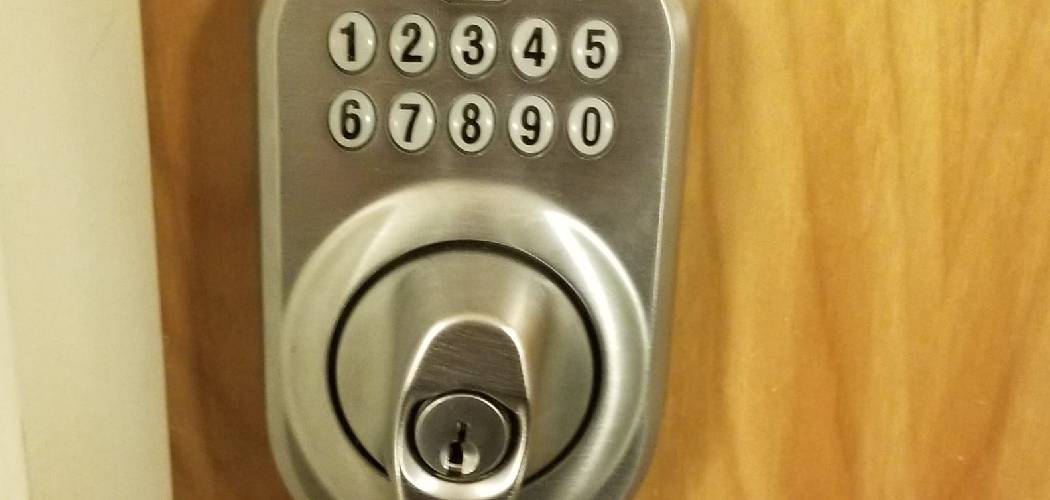
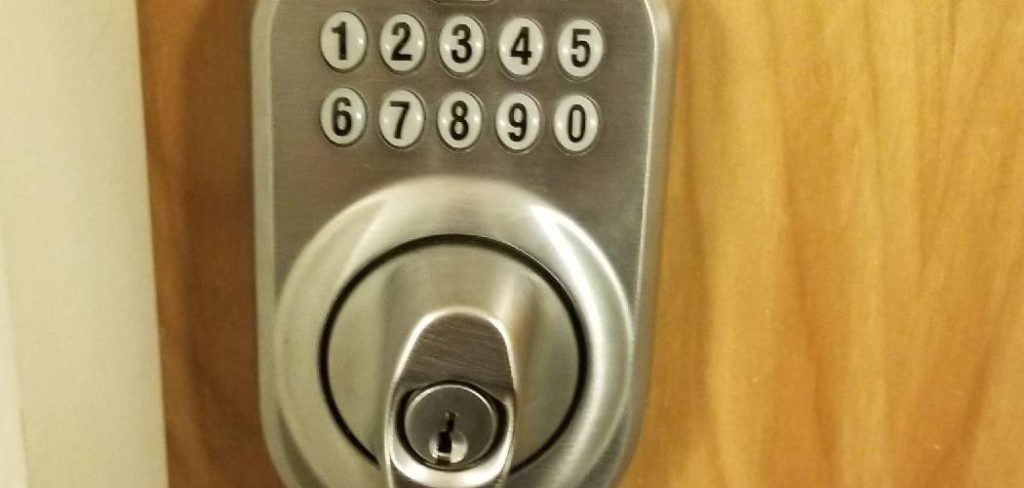
Before diving into the steps, it’s helpful to understand the type of Schlage lock you have. Schlage offers a wide range of products, each with unique features. Traditional deadbolts often use a simple thumbturn on the interior. Keypad locks, like the Schlage Touch or Keypad Deadbolt, allow for keyless entry and locking with the press of a button. More advanced options, such as the Schlage Encode or Sense smart locks, connect to your Wi-Fi or Bluetooth, offering remote locking capabilities and auto-lock settings. Identifying your model will help you follow the correct instructions and get the most out of its security features.
8 Step-by-Step Guide on How to Lock Schlage
Step 1: Locking a Standard Schlage Deadbolt
For a standard mechanical Schlage deadbolt, the process is straightforward and requires manual operation from inside or outside. From the interior, simply rotate the thumbturn piece on the back of the lock.
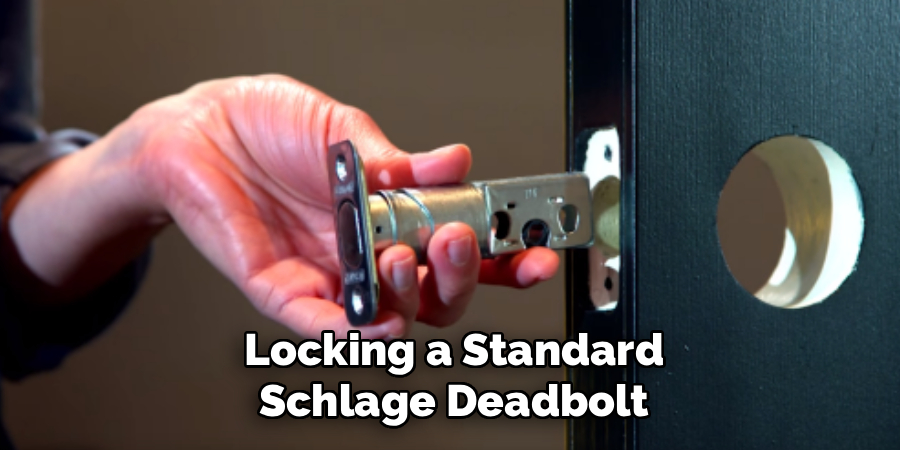
You should feel a firm click as the bolt extends fully into the door frame. From the exterior, insert the correct key into the cylinder and turn it away from the door jamb until it stops. This action will extend the bolt, securing the door. Always double-check by gently pushing on the door to ensure the deadbolt is fully engaged and the door is latched.
Step 2: Using the One-Touch Locking Feature on a Keypad
Many Schlage keypad locks, such as the BE365 Keypad Deadbolt, come with a convenient one-touch locking feature. To use this, first, ensure your door is completely closed. Then, simply press the “Schlage” button located at the top of the exterior keypad. You will hear the motor engage and see the deadbolt extend to lock the door. This feature is designed for quick and easy locking when you are leaving the house, eliminating the need to fumble for keys. It’s a simple yet effective way to secure your home with a single press.
Step 3: Enabling the Auto-Lock Feature on a Smart Lock
For users with a Schlage smart lock like the Encode or Sense, the auto-lock feature provides an added layer of security. This function automatically locks the deadbolt after a preset amount of time. To enable it, you will need to use the Schlage Home app. Open the app and select the lock you wish to program. Navigate to the settings menu and find the “Auto-Lock” option. From there, you can turn the feature on and set the delay timer, which typically ranges from 30 seconds to four minutes. This ensures your door locks automatically, even if you forget.
Step 4: How to Lock a Schlage Encode from Anywhere
One of the most powerful features of a Wi-Fi-enabled smart lock like the Schlage Encode is the ability to lock it remotely. Using the Schlage Home app on your smartphone, you can check the status of your lock and secure it from any location with an internet connection. Simply open the app and tap the lock icon on your main screen. The app will show an “Unlocked” status. Tapping it will send a command to the lock, and the status will update to “Locked” once the deadbolt is engaged. This is perfect for those moments when you’re unsure if you locked the door.
Step 5: Locking a Schlage Lever with a Push-Button
Some Schlage interior door levers, often used for bedrooms or offices, feature a push-button locking mechanism for privacy. To lock the door from the inside, simply press the button located in the center of the knob or lever. This will prevent the exterior handle from turning and opening the door. To unlock it from the inside, you just need to rotate the interior lever. For emergency access from the outside, most of these locks have a small hole on the exterior handle that can be opened with a generic unlocking tool or a small pin.
Step 6: Locking a Keyed Schlage Knob or Lever
Locking a standard keyed Schlage knob or lever is a familiar process for most people. From the inside, you will typically find a small thumbturn on the handle. Rotate this turn-button vertically to lock the door and horizontally to unlock it.
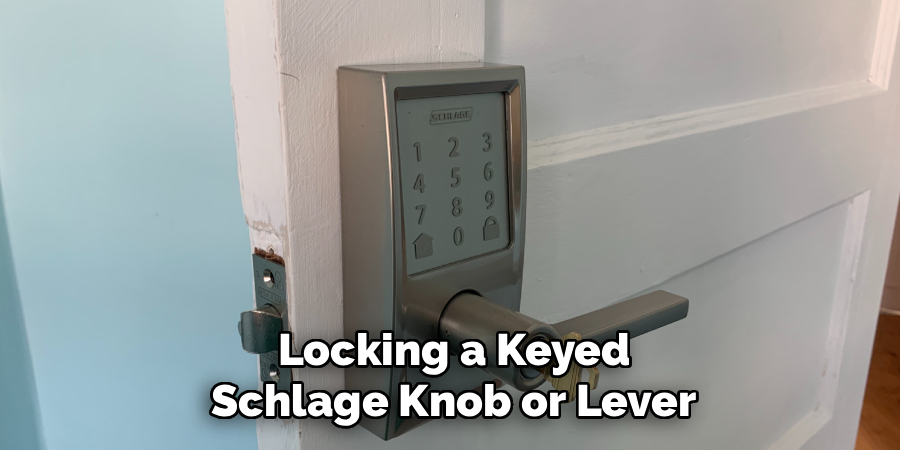
When leaving, you can lock the door from the outside by inserting the key and turning it. Some models may require you to press and turn the interior button to lock the exterior handle before closing the door. Always test the handle from the outside to confirm it is locked before you walk away.
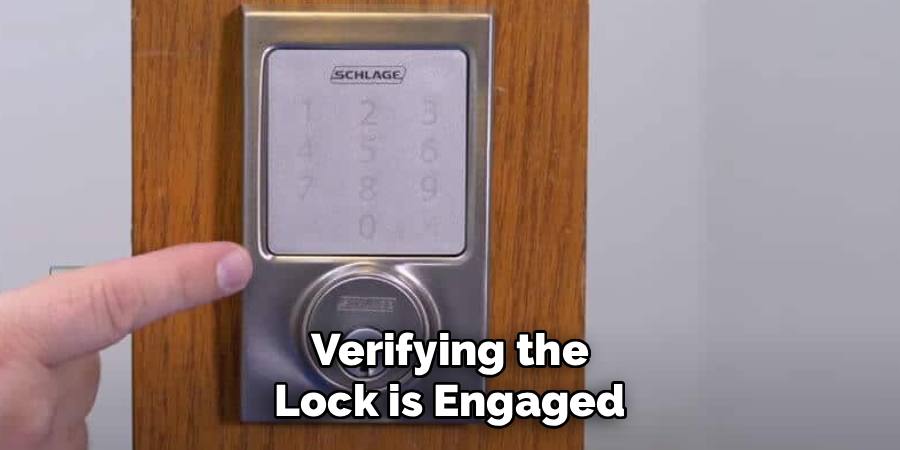
Step 7: Verifying the Lock is Engaged
Regardless of which Schlage lock you have, it’s a good habit to verify that the deadbolt is fully engaged. After locking the door, give the handle a turn or the door a gentle push. A securely locked deadbolt will not retract, and the door will not budge. For electronic locks, you can often listen for the sound of the motor fully extending the bolt. With smart locks, the app provides visual confirmation that the door is locked. This quick check takes only a second but provides invaluable peace of mind that your home is secure.
Step 8: How to Lock Schlage Keypad Models Manually
Even with electronic keypad locks, a manual override is always available. From the inside, all Schlage keypad deadbolts have a thumbturn that allows you to extend or retract the bolt just like a traditional lock. This ensures you can always secure your door, even if the batteries are dead or the electronics malfunction. From the outside, these locks also have a key cylinder. You can use the physical key provided with your lock to manually operate the deadbolt, offering a reliable backup method for securing your home at all times.
Frequently Asked Questions
Why Is My Schlage Lock Not Locking?
There are several reasons your Schlage lock might not be locking. For electronic models, the first thing to check is the batteries; low power can prevent the motor from engaging. For all lock types, misalignment between the door and the frame can stop the deadbolt from extending properly. Check to see if the bolt hole in the doorjamb is clear of debris. Seasonal changes can also cause the door to swell or shift, requiring an adjustment to the strike plate to ensure a smooth operation.
Can I Lock My Schlage Smart Lock with a Voice Command?
Yes, you can! If you have a Schlage smart lock like the Encode or Sense, you can integrate it with a compatible voice assistant such as Amazon Alexa or Google Assistant. Once connected through the respective app, you can use simple voice commands like, “Alexa, lock the front door.” For security reasons, most voice assistants will allow you to lock the door but will require a PIN or confirmation through the app to unlock it, preventing unauthorized entry.
What Does the Green Light on My Schlage Keypad Mean?
On most Schlage keypad locks, a green checkmark light indicates a successful operation. When you enter a correct user code, the green light will flash, and the lock will unlock. Similarly, when you use the one-touch locking feature by pressing the Schlage button, the green light will flash to confirm that the deadbolt has been successfully engaged and the door is now locked. A red “X” light, on the other hand, typically signifies an incorrect code or a locking error.
How Do I Turn Off the Auto-Lock Feature?
If you find the auto-lock feature inconvenient for any reason, you can easily disable it. For Schlage smart locks, open the Schlage Home app and navigate to the settings for your lock. Find the “Auto-Lock” toggle and simply switch it to the off position. For some non-connected keypad models that have this feature, the process may involve a specific sequence of button presses on the keypad, which can be found in your lock’s user manual.
Do Schlage Locks Lock Automatically When I Close the Door?
Not by default, but this functionality can be enabled on certain models. Schlage smart locks with the auto-lock feature will lock after a predetermined time delay once the door is closed, not immediately upon closing. This delay gives you time to go in and out without the door locking behind you instantly. You must activate this feature through the app. Standard mechanical or non-smart electronic locks do not have this capability and must be locked manually each time.
Conclusion
Mastering the functions of your lock is a fundamental step toward securing your home. Whether you’re using a simple thumbturn, a keypad, or a sophisticated smart device, you now have the knowledge to operate it with confidence. From manual locking to setting up convenient features like auto-lock and remote access, understanding how to lock Schlage products properly ensures you are making the most of their security capabilities. We encourage you to use these steps to create a safer environment for yourself and your loved ones, enjoying the peace of mind that comes with a well-secured home.

