
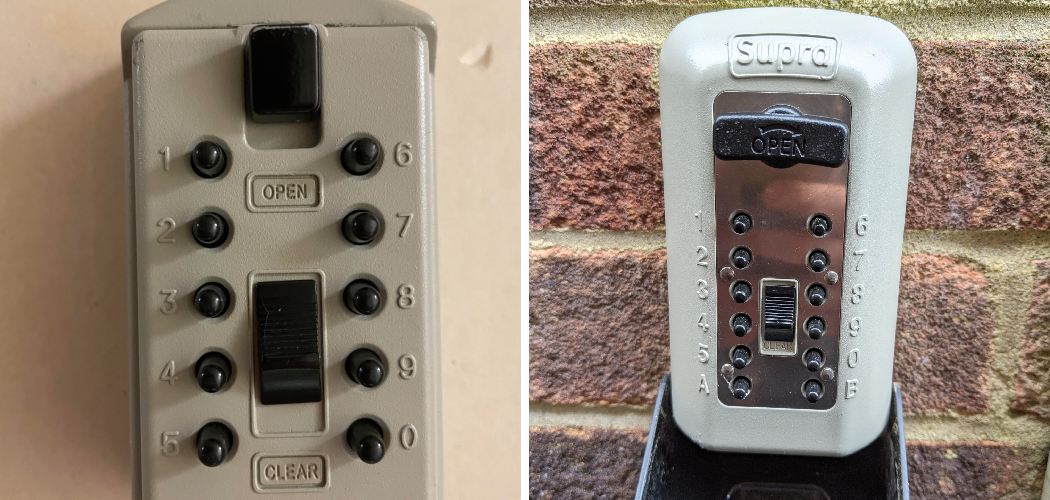
As a real estate agent, gaining access to a property quickly and securely is a crucial part of your daily routine. Supra lock boxes are a common tool in the industry, designed to provide secure, trackable access for showings. If you’re new to the field or just need a refresher, understanding the process can seem a bit daunting at first.
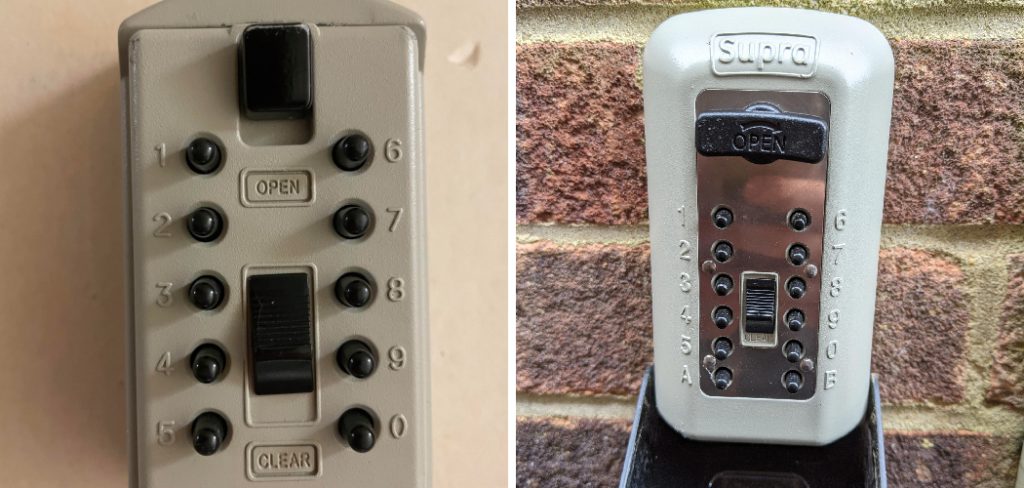
This guide will walk you through exactly how to open supra lock box systems using the Supra eKEY app on your smartphone. We will cover everything from activating the lock box to retrieving the key, ensuring you feel confident and prepared for your next property viewing. The process is straightforward once you know the steps.
Understanding Lock Box Access is Crucial
In real estate, time and security are everything. Knowing how to operate a Supra lock box efficiently means you can start a property tour on time, creating a professional and seamless experience for your clients. These devices are more than just key holders; they are an integral part of property management and security. Each access is electronically logged, providing a record of who entered the property and when. This feature offers peace of mind to sellers and listing agents. For showing agents, mastering this simple technology demonstrates competence and preparedness, helping to build trust with both clients and colleagues in the industry. It’s a fundamental skill for modern real estate professionals.
8 Step Methods Guide on How to Open Supra Lock Box
Step 1: Ensure Your Supra eKEY App is Ready
Before you even arrive at the property, the first step is to confirm your Supra eKEY app is installed and properly configured on your smartphone. This app is your digital key to the lock box system. Open the application and ensure you are logged in.
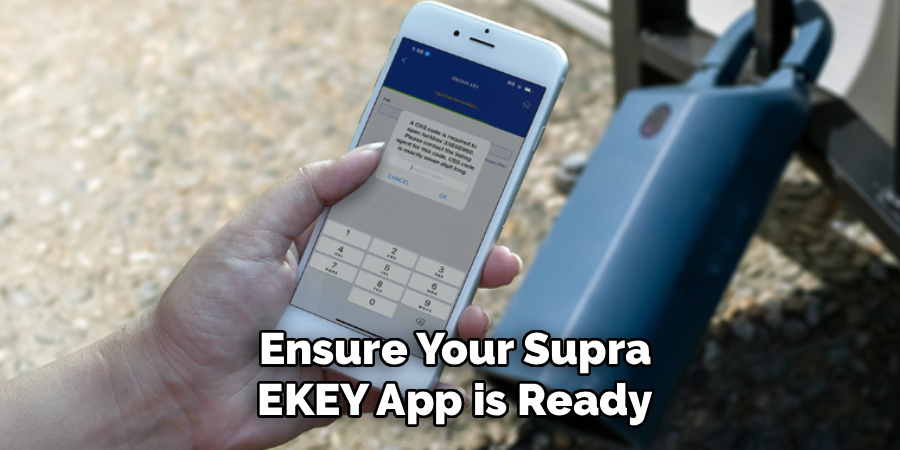
It’s also a good practice to check for any updates, as an outdated app can sometimes cause communication issues with the lock box. A quick sync or update at your office or home, where you have a reliable internet connection, can prevent delays and frustration when you are on-site with a client waiting.
Step 2: Activate the Lock Box with Bluetooth
Once you are at the property and standing in front of the Supra lock box, you need to wake it up. These devices conserve battery by remaining in a low-power state until they are needed. To activate it, simply press up firmly on the bottom of the key container, which is the compartment at the base of the lock box. This action turns on the device’s Bluetooth signal, making it discoverable by your smartphone. You should see a red light on the lock box lens blink, indicating that it is now active and ready to pair with your eKEY app.
Step 3: Open the eKEY App and Select “Obtain Key”
With the lock box now active, turn your attention back to your smartphone. Have your Supra eKEY app open and ready on the main screen. You will see several options available. To begin the process of opening the lock box, tap the “Obtain Key” button. This command tells the app that you intend to retrieve a key from a nearby lock box. The app will immediately start searching for a Bluetooth signal from the Supra device that you just activated. Make sure your phone’s Bluetooth is enabled for this step to work correctly.
Step 4: Enter Your Personal PIN Code
Security is a top priority for the Supra system. After you select “Obtain Key,” the app will prompt you to enter your unique four-digit PIN code. This code is personal to you and should never be shared with anyone. It acts as the primary layer of security, verifying that you are an authorized user. Carefully type your PIN into the keypad that appears on your screen.
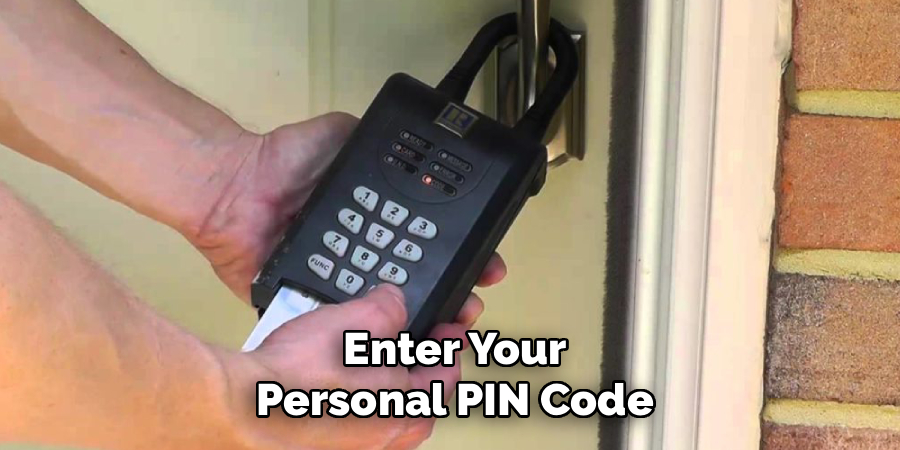
Entering the correct code is essential for the app to proceed with communicating the necessary credentials to the lock box, so take a moment to ensure you have entered it accurately.
Step 5: Point Your Phone at the Lock Box
Once your PIN is accepted, the app will begin the communication process with the lock box. For the most reliable connection, you should aim the top of your smartphone directly at the front of the Supra lock box. Think of it like using a remote control for a television. This ensures a strong, uninterrupted Bluetooth signal between your device and the lock box. You should see a “Communicating” message on your app’s screen, and the light on the lock box will likely change or flash to indicate it is receiving data.
Step 6: Wait for the “Success!” Message
The communication process is usually very quick, often taking just a few seconds. During this time, your eKEY app is securely transmitting an encrypted code to the lock box to authorize its release. Be patient and keep your phone pointed at the device. Once the lock box authenticates your credentials, your app screen will display a “Success!” message. At the same time, the lock box will emit a distinct motorized sound as it unlocks the key container. This confirms you have successfully learned how to open supra lock box mechanisms.
Step 7: Retrieve the Property Key
After you see the “Success!” message and hear the lock box unlock, the key container at the bottom is now released. You can press down on the container to fully open it and retrieve the property key or keys stored inside. Take the key you need to access the home. It is important to handle this step carefully and ensure no other keys accidentally fall out. Once you have the key, you can proceed with showing the property to your clients. Your access has been automatically logged in the system for the listing agent’s records.
Step 8: Return the Key and Close the Lock Box
After the showing is complete, it is your professional responsibility to return the key securely. Place the key back inside the key container. To close it, push the container firmly back up into the main body of the lock box until you hear a solid “click.” This click confirms that the container is locked back into place and the key is secure. Double-check by giving it a gentle tug to make sure it is latched properly. Failing to secure the key properly can create a significant security risk for the property owner.
Frequently Asked Questions (FAQ)
What Do I Do If the Lock Box Won’t Open?
First, ensure your phone’s Bluetooth is on and the Supra eKEY app is updated. Try pressing up on the bottom of the lock box again to reactivate it. If it still fails, check your phone’s signal. In areas with poor reception, the app may struggle to sync. As a last resort, you may need to obtain a Call-Before-Showing (CBS) code from the listing agent, which allows access without a data connection.
How Do I Get a Supra eKEY Account?
To get a Supra eKEY account, you must be a licensed real estate agent and a member of a local real estate board or association that subscribes to Supra’s services. You can typically sign up through your association, which will provide you with the necessary authorization and instructions for downloading and activating the app. There is usually a monthly or annual subscription fee associated with the service.
Can I Open a Lock Box Without Cell Service?
Yes, you can. The Supra eKEY app communicates with the lock box via Bluetooth, not cellular service. However, the app does need to sync with Supra’s servers periodically to stay updated. If you are in an area with no service, the app should still work as long as it has been synced within the last 24 hours. If it fails, you will need the CBS code from the listing agent.
What Is a CBS Code and How Do I Use It?
A CBS (Call-Before-Showing) code is a seven-digit numerical code that provides an alternative way to open a lock box, often used when an agent has technical difficulties. You must call the listing agent to obtain this code. In the eKEY app, you would select the option to use a CBS code, enter it along with the lock box’s serial number, and it will grant you access.
Is It Safe to Use a Supra Lock Box?
Yes, Supra lock boxes are designed with robust security features. Access is restricted to authorized real estate professionals whose credentials are authenticated via the eKEY app and a personal PIN. Every opening is electronically logged, creating a detailed activity report that shows who accessed the property and when. This accountability provides significant peace of mind for homeowners, making it a secure and trusted system within the industry.
Conclusion
Mastering the use of a Supra lock box is a fundamental skill that streamlines property showings and enhances your professionalism as a real estate agent. By following the steps outlined in this guide—from preparing your eKEY app to securely returning the key—you can approach any listing with confidence. The process is designed to be secure, efficient, and straightforward. Now that you understand how to open supra lock box systems, you are better equipped to provide a smooth and reliable experience for your clients and uphold the security standards of the properties you show.

About
Robert D is a distinguished figure in the world of Safety Systems and Risk Management, with a decade of expertise creating innovative and sustainable workplace solutions. His professional focus lies in merging traditional safety protocols with modern digital monitoring techniques, fostering environments that are both practical and hazard-conscious. As the lead author of SafetyRift, Robert delves into the art and science of risk mitigation, inspiring safety officers and industry professionals alike to bridge the gap between compliance and culture.
Education
RMIT University (Melbourne, Australia)
Associate Degree in Design (Industrial Safety)
-
Focus on sustainable safety infrastructure, industry-driven risk assessments, and practical implementation.
-
Gained hands-on experience with traditional hazard identification and digital monitoring tools, such as IoT safety sensors and predictive analytics software.
Nottingham Trent University (United Kingdom)
Bachelor’s in Occupational Health and Safety (Honors)
-
Specialized in systemic design with a focus on blending human behavior psychology with modern safety production techniques.
-
Participated in industry-wide projects, working with global logistics and manufacturing firms to gain real-world insights into large-scale safety deployments.
Publications and Impact
In SafetyRift, Robert shares his insights on safety design processes, protective materials, and strategies for efficient, accident-free production. His writing bridges the gap between foundational safety knowledge and modern industrial needs, making it a must-read for both budding safety coordinators and seasoned risk management professionals.
