
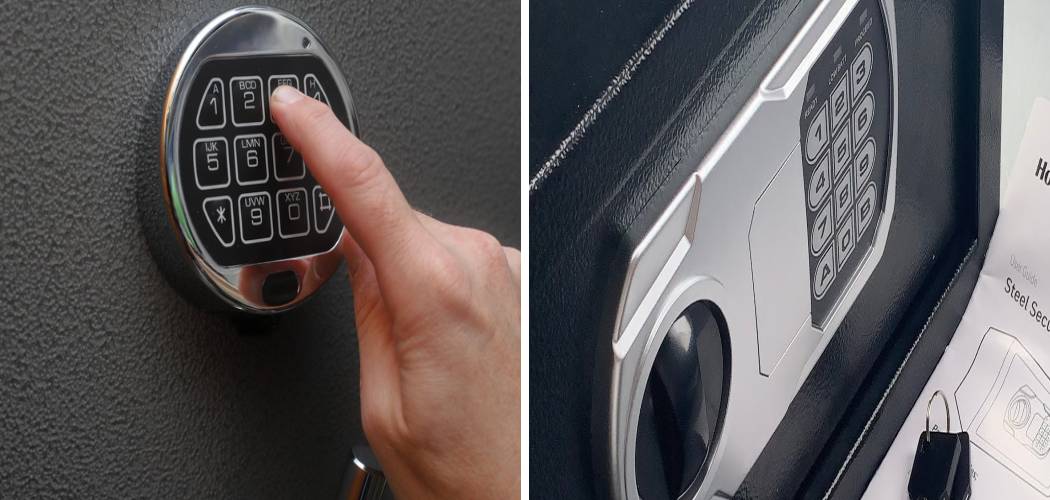
There are few moments more frustrating than standing in front of your own security box, needing an important document or valuable item, and realizing the door simply won’t budge. Maybe the batteries have died, perhaps the combination has slipped your mind, or maybe you’ve inherited a unit and have no idea where to start. It’s a stressful situation, but panic is the enemy here. Before you reach for a pry bar or call an expensive locksmith, take a deep breath. Learning How To Open A Honeywell Safe is often easier than it seems, provided you have the right information and a little bit of patience.
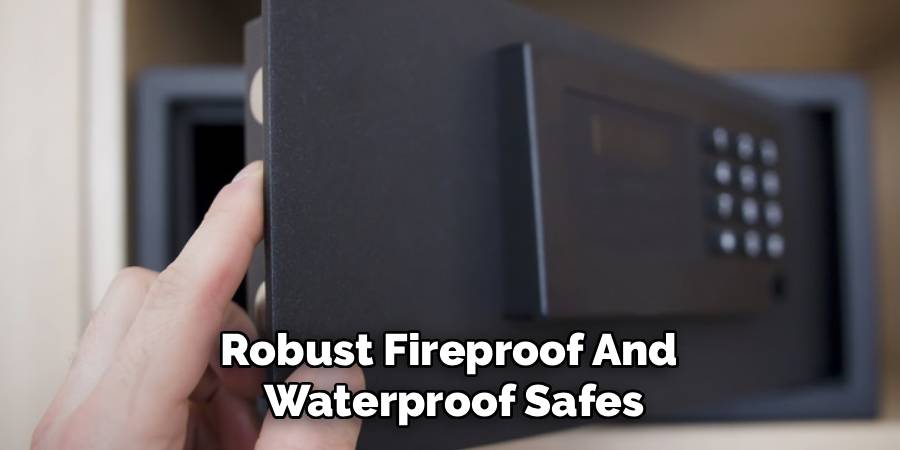
Honeywell is one of the most trusted names in home security, known for manufacturing robust fireproof and waterproof safes. While their security features are top-notch, they are also designed with failsafes for the owner. Whether you are dealing with a digital keypad that’s gone dark, a mechanical dial that feels tricky, or a lost emergency key, there is usually a non-destructive way to gain access. In this guide, we are going to walk you through the various methods to get your valuables back, covering everything from standard operations to emergency troubleshooting.
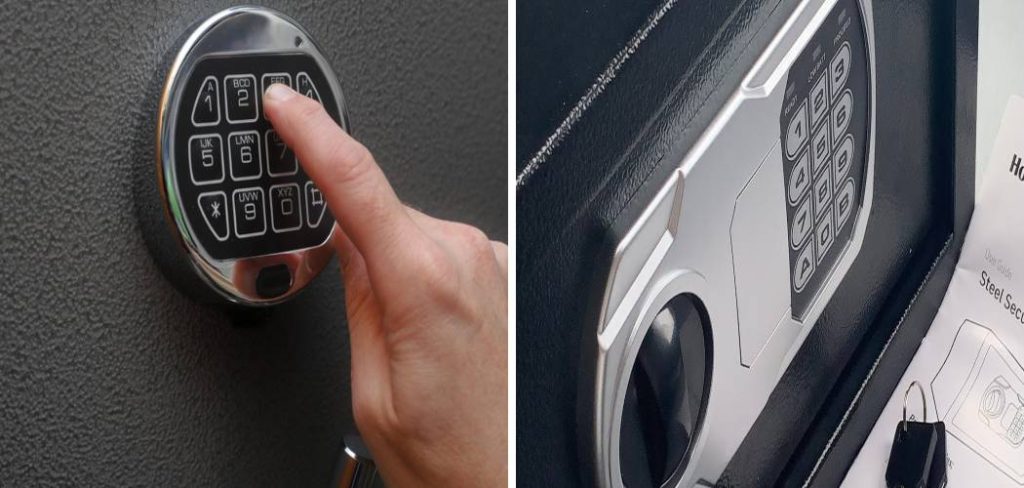
5 Easy Step-by-Step Guide To Open A Honeywell Safe
The process of opening your safe depends entirely on the model you own. Honeywell generally produces three main types of locking mechanisms: digital keypads, mechanical combination dials, and standard key locks. Before we dive into the specific maneuvers, take a moment to identify exactly what is in front of you. Is there a digital screen? A turning dial? A hidden keyhole cover? Understanding the mechanism is half the battle when figuring out the nuances of How To Open A Honeywell Safe successfully.
Below, we have broken down the methods for the most common scenarios. We recommend trying these in order, starting with the simplest solutions before moving to more complex troubleshooting.
Step 1: Handling The Digital Keypad Lock
If you own a digital model, it relies on power to disengage the locking bolts. The most common reason these safes fail to open is simply a lack of power. Even if the lights are flashing or the keypad beeps, the batteries might not have enough voltage to retract the heavy solenoid bolts.
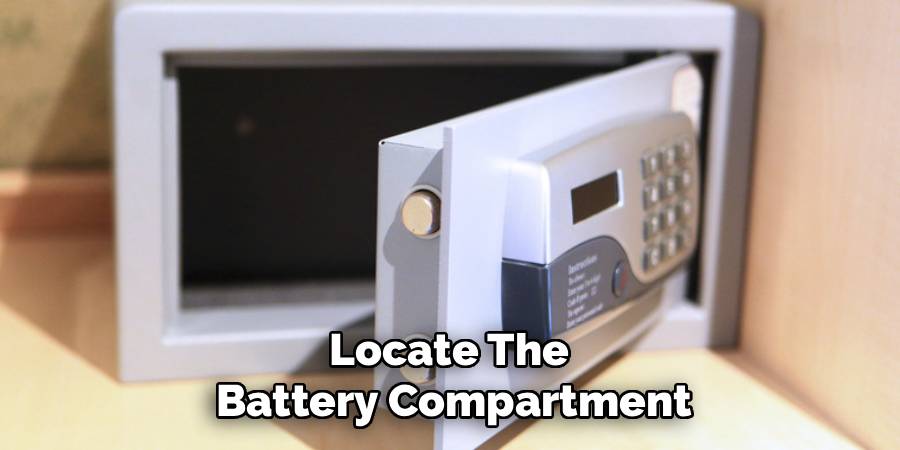
First, locate the battery compartment. On many waterproof models, this is located on the outside of the door, usually underneath the keypad. If your batteries are accessible externally, swap them out for a fresh set of high-quality alkaline batteries. Avoid using rechargeable batteries, as they often lack the sustained voltage output required for these locking mechanisms.
Once fresh power is established, enter your pass code followed by the “#” or “A/B” key (depending on your model). If the code is correct, you should hear a click or a whirring sound. At this precise moment, pull the handle or turn the knob. Timing is often crucial; on some models, if you wait more than three seconds after the click, the safe will automatically re-lock for security purposes.
Step 2: Mastering The Mechanical Combination Dial
The old-school dial safes are incredibly reliable, but they require precision that digital safes do not. If you are off by even half a number, the tumblers inside won’t align, and the bolt won’t retract. This is often where people get stuck, assuming the lock is broken when it really just requires a specific touch.
Here is the standard protocol for most Honeywell dial safes (using a hypothetical combination of 20-40-10):
- Clear the Lock: Start by turning the dial to the left (counter-clockwise) at least three full rotations. This resets the tumblers inside.
- First Number: Stop when the first number of your combination aligns with the index mark at the 12 o’clock position.
- Second Number: Turn the dial to the right (clockwise). You must pass the second number once completely before stopping on it the second time it comes around.
- Third Number: Turn the dial to the left (counter-clockwise) and stop directly on the third number. Do not pass it.
- Open: Turn the handle or key to retract the bolts.
If it doesn’t work, try adding a slight variation. Dial safes can drift over time. Try dialing 19-39-09 or 21-41-11. Sometimes a shift of one digit up or down is all it takes to align worn tumblers.
Step 3: Using The Emergency Override Key
Almost all digital Honeywell safes come with an emergency override key. This is your “Get Out of Jail Free” card. It is designed precisely for moments when electronics fail or codes are forgotten.
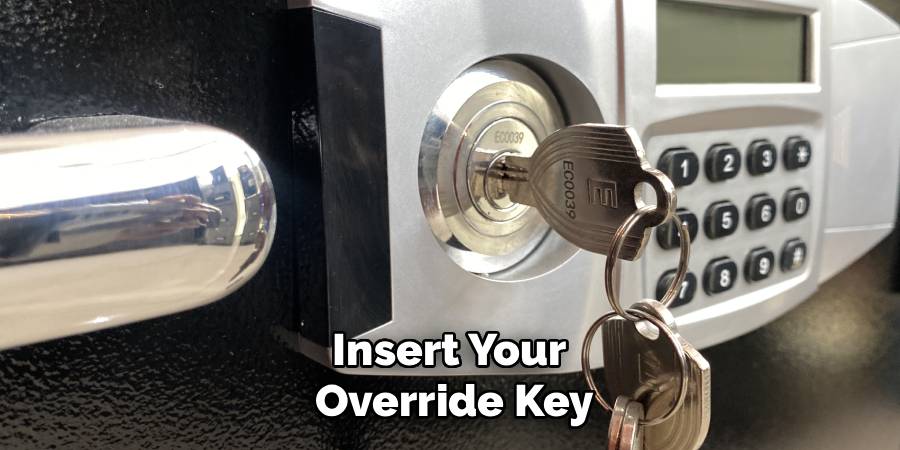
The keyhole is usually hidden to maintain the safe’s aesthetic and security. Look for a removable plastic cover near the keypad or the handle. It might look like a logo plate or a small rectangular piece of plastic. You can usually pop this off with a fingernail or a small flathead screwdriver.
Insert your override key and turn it—usually to the left or right, depending on the model. While holding the key in the turned position, pull the handle. This mechanically forces the bolts back, bypassing the electronic lock entirely. This is the single most effective method for opening a Honeywell safe when the electronics are dead. Note: If you have locked this key inside the safe, skip down to the FAQ section immediately!
Step 4: Overcoming “Vacuum Lock” on Waterproof Models
Honeywell is famous for its waterproof chests. These safes have heavy-duty rubber seals to keep water out. However, these seals can also keep air out. If you live in an area with fluctuating barometric pressure or temperature changes, the safe can create an internal vacuum, sealing the door shut even if the lock is disengaged.
If you hear the mechanism unlock but the door won’t budge, you likely have a vacuum seal issue. Don’t pull harder on the plastic handle—you might break it. Instead, try compressing the door. Push down hard on the lid or push the door firmly into the frame while pulling the latch. This compression relieves pressure on the bolts. In extreme cases, you may need to gently pry the edge of the door with a thin tool (like a putty knife) just enough to break the air seal, allowing the door to pop open.
Step 5: How To Open A Honeywell Safe When The Lock Is Jammed
Sometimes, the issue isn’t the code or the key, but the contents of the safe itself. If you have overstuffed your safe, an item might be pressing against the internal locking bolts or the door panel. This pressure creates friction that the retraction motor cannot overcome.
To fix this, you need to relieve the pressure on the bolts.
- Place the safe on its back if possible (gravity helps move items away from the door).
- Have a helper push down firmly on the door while you enter the code or turn the key.
- The external pressure you apply counters the internal pressure from the stuffed items, freeing the bolts to slide back.
- Once you hear the click, pull the handle immediately.
Also, listen closely to the mechanism. If you hear a grinding noise, the batteries might be just strong enough to light the LED but too weak to move a jammed bolt. Always try fresh batteries in a jam scenario before assuming the motor is broken.
Read More About: How to Open a Stack on Safe without A Key
Frequently Asked Questions
We receive countless questions about lost keys and forgotten codes. Below are the answers to the most common issues owners face.
What should I do if I have a Honeywell safe key lost situation?
This is the most common predicament safe owners face. If you have lost your emergency override key and the digital keypad isn’t working (or you forgot the code), you cannot simply pick the lock with a paperclip—these are high-security barrel locks.
Your best option is to contact the manufacturer directly. You will need the model number and the serial number of your unit. The model number is usually on the front door, while the serial number is typically found on a sticker on the right side of the casing (not the door). You will likely need to provide proof of purchase or a notarized letter stating you are the owner. Once verified, they can send you a replacement key cut specifically for your lock. Do not try to drill the lock yourself unless you are willing to destroy the safe.
Is there a specific Honeywell safe combination reset process?
Yes, but you must have the safe open to do it. You cannot reset the combination from the outside if you are locked out—that would be a major security flaw!
Once you have the door open (perhaps using the override key), look for a small red or green button on the inside edge of the door, usually near the hinge. This is the reset memory button.
- Press and release the reset button. The keypad should beep or light up.
- Enter your new 3-to-8 digit passcode.
- Press the “A”, “B”, or “#” key to confirm.
- Crucial Step: Test the new code at least three times with the door open. Throw the locking bolts, enter the code, and watch them retract. Only close the door once you are 100% sure the new code works.
My key turns, but the door won’t open. Is it broken?
Not necessarily. This is classic Honeywell safe troubleshooting. If the key turns but the handle feels loose or “floppy,” the linkage inside the handle might be disconnected, or the bolts are stuck.
Try the “Handle Jiggle.” Turn the key to the unlock position and hold it there. While holding it, wiggle the handle up and down vigorously while pulling outward. Sometimes the internal cam just needs a little vibration to catch the bolt mechanism. If this fails, the internal linkage may have snapped, at which point a professional locksmith is required.
Can I use a magnet to unlock my safe?
You may have seen videos online about “bumping” safes with rare earth magnets. While this works on some cheap hotel safes, it is rarely effective on modern Honeywell fireproof safes. These units are shielded with thick steel and insulation (concrete composite) that puts too much distance between the outer casing and the internal solenoid for a magnet to interfere. Attempting this usually just scratches your paint. Stick to the Honeywell safe instructions provided in your manual or the steps outlined above.
Where can I find the manual if I lost mine?
If you need specific Honeywell safe instructions for an older model, don’t guess. The Honeywell website maintains a library of PDFs for discontinued models. Search by your model number (found on the sticker on the side of the safe). The manual will have the specific factory default codes, which are often “1-5-9-#” or “1-2-3-4” depending on the year of manufacture. It is always worth trying these default codes if you have never personalized your settings.
How do I open the safe if the batteries are dead and the key is locked inside?
This is the “Catch-22” of safe ownership. If your batteries are dead and your override key is locked inside the box, you are in a tough spot.
However, some Honeywell models have an external emergency power supply port. Look near the keypad for a small jack (like a headphone jack) or two metal contact points.
- For the jack: You can buy an emergency power box that plugs in to give the keypad temporary juice.
- For metal contacts: Hold a fresh 9-volt battery against these contact points. While holding the battery there to provide power, punch in your code.
If your safe lacks these external power points and your key is inside, your only option is a locksmith who knows how to unlock a Honeywell safe via drilling or picking.
Read More About: How to Open a Meilink Safe
Conclusion
Knowing How To Open A Honeywell Safe when things go wrong is mostly about remaining calm and understanding the mechanism you are working with. From replacing batteries and dealing with vacuum seals to executing the precise turns of a mechanical dial, most lockouts can be solved in a few minutes without professional help.
Remember to always keep your emergency keys outside of the safe (never inside!), change your batteries once a year, and keep your manual handy. By following these steps, you turn a moment of panic into a minor inconvenience, ensuring your valuables remain secure yet accessible whenever you need them.

