
There is nothing quite as satisfying as pulling into your driveway after a long day of work, pressing a button on your truck’s overhead console, and watching your garage door glide open smoothly. It feels seamless. It feels modern. But if you are still reaching for a clunky plastic remote clipped to your sun visor, you aren’t getting the full experience of your truck.
Chevy Silverados come equipped with a fantastic feature known as the Universal Home Remote system. It is designed to replace those battery-operated clickers that rattle around in your glove box. However, setting it up can sometimes feel a bit like solving a riddle. If you’ve been struggling with figuring out how to program Silverado garage door opener buttons, you’re in the right place. We are going to walk through this process together, step by step, so you can ditch the clutter and enjoy the convenience built right into your cab.
This guide covers everything you need to know, from the initial reset to handling those tricky rolling codes that modern garage doors use for security. Grab your old remote, park your truck within range of the garage (but safely outside!), and let’s get this sorted out.
Getting Prepared
Before we start pressing buttons, we need to set the stage. Programming your truck isn’t difficult, but it does require a specific sequence of events. If you miss a beat, you might have to start over, which is frustrating.
First, make sure you have a fresh battery in your handheld garage door remote. You will need this remote to “teach” your truck the signal. If the battery is weak, the signal might not be strong enough for the Silverado’s system to pick up during the programming phase.
Second, for safety reasons, park your vehicle outside of the garage, but close enough that you are within range of the motor unit. You will be opening and closing the door during this process. You definitely do not want to accidentally close the door on your truck hood or fill the garage with exhaust fumes while the engine is running.
Finally, locate the three buttons in your Silverado. In most models, these are located on the overhead console near the reading lights. They are usually marked with one, two, or three dots, or a small house symbol.
The Complete Guide to Setup
We are going to break this down into manageable chunks. We will start by clearing out old data and then move on to the actual pairing process.
Step 1: Clear the Factory Settings
If you bought your Silverado used, or if you have tried and failed to program this before, it is crucial to wipe the slate clean. You want the system to be in “learning mode,” not confused by old signals.
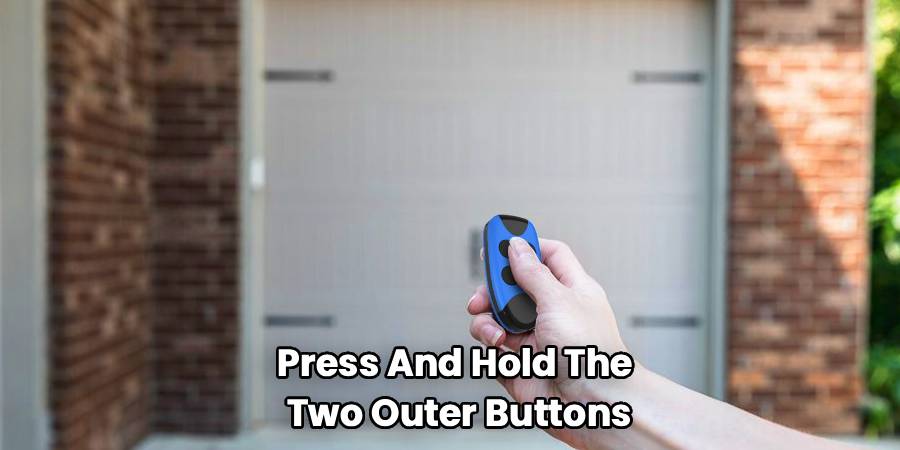
To do this, press and hold the two outer buttons (the first and third buttons) on your overhead console simultaneously. Keep holding them. Do not let go until the indicator light changes from solid to flashing rapidly. This usually takes about 20 seconds. Once that light flashes, release the buttons. Your system is now reset and ready for a new code.
Step 2: Syncing Your Handheld Remote
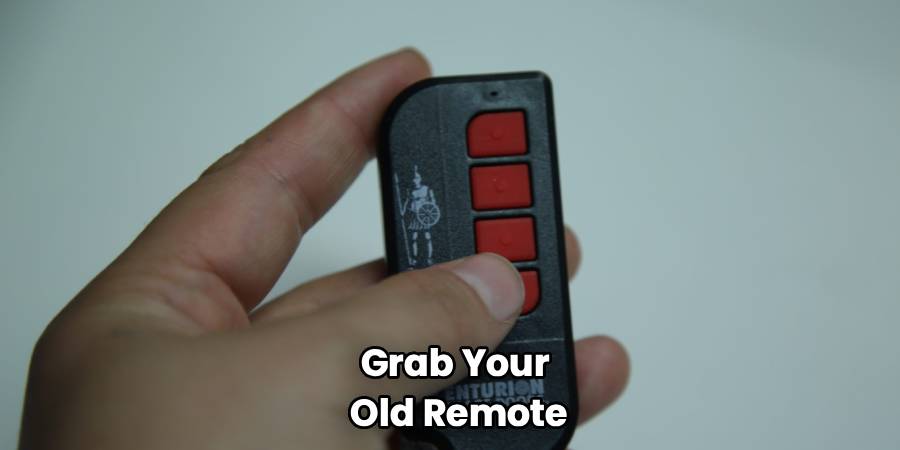
Now comes the part where your truck learns the signal. You need your handheld remote for this.
Hold the remote transmitter about 1 to 3 inches away from the overhead console buttons. You want it close, but not touching.
Simultaneously press and hold the button on your handheld remote and the button you want to program in your Silverado. For example, if you want the first button to open your garage, hold that one down along with the button on your remote.
Keep holding both. The indicator light on your truck’s console will flash slowly at first. After a few moments (it can take up to 30 seconds), the light will start flashing rapidly. This rapid flashing means the truck has successfully captured the frequency. You can now release both buttons.
Step 3: Testing the Connection
Now, press the newly programmed button in your truck.
- If the garage door moves: Congratulations! You have a fixed code system, and you are done.
- If the light turns solid but the door does not move: You likely have a rolling code system (common in most openers made after 1996). You have one more step to complete.
This is the core part of learning how to program Silverado garage door opener systems effectively—identifying whether you need to take the extra step for rolling code security.
How To Program Silverado Garage Door Opener with Rolling Codes
If your door didn’t move in the previous step, your garage door opener uses a rolling code for extra security. This means the signal changes every time you use it to prevent thieves from grabbing the code. To finish the setup, you need to introduce your truck to the garage door motor unit itself.
- Locate the “Learn” or “Smart” button: You will need a stepladder. Look on the back or side of the garage door opener motor unit hanging from your garage ceiling. It is often near the antenna wire. The button might be purple, orange, green, or red.
- Press the button: Press and release the “Learn” button quickly. Do not hold it down, or you might erase all remotes connected to the unit.
- The 30-Second Sprint: Once you press that button, a light on the motor unit will typically glow. You now have 30 seconds to get back to your truck.
- Complete the Pair: Run back to your Silverado. Press and hold the button you just programmed for two seconds, then release. Press and hold it again for two seconds, then release. In some cases, you might need to do this a third time.
- Final Test: The garage door should now move.
Step 4: Troubleshooting Interference
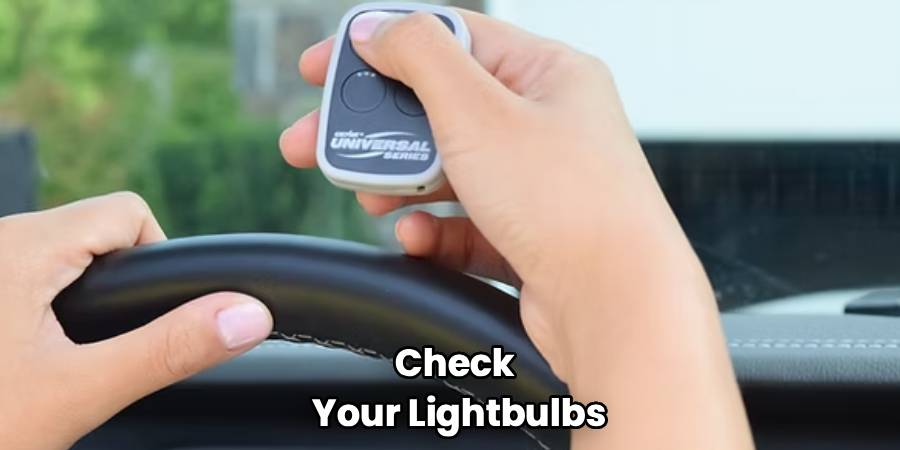
If you have followed the steps above and are still having trouble with your Chevy garage door opener setup, check your lightbulbs. It sounds strange, but LED lightbulbs installed in the garage door opener itself can sometimes emit a frequency that interferes with the remote signal.
If you have generic LED bulbs in the unit, try unscrewing them and running through the programming steps again. If it works without the bulbs, you may need to buy “garage door specific” LED bulbs that are shielded to prevent interference.
Why Use the Built-In System?
You might be wondering if this is worth the hassle. Why not just keep the clicker?
Beyond the clean look of a clutter-free visor, the Universal Home Remote in your Silverado is actually more secure. Visor clips are easy targets for thieves who break into cars. If they steal the remote, they have a key to your house. With the built-in system, the opener only works when the truck is on or in accessory mode (depending on the year), adding a layer of security. Plus, you never have to worry about replacing tiny batteries in the remote again.
Frequently Asked Questions
Understanding the nuances of Silverado garage door opener programming can save you a trip to the dealership. Here are some of the most common questions owners have during this process.
What if I don’t have the original remote?
This is a very common problem, especially if you bought a house and the previous owners didn’t leave the remotes, or if you lost yours. Unfortunately, for the standard programming method, the truck needs to “hear” the signal from an existing remote to learn the frequency.
However, you aren’t out of luck. You can purchase a universal replacement remote from a hardware store for roughly $30. You will have to program that universal remote to your garage motor first (using the “Learn” button on the motor). Once that universal remote is working, you can use it to teach your Silverado the signal. It adds an extra step, but it is the only way to bridge the gap if the original clicker is gone.
Can I program my gate opener the same way?
Yes, absolutely. The system in your Silverado is a “Universal” Home Remote. It is designed to work with garage doors, automatic gate openers, and even some home security systems or lighting modules.
The process for programming garage door opener for Silverado trucks is virtually identical for community gates. You will follow the same steps: clear the memory (if needed), use the gate remote to teach the truck button, and check for rolling codes. Note that some community gates use complex encryption that might require assistance from the property manager, but most residential gates work just fine with the standard method.
How do I erase the codes if I sell my truck?
This is an important security step that many people forget. When you sell or trade in your vehicle, you don’t want the new owner to be able to open your garage door.
To wipe the memory, you perform the same action used in Step 1 of the guide. Press and hold the two outer buttons (1 and 3) on the overhead console simultaneously for about 20 seconds until the light flashes rapidly. This clears all three buttons at once. You cannot erase just one button individually; the reset clears the whole bank. Once the light flashes, the truck has forgotten your home, and it is safe to hand over the keys.
Why is the light on my console flashing rapidly but the door won’t open?
If the light on your truck button flashes rapidly when you press it, that indicates the truck has learned a signal. If the door isn’t moving, it is almost certainly a rolling code issue.
The rapid flash means the truck is transmitting, but the garage motor is ignoring it because it doesn’t recognize the truck as a trusted device yet. This brings you back to the “Learn” button on the garage motor unit. You must physically press that button on the ceiling unit to tell the motor, “Hey, this new signal from the truck is safe to accept.” Once you do the rolling code synchronization, that rapid flash will result in the door actually moving.
Does this work for all model years of the Silverado?
Generally, yes. Chevrolet has used a few different suppliers for their overhead console systems over the years (primarily HomeLink and Car2U), but the core functionality remains very similar.
The instructions provided here cover the vast majority of Silverados from the last two decades. If you have a significantly older model (early 2000s or prior), or if your console features three buttons with small LED lights above each button rather than a single house icon, you might have the Car2U system. The Car2U system is slightly different and involves holding outer buttons to set specific manufacturer codes, but the modern HomeLink procedure described above is the standard for most trucks on the road today.
Conclusion
Now that you have mastered how to program Silverado garage door opener controls, you can ditch that clunky clip-on remote for good. Taking twenty minutes to set this up doesn’t just make your truck look cleaner; it makes your daily arrival home smoother and more secure.
Remember, technology is great when it works, but it requires patience when setting it up. If you don’t get it on the first try, don’t panic. Reset the system by holding the outer buttons and try again. Watch out for those LED lightbulbs interfering with signals, and don’t forget the “Learn” button step if you have a modern opener.
You have built a powerful, capable truck—it makes sense to use every tool it offers. Enjoy the convenience of rolling up to your home and tapping the overhead console like a pro. Safe driving!
Read More Our Safety Guides:

