
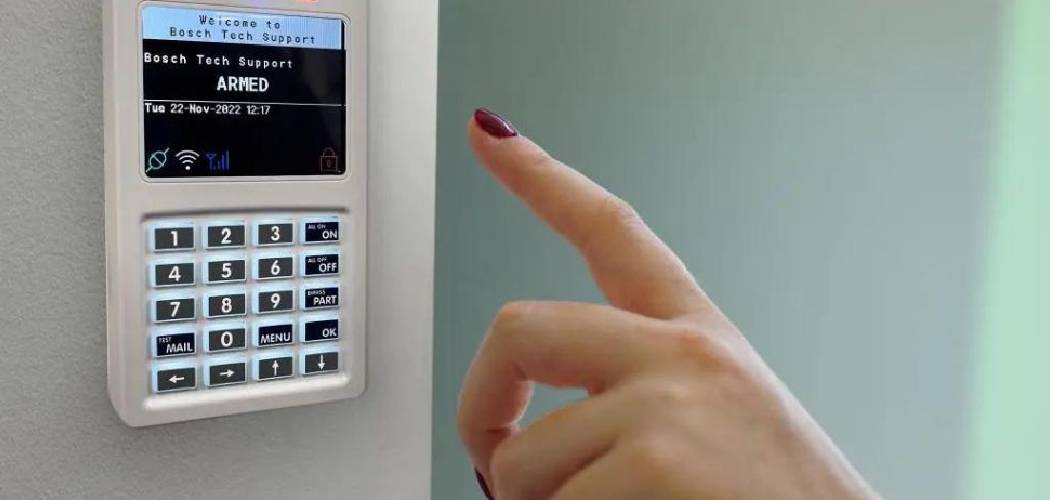
If you are reading this, there is a good chance you are currently dealing with a deafening siren, a relentless beeping sound, or a keypad that just won’t cooperate. We have all been there. That piercing noise is designed to be unbearable—it is meant to scare off intruders, but more often than not, it just scares the homeowners who accidentally tripped a sensor or burned a piece of toast. It sends your heart rate through the roof and makes it hard to think clearly. But take a deep breath. Learning how to turn off a security alarm is simpler than it seems, even if you don’t have the code or if the system has gone haywire.
In this guide, we are going to walk through the immediate steps to silence that noise, power down the system if necessary, and reset everything so you can get back to peace and quiet. Whether you are dealing with an old legacy system left by a previous homeowner or a modern smart panel that’s acting up, we’ll cover the bases. We will look at how to handle power sources, backup batteries, and those annoying trouble signals that keep you up at night.
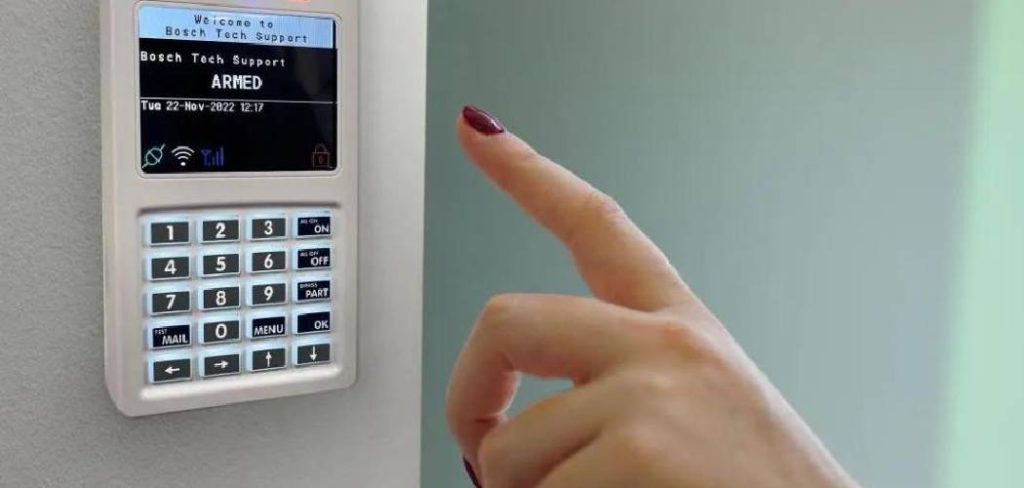
Step-by-Step Guide to Turn Off a Security Alarm
When an alarm is screaming at you, panic is your worst enemy. Most systems follow a similar logic, regardless of the brand. They require power to scream, and they usually have a logical shutdown sequence. If your standard disarm code isn’t working, or if the system is malfunctioning entirely, you need to move to manual overrides.
Here is a comprehensive method to silence the system. Please note: if your alarm is monitored by a professional company, your first move should always be to call them and provide your safe word so they don’t dispatch the police while you are tinkering with the wires.
Step 1: Try the Standard Disarm Method First
Before we start pulling wires, let’s try the obvious solution one more time. Sometimes, in the heat of the moment, we punch in the wrong numbers. Stand directly in front of the keypad. Take a slow breath. Enter your four-digit master code carefully and firmly press the “Off” or “Disarm” button.
If you just moved in and don’t know the code, look for common defaults. Installers sometimes leave codes like 1234, 0000, or the last four digits of the street address. If the keypad beeps rapidly but the siren doesn’t stop, the system might be in a “lockout” mode. Wait a full 60 seconds before trying again. This simple pause can sometimes reset the keypad’s input buffer.
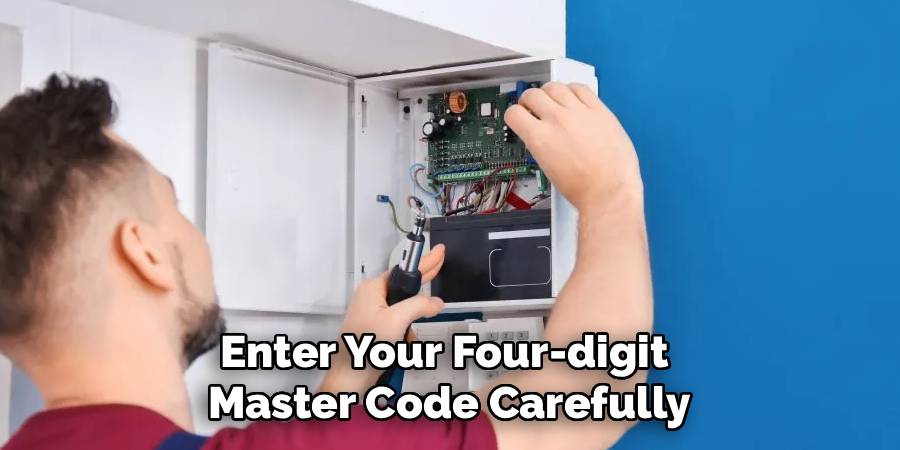
Step 2: Locate the Main Control Panel
This is distinct from the keypad by your front door. The keypad is just a controller; the “brain” of the system is usually a metal box located elsewhere. You will typically find this beige or grey metal box in a closet, the basement, a utility room, or sometimes the garage.
Inside this box is the motherboard, the backup battery, and the wiring for the siren. Most people assume the keypad is the alarm, but smashing the keypad won’t stop the noise because the siren is wired to this main panel. You need to get access to this box to effectively disable home security alarm components that are malfunctioning. If the box is locked, you might find the key on top of the box (a common installer habit) or you may need to pry the door open if it’s an emergency situation and you own the home.
Step 3: Identify the Transformer and Disconnect AC Power
Your alarm system runs on electricity from your home’s main grid. To shut it down, you need to cut this power source. Follow the wires coming out of the metal control box. One thick wire will lead to a nearby wall outlet.
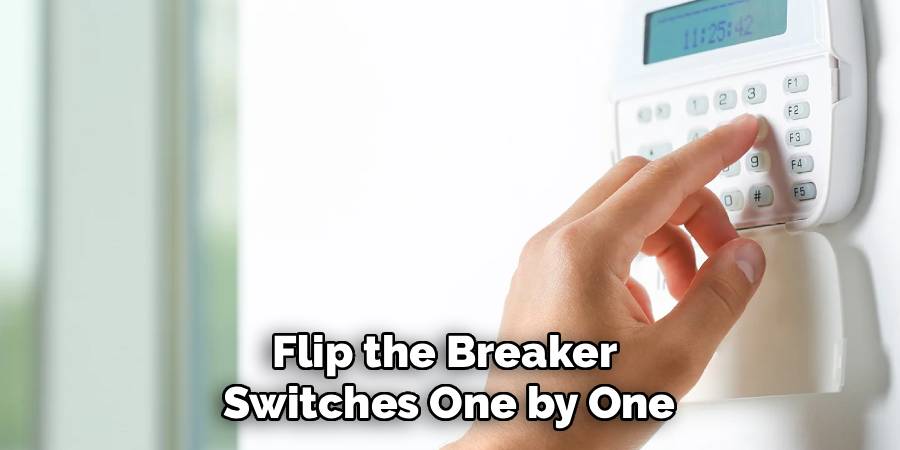
You are looking for a large, blocky plug—this is the AC transformer. It is often screwed into the outlet to prevent accidental unplugging. Unscrew it if necessary and pull it out of the wall. If the wire goes directly into the wall (hardwired), you will need to go to your home’s circuit breaker box. Flip the breaker switches one by one until the lights on the keypad go out or you hear the system power down. Note that the siren will likely still be sounding at this point because of the backup battery, which brings us to the next step.
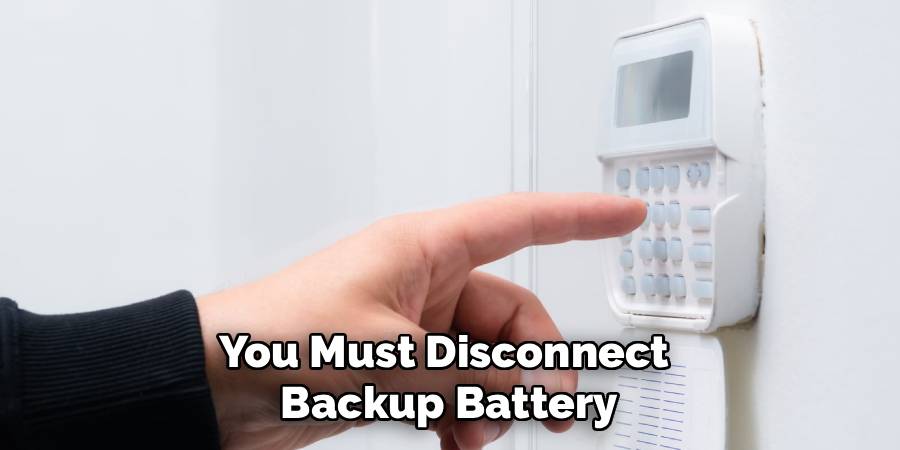
Step 4: Disconnect the Backup Battery
Every standard security system has a backup battery designed to keep the alarm working during a power outage. This is usually a heavy, black, brick-sized battery sitting inside the metal control box.
To fully stop security alarm beeping or blaring, you must disconnect this battery. You will see two wires connected to terminals on the top of the battery: a red one (positive) and a black one (negative). You do not need to cut these wires. They are attached with slide-on connectors. Wiggle the connector gently and pull it off the terminal. Once you remove one of these wires—and assuming the AC power is already unplugged—the system should go completely dead. The siren will silence instantly.
Step 5: Understanding How To Turn Off A Security Alarm Without the Code
This is often the trickiest part for new homeowners. If you are stuck with a legacy system and have zero knowledge of the previous owner’s password, the power-down method described in steps 3 and 4 is your only immediate option to stop the noise. However, once the noise stops, you are left with a dead system.
If you want to use the system again, you will need to “power cycle” it to reset it. Connect the battery first, then plug in the AC transformer. On many older systems (like Honeywell or ADT Vista panels), powering up triggers a 60-second setup mode. During this specific minute, you can often press the * and # keys simultaneously on the keypad to jump into programming mode, allowing you to assign a new code. This is a “backdoor” into the system logic. Knowing how to turn off a security alarm correctly prevents damage to the system, so ensure you reconnect the battery red-to-red and black-to-black when you are ready to turn it back on.
Step 6: Dealing with Wireless “All-in-One” Panels
If you don’t have a metal box in the basement, you likely have an “all-in-one” wireless unit (like a touchscreen panel mounted on the wall). These are common with newer DIY systems.
The logic is the same, but the hardware is different. You usually need to remove the panel from the wall mounting plate. There might be a small screw at the bottom or top holding it in place. Once you pull the panel off the wall, the tamper alarm might sound (making it even louder for a second—sorry!). Flip the panel over. You will see a battery compartment on the back. Unplug the power cord from the wall outlet, and then pop out the internal battery pack. The screen should go black, and the noise will stop.
Step 7: Resetting and Clearing Trouble Signals
Once the silence has returned, you might want to turn the system back on without the siren screaming. Reconnect the battery and power. The system will reboot. It might beep to indicate a “trouble” condition (like “Low Battery” or “Power Failure”).
To reset security alarm statuses, you typically need to enter your code followed by the “Off” button—sometimes you have to do this sequence twice. The first entry silences the beeping; the second entry clears the error message from the display. If the beeping persists, check that all windows and doors are closed, as an open sensor can prevent the system from resetting to a “Ready” state.
Frequently Asked Questions
Now that the immediate crisis is averted, you probably have a few lingering questions about your system. Security panels are notoriously confusing pieces of technology, often relying on manuals that read like stereo instructions from the 1980s. Here are answers to the most common issues homeowners face.
Will unplugging the alarm delete my settings?
In most cases, no. Modern alarm systems and even most older ones use “non-volatile memory.” This means that the programming—including your zone definitions, sensor lists, and user codes—is stored on a chip that doesn’t need power to remember data.
When you unplug the transformer and battery, you are just killing the active state of the system. Once you restore power, the system will reboot and recall its programming. However, you will almost certainly need to reset the system clock (date and time) after a total power down. If you leave it powered down for months or years, the backup battery itself will likely die and need replacement, but the brain of the system should remain intact.
How do I disable the system permanently?
If you have moved into a house with an old, yellowing keypad and you simply want it gone, you can fully decommission it. Follow the steps above to disconnect the AC power and the backup battery. Once the panel is dead, it is safe to remove the keypads from the walls.
You will be left with a hole in the drywall and some wires. Tape off the ends of the wires individually with electrical tape to ensure they don’t short out (even though there is no power, it’s good practice). You can then shove the wires back into the wall and patch the hole. In the main metal box, you can leave the wiring as is, or gently pull the wires out if you plan to remove the box entirely. Just be sure the transformer is unplugged from the wall outlet before you start cutting any wires to avoid a spark.
Why does my alarm start beeping in the middle of the night?
This is the most frustrating “feature” of home security. Systems are programmed to run self-diagnostic tests, often every 24 hours. Many systems do this check late at night when the house is quiet and the system is armed.
If the system finds a problem—usually a low battery or a loss of communication with a sensor—it emits a trouble beep. It happens at 3:00 AM not to torture you, but because that’s often when the automated check cycle completes. To stop security alarm beeping quickly without waking the whole house, press the “Status” or “Off” button on your keypad. This acknowledges the trouble. However, the beeping will likely return every 24 hours until you fix the underlying issue, such as replacing the old backup battery or fixing a loose phone line connection.
Can I just cut the wires to the siren?
Technically, yes, but it’s risky if you don’t know which wire is which. Inside the metal box, the siren is usually connected to terminals labeled “BELL” or “SIREN.” If you disconnect just one of these wires, the siren will stop making noise.
However, the system itself will still believe it is in alarm mode. It will continue to try to dial out to the monitoring center (tying up your phone line if you have a landline) and the keypad will likely continue to beep. Cutting the siren wire is a quick fix for the noise, but it doesn’t solve the problem of the system needing to be reset. It’s better to power down the whole system properly using the battery and AC plug method.
What should I do if the “Low Battery” light stays on?
After a power outage, your system has been running on the backup battery. Once power is restored, the “Low Battery” light might stay on for up to 48 hours. This is normal. The system is slowly recharging the lead-acid battery in the metal box.
If the light stays on for more than two days, or if the system is old, the battery is likely dead and cannot hold a charge. These batteries typically last 3-5 years. You can buy a replacement (usually a 12-volt 4Ah or 7Ah sealed lead-acid battery) at a hardware store or online for roughly $20. Swapping it is easy: unplug the red and black wires from the old battery and slide them onto the new one. The system should clear the error shortly after.
Conclusion
Now that you know how to turn off a security alarm, you can rest easy knowing you can handle false alarms, power glitches, or old equipment without losing your cool. Security systems are there to protect us, but they require a little bit of maintenance and understanding to keep from becoming a nuisance. Remember, the golden rule is always safety first: never touch live wires if you are unsure, and if your system is monitored, always keep the phone number for your security company handy. With these steps, you are the master of your home technology, not the other way around.

