
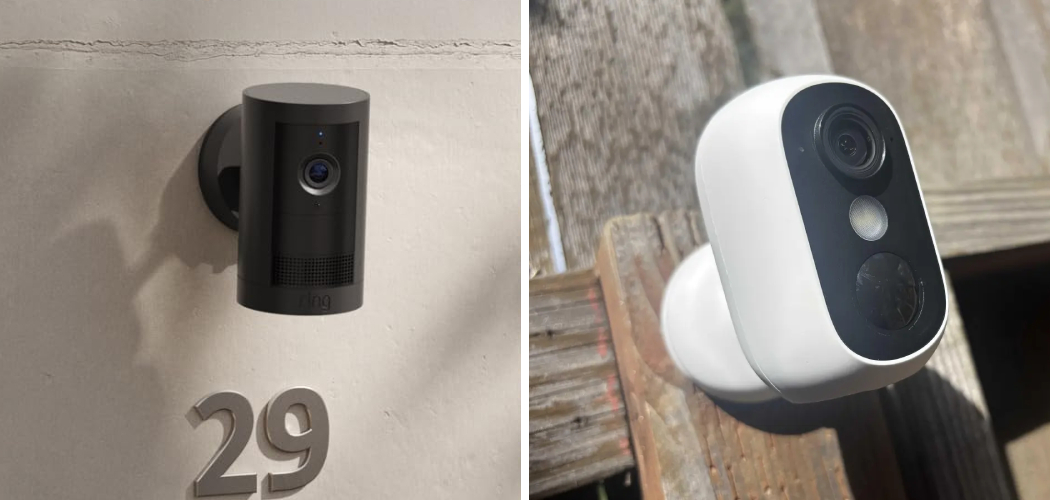
You leave for work. The sitter arrives. You trust her — mostly.
But there’s a small voice in the back of your mind that never fully quiets. It follows you all day. Is my child okay? Is the person I hired doing what they promised?
That worry is real. And it deserves a real answer, not a shrug.
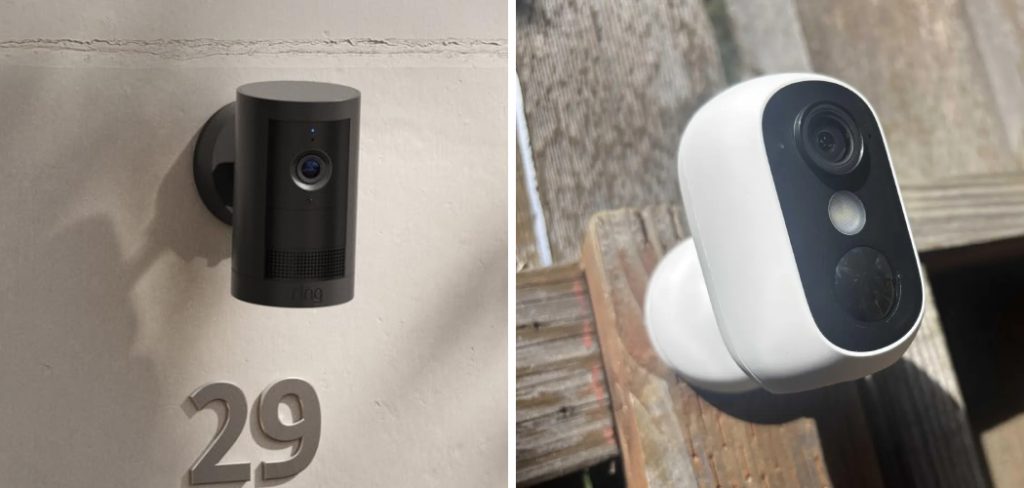
A nanny cam gives you that answer. Placed well, it lets you check in, catch problems early, and feel calm again. Placed badly, it draws attention, breaks the law, or captures nothing useful at all.
This guide walks you through it. You’ll learn the legal rules you must follow, the best spots to place a hidden camera, which camera types work best, and how to hide a nanny cam set everything up so it actually works when you need it.
Let’s get you peace of mind — the right way.
Know the Law Before You Hide Anything
Here’s the part most guides skip. And skipping it can cost you far more than a bad camera angle.
Recording someone without following the law can lead to fines, lawsuits, or criminal charges. That’s the real risk here: not a blurry video, but legal trouble that lands on you.
So start here, before you buy or hide a single device.
Video Recording Rules
In most of the United States, you can legally record video inside your own home in shared or common spaces. Living rooms, kitchens, playrooms — these are usually fine.
But there are hard limits.
- Never record in private spaces. Bathrooms and bedrooms where someone has a reasonable expectation of privacy are off-limits.
- Guest or nanny sleeping areas count as private. If your sitter stays over and has a room, that room is protected.
These rules protect people from hidden surveillance in spaces meant to stay private. Respect them.
Audio Recording Rules
Audio is where people get caught off guard.
Many states are one-party consent states, meaning one person in the conversation must agree to the recording. But others are two-party (all-party) consent states, where everyone being recorded must agree.
Recording audio without the right consent is a separate crime in many places, even when the video itself is legal.
Warning: When in doubt, turn the audio off. A video-only nanny cam keeps you far safer legally, and it still shows you what matters most.
A Note on Trust and Fairness
You don’t legally have to tell your sitter about an in-home camera in most states. But many families choose to.
A simple line in your agreement — “Cameras may be present in common areas for safety” — keeps things honest. It often improves behavior, not hurts it. And it protects you if a dispute ever comes up.
In short: record only common areas, be extremely careful with audio, and check your state’s specific laws before you begin.
Best Places to Hide a Nanny Cam
A hidden camera only works if it sees the right thing without being spotted.
Aim for spots that are natural, elevated, and pointed at where your child spends time. The goal is a clear view of the room, not a close-up of one corner.
Here are the spots that work best.
High Shelves and Bookcases
A camera tucked among books or décor on a high shelf gives you a wide, downward view of the whole room.
- Choose a shelf about 6 to 7 feet high.
- Place the camera behind a small object, with the lens peeking through a gap.
- Angle it down toward the play or sitting area.
- Check the app view and adjust until the room is fully in frame.
Height keeps it out of eye level, where people rarely look.
Everyday Objects
Some of the best hidden cameras live inside things you already own.
- Alarm clocks on a dresser or side table
- Tissue boxes on a shelf or counter
- Air purifiers or fake smoke detectors on the wall
- Picture frames facing the room
- Charging stations or USB adapters near an outlet
These blend in because they belong there. A new gadget that appears overnight draws the eye. A tissue box does not.
Corners and Wall-Mounted Spots
A high corner gives you the widest possible view of a room.
Mount a small camera near the ceiling, angled down. This mimics how store security cameras are placed, and for good reason — it captures the most floor space with the least blind spots.
Warning: Avoid pointing any camera toward a bathroom door, a changing area, or a bedroom. Keep the frame on common living space only.
In short: place your nanny cam high, inside a natural object, and angled to capture the whole room.
Choosing the Right Type of Hidden Camera
Not all nanny cams work the same way. The right one depends on your home, your internet, and how you plan to watch the footage.
Let’s break down your main options.
Wired vs. Wireless Cameras
Wired cameras stay powered and connected through a cable. They never lose charge and rarely drop offline. The trade-off: they’re harder to hide because of the visible cord.
Wireless cameras run on battery or a small plug and send video over WiFi. They’re far easier to tuck anywhere, but you’ll need to recharge them and keep them in WiFi range.
Hidden vs. Visible Cameras
A hidden camera disguises itself inside an object. Best when you want a discreet view of a common area.
A visible camera sits out in the open. It works as a deterrent and keeps you fully transparent — a solid choice if you’ve told your sitter about it.
Comparison Table: Nanny Cam Options
Use this to match a camera type to your needs.
| Feature | Wired Hidden Cam | Wireless Hidden Cam | Visible Standalone Cam |
| Ease of hiding | Harder (cord shows) | Easy | Not hidden |
| Power source | Constant (plug) | Battery or plug | Plug or battery |
| Video reliability | Very high | Depends on WiFi | High |
| Recharging needed | No | Yes | Sometimes |
| Best for | 24/7 fixed monitoring | Discreet flexible placement | Deterrence + transparency |
One honest takeaway sits under this table.
A wired camera in a fixed spot gives you the most reliable footage. If it can stay near an outlet in a common area, use it. If you need to move it or hide it fully, go wireless — just watch the battery.
In short: pick wired for reliability, wireless for flexibility, and visible when you value transparency over secrecy.
How to Set Up Your Nanny Cam the Right Way
A hidden camera in the perfect spot still fails if it’s set up wrong. These steps get it working before your sitter’s first day.
Follow them in order.
- Charge or plug in the camera fully before you start.
- Connect it to your WiFi using its app. Most nanny cams need a 2.4GHz network, not 5GHz, for a steady connection.
- Set the camera’s time and date so your footage is timestamped correctly.
- Choose your recording mode. Options usually include continuous recording, motion-activated, or scheduled.
- Enable motion alerts if you want a phone notification when the camera detects movement.
- Insert a memory card or confirm cloud storage is active, so footage actually saves.
- Do a full test run. Walk through the room, check the app view, and confirm it records clearly.
That last step matters more than any other.
Warning: Never rely on an untested camera. Record a trial clip and watch it back. A camera that “looks” on but isn’t saving footage gives you false comfort — the worst kind.
Match Storage to Your Needs
How your footage saves changes how much you can review later.
- Local storage (SD card): Footage stays in your home. Private, but limited by card size.
- Cloud storage: Footage saves online, safe even if the camera is taken. Often needs a subscription.
For a nanny cam, cloud storage adds a layer of safety. If someone finds and pockets the camera, your footage is still there.
In short: connect to 2.4GHz WiFi, set your recording mode, confirm storage, and always test before you count on it.
Common Mistakes and Troubleshooting
You set everything up. You feel covered. Then you check the app and something’s wrong.
Most nanny cam problems come from a few avoidable mistakes. Here’s what goes wrong, why it happens, and how to fix each one.
Mistake 1: Placing the Camera Too Low
Why it happens: You put it at eye level for a “clear” shot, forgetting that eye level is exactly where people look.
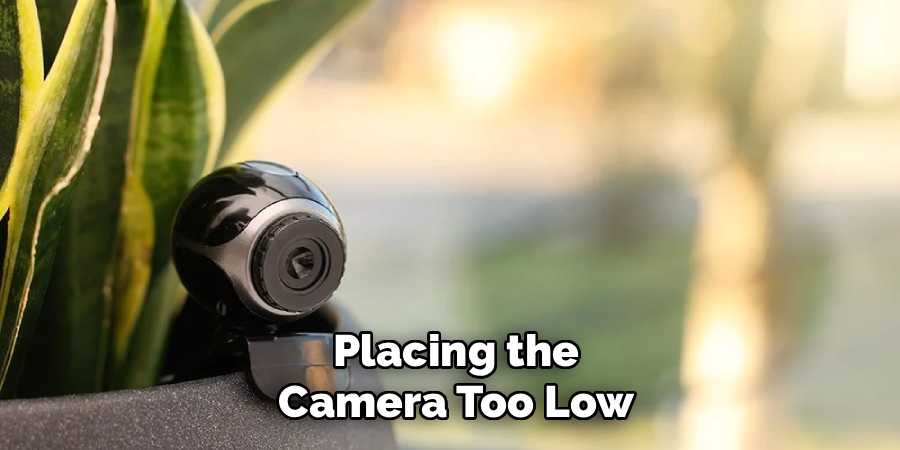
How to fix it: Move it up. Aim for 6 to 7 feet or higher, angled down. Height hides the camera and widens your view at the same time.
Mistake 2: Blocking the Lens
Why it happens: You hide the camera behind an object so well that the object also covers the lens.
How to fix it: After placing it, open the app and check the live view. If the frame looks dark or cut off, shift the camera until the lens has a clear gap to see through.
Mistake 3: Forgetting About Battery Life
Why it happens: Wireless cameras drain faster than expected, especially with motion recording running all day.
How to fix it: Check the battery level the night before. If the camera stays in one spot, switch to a plug-in power source so it never dies mid-day. Enable low-battery alerts if your camera offers them.
Mistake 4: Using the Wrong WiFi Band
Why it happens: Your phone connects to fast 5GHz automatically, so you assume the camera can too. Most can’t.
How to fix it: Connect the camera to your 2.4GHz network. This band reaches farther and holds a steadier signal — exactly what a fixed camera needs.
Mistake 5: Recording Audio Illegally
Why it happens: You leave audio on by default, not realizing your state requires everyone’s consent.
How to fix it: Check your state’s audio recording law. If you’re unsure, turn audio off in the camera settings. Video-only keeps you safe and still shows what matters.
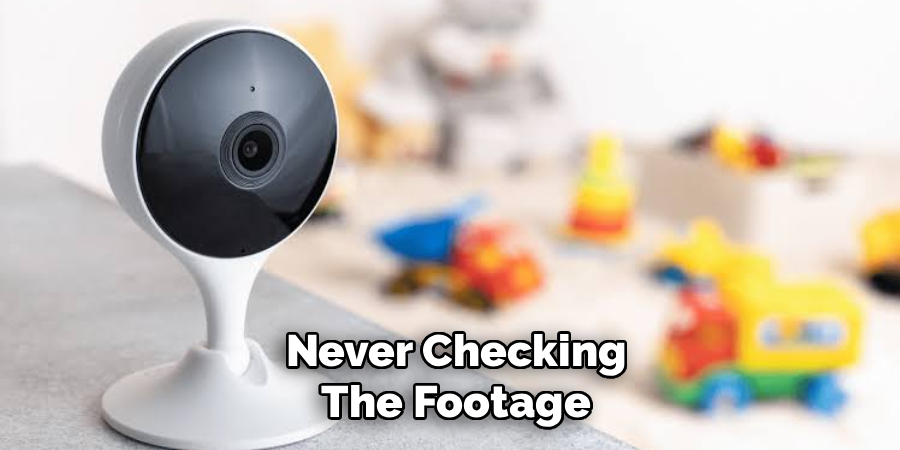
Mistake 6: Never Checking the Footage
Why it happens: You assume the camera “just works” and only look when something feels wrong — by then the storage may be full or overwritten.
How to fix it: Review footage regularly. Confirm clips are saving, storage isn’t full, and the view hasn’t shifted. A quick weekly check keeps your camera honest.
In short: most nanny cam failures trace back to poor placement, dead batteries, the wrong WiFi band, or skipped testing — all quick to fix once you know where to look.
Frequently Asked Questions
Is it legal to hide a nanny cam in my house?
In most U.S. states, yes — you can record video in common areas of your own home, like living rooms and kitchens. You cannot record in private spaces like bathrooms or a nanny’s bedroom. Audio recording has stricter rules that vary by state, so check your local laws before enabling sound.
Where is the best place to hide a nanny cam?
The best spots are high and natural, such as a bookshelf around 6 to 7 feet up or a high room corner angled downward. Everyday objects like alarm clocks, air purifiers, or picture frames also work well because they blend in. Always aim the lens at common living space, never a private area.
Do nanny cams work without WiFi?
Yes, some do. Cameras with local SD card storage record footage without any internet connection. You just remove the card and view the footage later. WiFi cameras add live viewing and phone alerts, but they need a steady 2.4GHz connection to work.
Should I tell my nanny about the camera?
Legally, you usually don’t have to for video in common areas. But many families add a simple line to their agreement mentioning cameras for safety. It keeps things honest, often improves behavior, and protects you if a dispute ever comes up.
How long does a hidden nanny cam record?
It depends on your storage and recording mode. A camera set to motion-activated recording saves far more days of clips than one running continuously. Cloud storage and larger SD cards both extend how much footage you can keep before it overwrites.
Wrapping Up
That quiet worry you carry all day deserves a real answer. Now you have one.
You know the legal lines to respect, the best spots to place a nanny cam, which camera type fits your home, and how to set it all up so it works when it counts.
Remember the essentials: record common areas only, be careful with audio, place the camera high and natural, and always test before you rely on it. Those habits prevent almost every problem.
Set your camera up the right way, and that voice in the back of your mind finally quiets — because now you can simply look and know.
Want to keep your footage safe next? Check out our guide on [choosing secure storage for your home camera].

About
Robert D is a distinguished figure in the world of Safety Systems and Risk Management, with a decade of expertise creating innovative and sustainable workplace solutions. His professional focus lies in merging traditional safety protocols with modern digital monitoring techniques, fostering environments that are both practical and hazard-conscious. As the lead author of SafetyRift, Robert delves into the art and science of risk mitigation, inspiring safety officers and industry professionals alike to bridge the gap between compliance and culture.
Education
RMIT University (Melbourne, Australia)
Associate Degree in Design (Industrial Safety)
-
Focus on sustainable safety infrastructure, industry-driven risk assessments, and practical implementation.
-
Gained hands-on experience with traditional hazard identification and digital monitoring tools, such as IoT safety sensors and predictive analytics software.
Nottingham Trent University (United Kingdom)
Bachelor’s in Occupational Health and Safety (Honors)
-
Specialized in systemic design with a focus on blending human behavior psychology with modern safety production techniques.
-
Participated in industry-wide projects, working with global logistics and manufacturing firms to gain real-world insights into large-scale safety deployments.
Publications and Impact
In SafetyRift, Robert shares his insights on safety design processes, protective materials, and strategies for efficient, accident-free production. His writing bridges the gap between foundational safety knowledge and modern industrial needs, making it a must-read for both budding safety coordinators and seasoned risk management professionals.
