
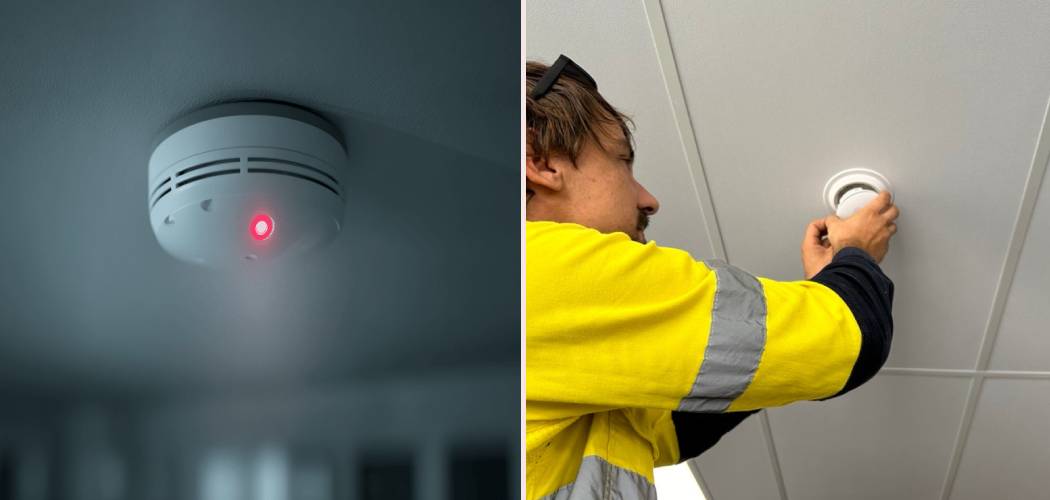
It’s 2:00 AM, and there it is again—that persistent, blinking red glare from your ceiling. It’s unsettling, isn’t it? Smoke alarms are the unsung heroes of our home safety, silently standing guard while we sleep. But when they start acting up with flashing lights or erratic chirps, they can quickly turn from a safety device into a source of anxiety. You aren’t alone if you are staring at your ceiling, wondering if there is an emergency or just a low battery.
Most homeowners know that a loud siren means “get out,” but the silent language of the LED lights is harder to interpret. Is it a malfunction? Is it just checking in? Or is it a warning that the battery is about to die? If you are frantically searching for How To Turn Off Red Light On Smoke Detector, you have come to the right place. In this guide, we are going to demystify those blinking signals. We will walk you through exactly what that light means, how to troubleshoot it, and how to get your peace of mind back without compromising your family’s safety.
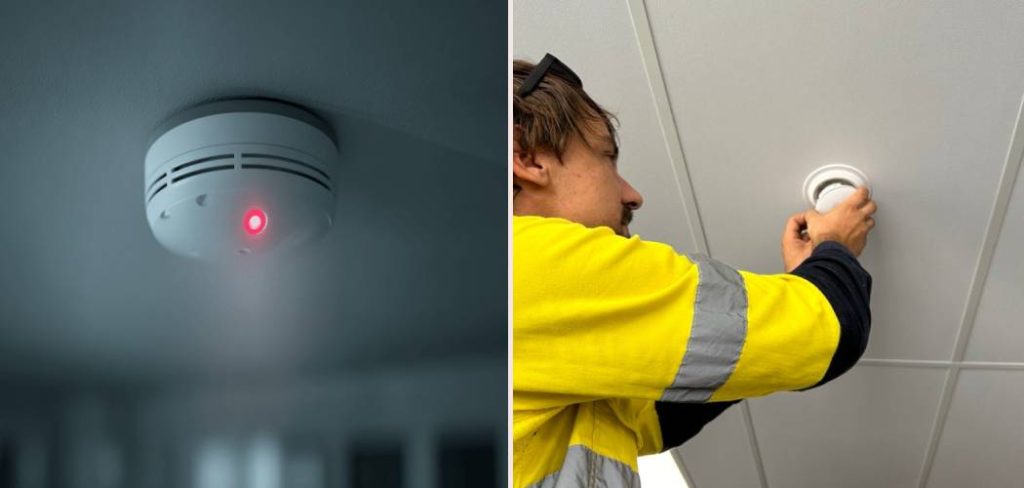
Step-by-Step Guide To Resolving the Red Light
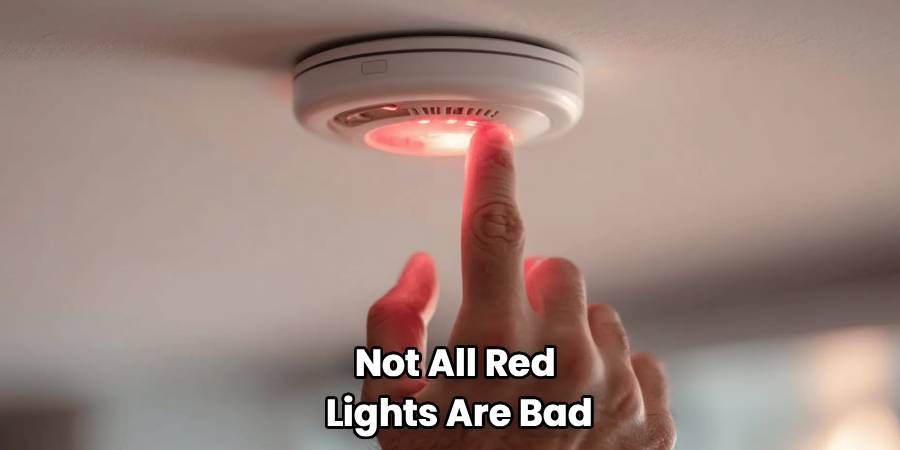
Before we dive into the fixes, it is crucial to understand that not all red lights are bad. In many modern units, a periodic red flash (say, once every minute) is simply a “heartbeat”—a signal that the unit is operating normally. However, if the light is solid, flashing rapidly, or accompanied by chirping, you need to take action.
Below is a comprehensive guide to troubleshooting the issue. We will cover everything from simple battery swaps to full resets.
Step 1: Identify the Flash Pattern
The first step is observation. Don’t just rip the device off the ceiling yet. Stand back and time the flashes.
- One flash every 45–60 seconds: This is usually normal operation for battery-powered and hardwired units with battery backups. It means “I’m working.”
- Rapid flashing (every second): This often indicates an alarm memory (smoke was detected recently) or the unit is currently in alarm mode.
- Solid Red Light: On hardwired alarms, this can mean the unit is receiving power but might be malfunctioning. On some models, it indicates the hush feature is active.
Step 2: Check for Smoke or Debris
It sounds obvious, but ensure there is absolutely no smoke, steam, or dust triggering the sensor. Smoke detectors are incredibly sensitive. A spider web inside the sensing chamber or dust from a nearby renovation can trick the laser or ionization sensor. If the unit is flashing rapidly but there is no fire, use a vacuum cleaner with a soft brush attachment to gently clean around the vents of the detector.
Step 3: Replace the Batteries
This is the most common culprit for erratic behavior. Even hardwired smoke detectors usually have a backup battery (often a 9-volt or AA batteries). When this battery gets low, the detector may flash red or chirp.
- Twist the detector counter-clockwise to remove it from the mounting bracket.
- Open the battery compartment.
- Replace the old battery with a fresh, high-quality alkaline or lithium battery.
- Test the unit.
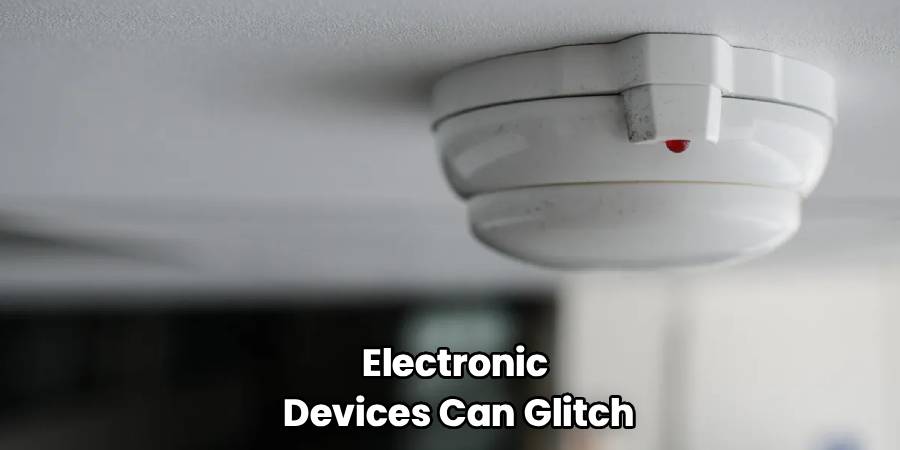
If changing the battery and cleaning the unit didn’t work, you likely need to reset the processor inside the alarm. Electronic devices can glitch, and smoke alarms are no exception. This reset process clears old error codes and “alarm memory.”
The Reset Procedure:
- Disconnect Power: Turn off the circuit breaker if it is a hardwired unit. Detach the unit from the wiring harness on the ceiling.
- Remove Battery: Take out the backup battery.
- Discharge Power: Press and hold the “Test/Silence” button for 15 to 30 seconds. This drains any residual electricity stored in the capacitors.
- Reassemble: Put the new battery back in and reconnect the wiring harness.
- Restore Power: Flip the breaker back on. The unit should chirp once and then settle into its normal, occasional flash pattern.
Step 4: Check the Hardwiring Connection
For hardwired systems, a loose wire nut or a bad connection can cause the unit to lose AC power and switch to battery mode repeatedly, causing confusing light patterns. If you are comfortable working with electricity, ensure the black (hot) and white (neutral) wires are securely connected. If you aren’t comfortable, this is the time to call an electrician.
Step 5: Verify the Expiration Date
Many people forget that smoke detectors expire. Look at the back of the unit. You should see a “Manufacture Date.” If the device is more than 10 years old, the sensors have degraded. No amount of battery changing will fix a red light caused by an end-of-life signal. If it’s expired, replace the entire unit immediately.
Frequently Asked Questions
We know that dealing with beeping and flashing electronics can be frustrating. Here are answers to the most common questions homeowners ask when their smoke alarm starts acting up.
Why is my smoke detector flashing red every 10 seconds?
If you see a red flash every 10 seconds (or more frequently than the standard minute-long interval), it usually signals that the detector is in “after-alarm” mode or “hush” mode.
- After-Alarm Mode: This happens after the alarm has sounded. The unit flashes rapidly to tell you, “Hey, I detected smoke while you were away.” Pressing the Test/Reset button usually clears this memory.
- Hush Mode: If you burned toast and pressed the button to silence the alarm, the red light often flashes to remind you the unit is temporarily desensitized. It will return to normal after about 10 minutes.
Does a solid red light mean fire?
Not necessarily, but it depends on the brand. On many hardwired smoke alarms, a solid red light indicates that the unit is receiving AC power and is functioning correctly. However, if the solid light is accompanied by a continuous siren, then yes, it means it is detecting high levels of smoke. If there is no sound but a solid red light, it might be a latching indicator from a previous alarm event in an interconnected system. Always consult your specific user manual, as brands like Kiddie and First Alert have slightly different color codes.
Why is my smoke detector blinking red and chirping?
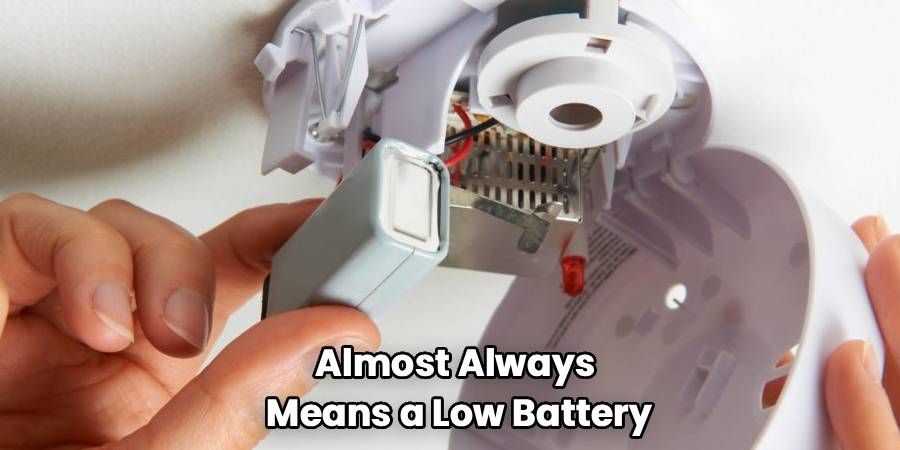
This combination—smoke detector red light blinking paired with a chirp—is the universal cry for help regarding power. It almost always means a low battery. Even if your unit is hardwired into your home’s electrical system, the backup battery might be dead. If you change the battery and it still happens, you might be dealing with a “low battery drawer” issue (where the drawer isn’t closed fully) or a dirty sensor chamber that needs cleaning.
Can I just disconnect the wire to stop it?
We strongly advise against this. While disconnecting the unit will stop the immediate annoyance, it leaves your home vulnerable. If you disconnect a hardwired unit, you might also break the “interconnect” loop, meaning if a fire starts in the basement, the alarm in your bedroom won’t sound. If you must disconnect it to stop a malfunction, you should immediately replace it with a temporary battery-operated unit until you can install a proper replacement.
What is the difference between green and red lights?
On many modern hardwired detectors, you will see both.
- Green Light: This typically indicates the unit is receiving AC power from your house. It is a good sign.
- Red Light: This is used to indicate the status of the sensor itself (alarm mode, standby, or memory).
If the green light goes out, your unit is running solely on battery power, and you should check your circuit breaker.
How do I troubleshoot an interconnected system?
Troubleshooting an interconnected system (where one alarm triggers them all) can be tricky. If one unit is flashing red rapidly while the others are sounding, that flashing unit is the “initiating alarm”—the one that detected the smoke. Focus your smoke alarm troubleshooting efforts on that specific unit. If it is a false alarm, clean that specific detector. If the system goes off randomly and you can’t tell which one started it, you may need to replace them one by one or check for electrical interference on the line.
Why is my smoke detector flashing red after a battery change?
If you still ask “why is my smoke detector flashing red” after a fresh battery swap, you might have inserted the battery backward, or the new battery might be a dud. Also, some units require you to hit the “Test” button after a battery change to acknowledge the new power source. Finally, check that the battery pull-tab (if applicable) was completely removed.
Conclusion
Dealing with a smoke detector that looks like a disco ball can be frustrating, but it is a solvable problem. The red light is your device’s way of communicating with you, whether it is signaling a low battery, a need for cleaning, or just a routine self-check. By understanding the patterns and knowing how to turn off red light on smoke detector units using the reset method, you can ensure your home remains safe without the headache of constant blinking.
Remember, these devices are the first line of defense for your family. If you have gone through the steps—cleaning, battery replacement, and resetting—and the issue persists, do not hesitate to replace the unit. A functioning smoke alarm is a non-negotiable part of a safe home. Stay safe, keep your batteries fresh, and don’t ignore the red light!

