
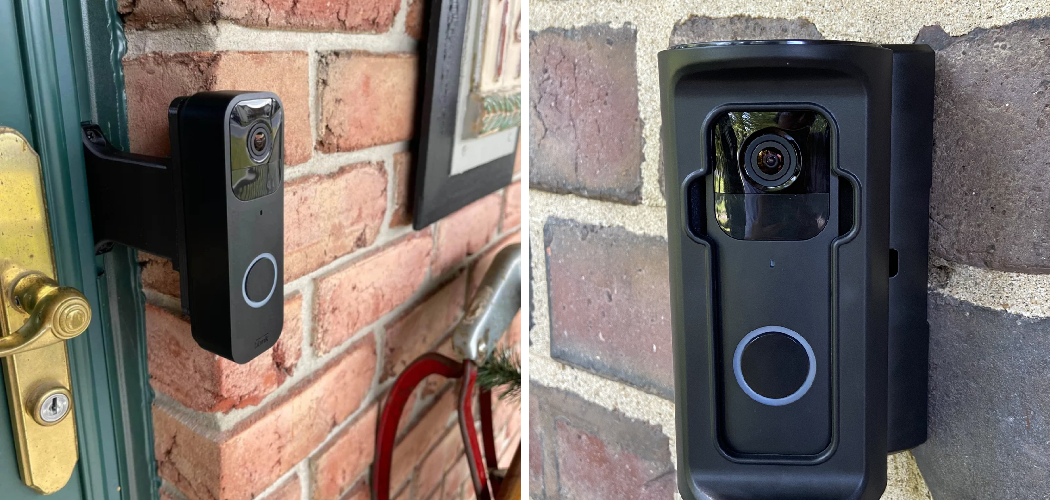
You just bought a Blink camera. You unbox it, hold it up against your brick wall, and then it hits you.
Brick isn’t drywall. You can’t just push a screw in and hope.
Drilling into brick feels intimidating the first time. One wrong hole, and you’re staring at a chip in your wall that won’t fix itself. That hesitation keeps a lot of good cameras sitting in a drawer instead of watching your front door.
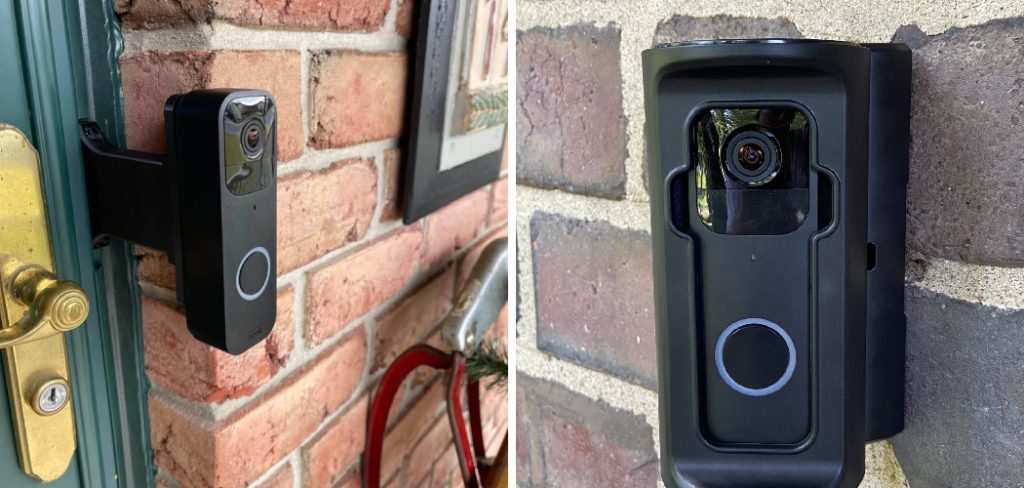
Here’s the good news: mounting a Blink camera on brick is easier than it looks once you know the steps.
In this guide, you’ll learn exactly what tools you need, how to install Blink camera on brick wall or mortar, which mounting method fits your situation, and how to avoid the mistakes that trip up first-timers. By the end, your camera will be solid, level, and ready to protect your home.
Why Mounting Location Matters More Than You Think
Before you touch a drill, stop and think about placement. This one choice decides how useful your camera really is.
A Blink camera in the wrong spot gives you blurry footage, missed motion, and a dead battery every few weeks.
Here’s what a smart spot gives you instead.
- Wide coverage. You catch the whole doorway, driveway, or walkway in one frame.
- Fewer false alerts. Point it away from busy streets and swaying trees.
- Strong Wi-Fi signal. Too far from your router, and the camera drops offline.
- Clear night footage. Keep it out of direct porch-light glare.
Aim for a height of 7 to 9 feet. That’s high enough to stay out of reach, low enough to capture faces clearly.
In short: pick your spot before you drill, because the best camera is useless pointed at the wrong place.
What You’ll Need
Gather everything first. Climbing down a ladder mid-job to hunt for a drill bit is how mistakes happen.
Here’s your full checklist for a Blink camera brick wall installation.
Tools
- A hammer drill (or a regular drill with a masonry setting).
- A masonry drill bit that matches your anchor size — usually 3/16″ or 1/4″.
- A screwdriver, manual or powered.
- A pencil or marker to mark holes.
- A level, or a level app on your phone.
- A vacuum or brush to clear brick dust.
Mounting Supplies
- Plastic wall anchors rated for masonry.
- Screws that fit your anchors and the Blink mount.
- The Blink mounting bracket from the box.
- Safety glasses — brick dust flies, and it stings.
- A dust mask if you’re drilling more than one hole.
Warning: Never drill into brick without safety glasses. Brick fragments can chip off and hit your eyes at close range.
In short: a masonry bit, the right anchors, and safety gear are the three things you can’t skip.
Brick vs. Mortar: Where Should You Drill?
Here’s a question that stumps almost everyone the first time. Do you drill into the brick itself, or into the mortar lines between bricks?
Both work. But they’re not equal, and the right choice depends on your goal.
| Feature | Drilling into Brick | Drilling into Mortar |
| Holding strength | Very strong | Moderate |
| Ease of drilling | Harder, needs hammer drill | Easier, softer material |
| Repair if removed | Hard to hide the hole | Easy to patch with fresh mortar |
| Risk of cracking | Low | Higher if over-drilled |
| Best for | Heavy or permanent mounts | Light cameras, renters, temporary setups |
For a lightweight Blink camera, mortar joints are often the smarter pick. The material is softer, so drilling is faster, and if you ever move the camera, you can patch the hole with a little mortar repair.
If you want maximum hold or the mortar looks crumbly, drill into the solid brick face instead.
In short: drill mortar for easy, reversible mounting; drill brick for the strongest, most permanent hold.
How to Install Blink Camera on Brick Wall: Step by Step
Take this slow the first time. Rushing a masonry job leads to crooked cameras and cracked brick.
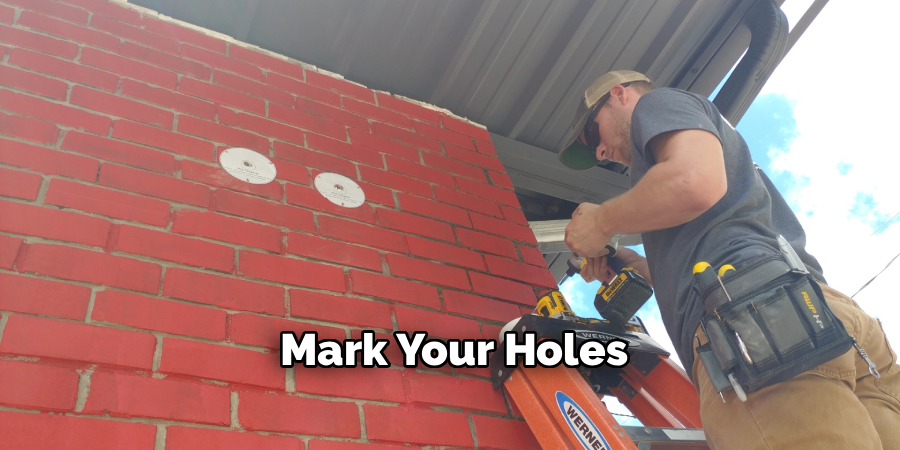
Step 1: Mark Your Holes
Hold the Blink mounting bracket against the wall exactly where you want it.
- Use your level to make sure it’s straight.
- Mark each screw hole with a pencil or marker.
- Double-check the marks are on solid brick or the center of a mortar line — not the crumbling edge.
Step 2: Set Up Your Drill
Fit the masonry bit into your drill. If you have a hammer drill, switch it to hammer mode.
- Match the bit size to your anchor. A 1/4″ anchor needs a 1/4″ bit.
- Wrap a small piece of tape around the bit at the depth you need. This tells you when to stop.
Step 3: Drill the Holes
Press the bit to your first mark and start slow.
- Keep the drill level and steady — don’t tilt it.
- Let the drill do the work. Don’t force it.
- Stop when your tape mark reaches the wall.
Pull the bit straight out. Repeat for each hole.
Warning: Never drill near power lines or outdoor outlets without confirming what’s behind the wall. Cutting into hidden wiring is dangerous.
Step 4: Clear the Dust
Brick dust packs into the hole and stops your anchor from seating.
- Vacuum the holes or blow them clear.
- A quick brush works too.
Clean holes make a huge difference in how well the anchor grips.
Step 5: Insert the Anchors
Push a plastic anchor into each hole.
- It should slide in with light pressure.
- If it won’t go, tap it gently with a hammer.
- The anchor should sit flush with the wall surface.
If an anchor spins freely, the hole is too big. Move over an inch and drill fresh.
Step 6: Mount the Bracket
Line up the Blink bracket over the anchors.
- Drive a screw through the bracket into each anchor.
- Tighten until snug — don’t overtighten, or you’ll crack the anchor.
- Give the bracket a gentle tug to confirm it’s solid.
Step 7: Attach and Aim the Camera
Snap or screw your Blink camera onto the mounted bracket.
- Tilt it toward your target area.
- Open the Blink app and check the live view.
- Adjust the angle until the frame covers what matters.
In short: mark level, drill clean, seat the anchors, mount the bracket, then aim with the app open.
Mounting Methods When You Can’t Drill
Sometimes drilling isn’t an option. Maybe you rent. Maybe your landlord said no holes. Maybe the brick is historic and you’d rather not touch it.
You still have solid choices to mount a Blink camera on brick without a single hole.
Brick Clip Clamps
Brick clips grip the lip of a brick without any drilling.
- They slide over the brick edge and hold by tension.
- Great for renters and quick setups.
- Best on standard brick with clean, exposed edges.
The trade-off is they only work on outer bricks with an accessible edge.
Strong Outdoor Adhesive Mounts
Heavy-duty outdoor mounting tape or adhesive can hold a light Blink camera.
- Clean the brick surface first so it sticks.
- Works best on smooth brick, not rough or porous faces.
- Weakens in extreme heat or heavy rain over time.
Adhesive is the least permanent, so check it every few weeks.
Gutter or Soffit Mounts
If drilling brick worries you, mount to the soffit or gutter nearby instead.
- These surfaces are softer and easier to work with.
- You still get a high, wide view of the area below.
In short: brick clips and adhesive mounts let renters skip drilling, while a nearby soffit gives you a no-brick backup spot.
Common Mistakes and Troubleshooting
Mounting a camera on brick looks simple. In practice, a few small errors leave you with a crooked camera, a cracked wall, or a device that won’t stay online. Here are the ones that catch people — why they happen, and how to fix each.
Mistake 1: Using a Regular Drill Bit on Brick
You start drilling and the bit just spins, smokes, and goes nowhere.
Why it happens: Standard bits are made for wood and metal. Brick is far harder, and a normal bit dulls instantly against it.
The fix: Always use a masonry bit, and ideally a hammer drill. The bit’s carbide tip is built to chew through brick and mortar without burning out.
Mistake 2: Drilling Too Big a Hole
The anchor slides in loose and spins when you drive the screw.
Why it happens: People grab whatever bit is handy instead of matching it to the anchor size.
The fix: Match the bit size to your anchor exactly. If a hole is already too big, move over an inch and drill a fresh one, then patch the old hole.
Mistake 3: Mounting Crooked
You step back and the camera leans to one side, throwing off your footage.
Why it happens: Marking holes by eye instead of using a level.
The fix: Use a level every time you mark holes. A phone level app works fine. Two minutes of checking saves you from re-drilling.
Mistake 4: Camera Keeps Dropping Offline
The camera mounts fine but the app shows it going offline again and again.
Why it happens: The brick spot sits too far from your router, and thick brick walls block Wi-Fi signal.
The fix: Test the Wi-Fi signal at your chosen spot before drilling. Move the router closer, add a Wi-Fi extender, or place a Blink Sync Module nearer the camera.
Mistake 5: Skipping the Dust Cleanup
The anchor won’t push all the way in, or it works loose after a few days.
Why it happens: Brick dust packs into the hole and blocks the anchor from seating.
The fix: Vacuum or blow out every hole before inserting anchors. Clean holes let anchors grip the full depth.
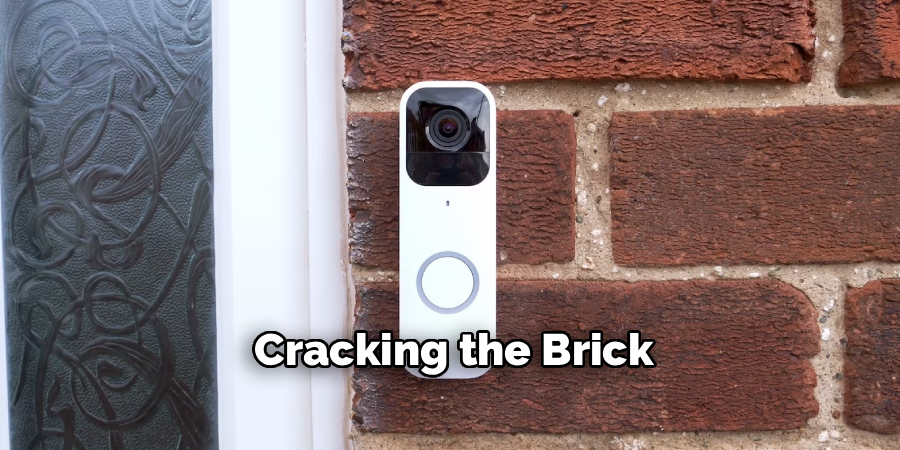
Mistake 6: Cracking the Brick
A hairline crack spreads from your hole across the brick face.
Why it happens: Drilling too close to a brick edge, or forcing the drill instead of letting it work.
The fix: Drill at least an inch from any edge, and keep steady, light pressure. If you’re nervous, drill the softer mortar joint instead.
In short: use the right bit, match anchor sizes, work level, clear the dust, check your Wi-Fi, and stay away from edges.
Frequently Asked Questions
Can you mount a Blink camera on brick without drilling?
Yes, you can. Brick clip clamps grip the edge of a brick with no holes, and heavy-duty outdoor adhesive mounts stick a light Blink camera to a clean brick face. Both work well for renters or temporary setups, though adhesive weakens over time in harsh weather.
What drill bit do I need for a brick wall installation?
You need a masonry drill bit with a carbide tip, sized to match your wall anchor — usually 3/16″ or 1/4″. A regular wood or metal bit won’t cut brick and will dull almost instantly. A hammer drill makes the job faster and cleaner.
Should I drill into the brick or the mortar?
For a light Blink camera, mortar joints are usually the better choice. The mortar is softer, so drilling is easier, and you can patch the hole if you ever move the camera. Drill into solid brick when you want the strongest, most permanent hold or the mortar is crumbly.
How high should I mount my Blink camera on a brick wall?
Aim for 7 to 9 feet off the ground. That height keeps the camera out of easy reach while still capturing clear faces and a wide view. Any higher and you may only catch the tops of people’s heads.
Why does my Blink camera keep going offline after mounting?
Thick brick walls block Wi-Fi, so the most common cause is a weak signal at your mounting spot. Test the connection before you drill, and if it’s weak, add a Wi-Fi extender or move your Blink Sync Module closer to the camera.
Wrapping Up
Drilling into brick feels scary the first time. Now you know it doesn’t have to be.
You’ve learned how to install a Blink camera on brick wall the right way — pick a smart spot, choose brick or mortar, drill clean holes with a masonry bit, seat your anchors, and aim the camera with the app open. You also know the no-drill options for renters and the mistakes that trip up beginners, from cracked brick to a camera that won’t stay online.
Take your time, work level, and your camera will guard your home for years.
Want to get even more from your setup? Check out our guide on [related topic: optimizing Blink camera motion detection settings] next.

About
Robert D is a distinguished figure in the world of Safety Systems and Risk Management, with a decade of expertise creating innovative and sustainable workplace solutions. His professional focus lies in merging traditional safety protocols with modern digital monitoring techniques, fostering environments that are both practical and hazard-conscious. As the lead author of SafetyRift, Robert delves into the art and science of risk mitigation, inspiring safety officers and industry professionals alike to bridge the gap between compliance and culture.
Education
RMIT University (Melbourne, Australia)
Associate Degree in Design (Industrial Safety)
-
Focus on sustainable safety infrastructure, industry-driven risk assessments, and practical implementation.
-
Gained hands-on experience with traditional hazard identification and digital monitoring tools, such as IoT safety sensors and predictive analytics software.
Nottingham Trent University (United Kingdom)
Bachelor’s in Occupational Health and Safety (Honors)
-
Specialized in systemic design with a focus on blending human behavior psychology with modern safety production techniques.
-
Participated in industry-wide projects, working with global logistics and manufacturing firms to gain real-world insights into large-scale safety deployments.
Publications and Impact
In SafetyRift, Robert shares his insights on safety design processes, protective materials, and strategies for efficient, accident-free production. His writing bridges the gap between foundational safety knowledge and modern industrial needs, making it a must-read for both budding safety coordinators and seasoned risk management professionals.
