
It’s natural to be curious about whether a security camera is watching. Maybe you’ve just installed a new system at home and want to confirm it’s working, or perhaps you’ve noticed a camera in a public space and wondered if it’s active. Whatever your reason, understanding the signs of a functioning camera can provide peace of mind or simply satisfy your curiosity. This guide will walk you through the various methods for figuring out the answer to the question, how to tell if CCTV is on. We’ll cover everything from simple visual cues to more technical checks you can perform.
Knowing whether a camera is recording isn’t always about privacy concerns; it’s also a matter of security. A functioning camera is a powerful deterrent for potential wrongdoers, while a dummy or inactive camera offers a false sense of security. By learning to identify active surveillance, you can better assess your environment, ensure your own security systems are operational, and feel more confident about your safety.
Step-by-Step Guide to Checking a CCTV Camera
Here are several practical methods you can use to determine if a CCTV camera is active and recording. These steps range from simple observation to using your smartphone’s camera to detect invisible light.
Step 1: Look for a Small LED Light
One of the most straightforward ways to check if a CCTV is working is to look for an indicator light. Many modern security cameras are equipped with small LED lights that signal their status. A solid green or blue light often means the camera is powered on and connected to the network. A blinking light might indicate that the camera is recording, attempting to connect, or has detected motion.
However, the absence of a light doesn’t automatically mean the camera is off. Some models allow users to disable the LED indicator for covert operation, and older or simpler cameras may not have this feature at all. So, while a visible LED light on a security camera is a strong sign of activity, its absence isn’t definitive proof the device is inactive.
Step 2: Observe the Camera for Movement
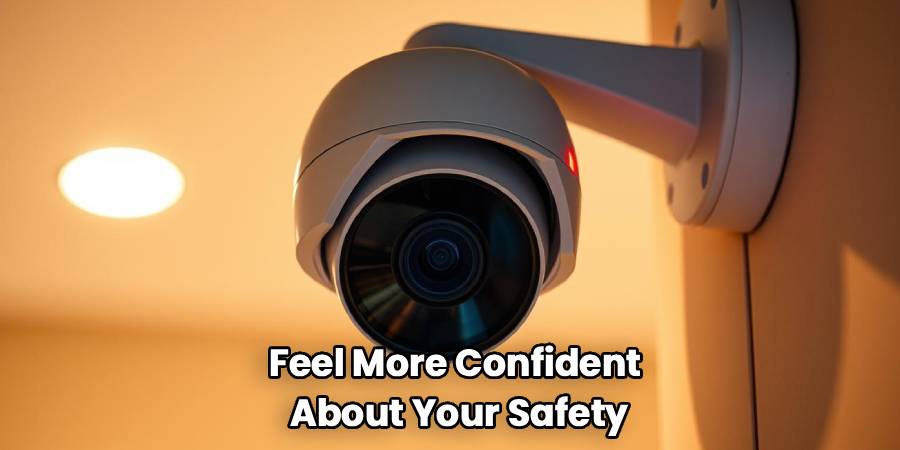
If the camera is a Pan-Tilt-Zoom (PTZ) model, look for movement. These types of cameras are designed to rotate and pivot to cover a wider area. You might see it performing a “patrol” tour, where it sweeps back and forth or up and down at regular intervals. This movement is a clear indication that the camera is on and actively monitoring its surroundings.
Even if you don’t see it move on its own, a PTZ camera might follow movement. If you walk across its field of view and see the camera lens track you, it is unquestionably on and functioning. Keep in mind that fixed cameras do not have this capability, so this method only applies to PTZ units.
Step 3: Use Your Smartphone to Spot an Infrared Glow
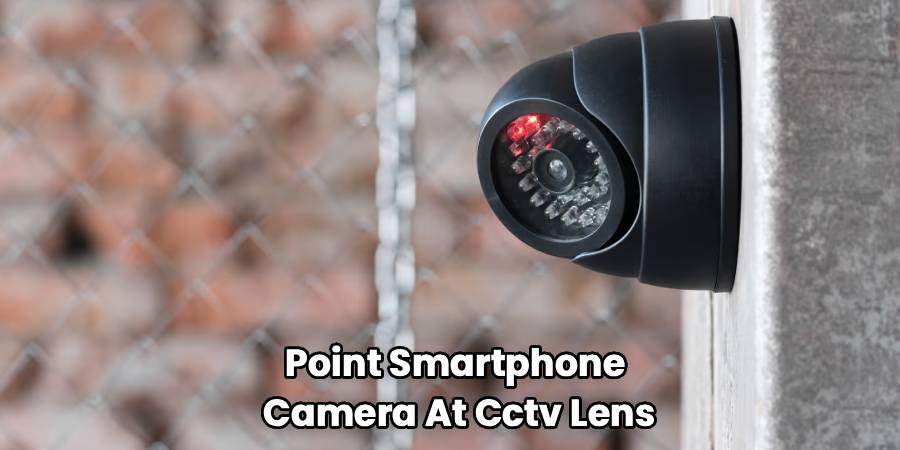
Most modern CCTV cameras have night vision capabilities, which rely on infrared (IR) LEDs to illuminate the area in the dark. These IR lights are invisible to the naked human eye, but your smartphone camera can often detect them. To perform this check, you’ll need to create a dark environment or wait until nightfall.
Point your smartphone camera at the CCTV lens and look at your phone’s screen. If the camera is on and its night vision is active, you will likely see a faint purple or reddish glow on your screen emanating from small LEDs arranged around the camera lens. This infrared glow on CCTV is a sure sign that the camera is powered on and capable of recording, even in complete darkness. This trick works because phone cameras can pick up a wider spectrum of light than our eyes can.
Step 4: How To Tell If CCTV Is On by Listening for Sounds
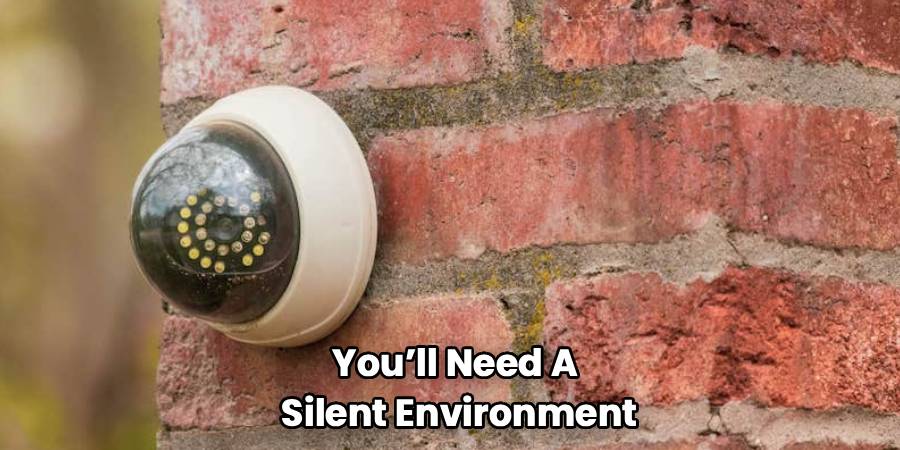
Some cameras emit subtle sounds during operation. If you can get close enough safely, listen for a faint buzzing, clicking, or whirring noise. A quiet hum can indicate that the internal components are powered and running. You might hear a distinct click when the camera switches from day mode to night mode (or vice-versa), which involves a physical filter moving in front of the lens.
These sounds can be very quiet, so you’ll need a silent environment to notice them. This method is one of the less reliable signs a security camera is active, as many modern cameras are designed to be virtually silent. Still, it’s another tool to add to your observational checklist.
Step 5: Check for a Wi-Fi Signal
Many contemporary CCTV systems are wireless and connect to a network via Wi-Fi. You can use a Wi-Fi scanning app on your smartphone to look for available networks in the area. A camera might broadcast its own network, especially during setup, often with a name related to the brand (e.g., “Reolink-Cam-12345”).
Alternatively, if you are the owner of the network, you can log in to your router’s administration panel. From there, you can view a list of all devices connected to your network. If you see a device listed that corresponds to your camera’s brand or MAC address, you can be certain it is powered on and connected.
Frequently Asked Questions
Here are answers to some common questions people have about identifying active CCTV cameras.
Can dummy cameras have a red blinking light?
Yes, many fake or dummy security cameras are designed with a blinking red light to mimic the appearance of a real, recording camera. This is done to create a low-cost deterrent. The key difference is that a real camera’s light often behaves differently—it might be a solid color, or blink in a specific pattern to indicate its status (like connecting vs. recording). A continuously and uniformly blinking red light is more commonly associated with a decoy.
Do all working CCTV cameras have a light?
No, not all of them do. While an LED indicator is a common feature, it’s not universal. Many professional-grade and covert cameras are designed without any visible lights to avoid drawing attention. Furthermore, on many models that do have lights, the feature can be turned off through the camera’s software settings. So, you can’t rely solely on the absence of a light to conclude a camera is off.
Is it legal for a camera to be recording me?
The legality of video recording depends heavily on location and context. Generally, it is legal to record in public spaces where there is no reasonable expectation of privacy. In private properties, owners can typically install cameras, but there are restrictions. For example, recording audio often requires consent, and placing cameras in areas where there is a high expectation of privacy, like bathrooms or changing rooms, is illegal in most jurisdictions. Laws vary significantly by country and state, so it’s always best to check local regulations.
Can CCTV cameras record in the dark?
Absolutely. Most modern security cameras are equipped with night vision technology. This is usually accomplished using infrared (IR) LEDs that flood the area with infrared light. While this light is invisible to humans, the camera’s sensor can see it clearly, allowing it to produce a black-and-white image even in total darkness. The presence of these IR LEDs is what allows you to use your smartphone camera to check if the device is active at night.
Conclusion
Ultimately, learning how to tell if CCTV is on involves a combination of observation and simple technical checks. By looking for LED lights, watching for movement, using your phone to detect infrared light, and listening for operational sounds, you can gather clues to determine a camera’s status. While no single method is foolproof, using several of these techniques together will give you a much more accurate picture. Whether you’re ensuring your own security system is running or simply assessing your surroundings, these tips will help you understand whether you are being monitored.

