
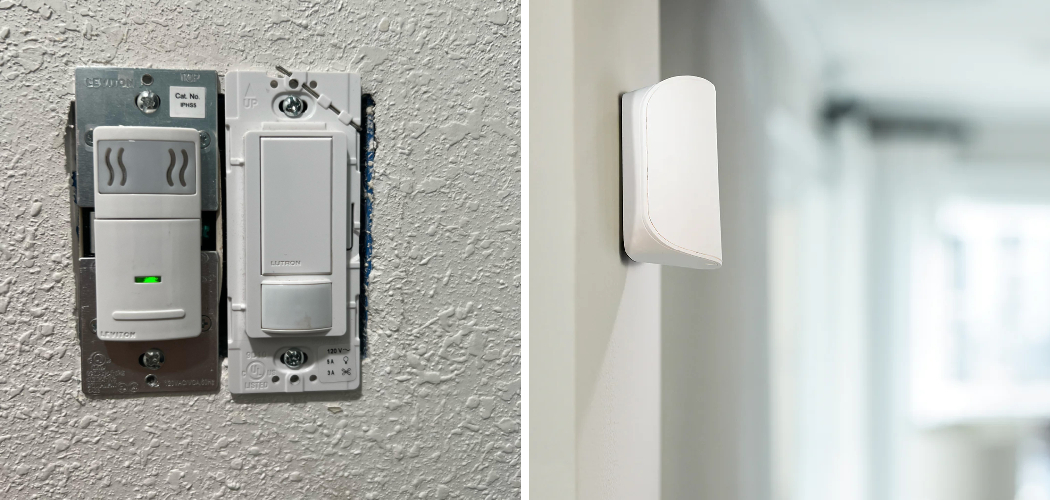
Motion sensor lights are incredibly convenient for saving energy and adding security, but they can be frustrating when you actually need consistent illumination. Whether you are working late in the garage, enjoying a peaceful evening on your patio, or trying to finish a gardening project after sunset, having the lights cut out repeatedly is a nuisance.
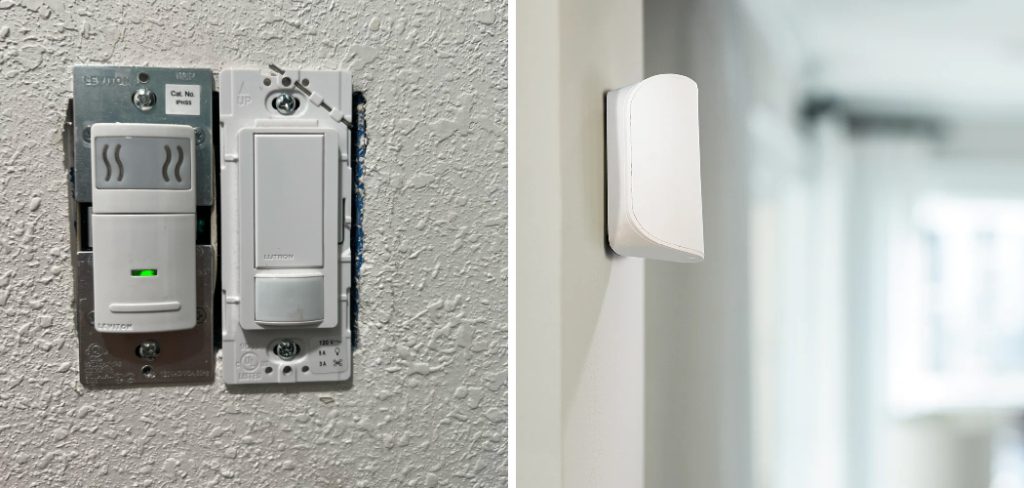
It breaks your concentration and forces you to wave your arms around just to see what you are doing. Fortunately, you don’t have to rewire your entire house to fix this minor annoyance. Learning how to trick a motion sensor to stay on is a straightforward process that anyone can master with a little patience. This guide will walk you through simple, safe methods to bypass that automatic shut-off feature, ensuring your lights stay shining brightly exactly when you need them most.
Why Keeping Your Motion Sensor Lights On Matters
Understanding the mechanics behind your lighting setup is crucial for home maintenance and personal comfort. While motion detectors are designed for efficiency, their default settings rarely account for tasks that require stillness or extended periods of activity in one area. Imagine hosting a backyard barbecue where the lights plunge your guests into darkness every five minutes, or trying to fix a car engine only to lose visibility the moment you stop moving.
Overriding these sensors isn’t just about convenience; it is about safety and utility. A steady light source prevents accidents in workshops and discourages intruders better than a light that flickers on and off unpredictably. Furthermore, knowing how to manipulate these fixtures gives you greater control over your home environment. You gain the flexibility to switch between energy-saving modes and continuous lighting modes without needing expensive upgrades or professional electrician services.
7 Step Methods Guide on How to Trick a Motion Sensor to Stay On
Step 1: Identify Your Specific Sensor Model
Before attempting any adjustments, you need to understand exactly what kind of equipment you are dealing with. Walk outside or into the room where the fixture is located and examine the housing carefully. Look for a brand name, model number, or any visible switches on the unit itself. Some modern sensors are built with integrated override features, while older models rely on strictly mechanical operation.
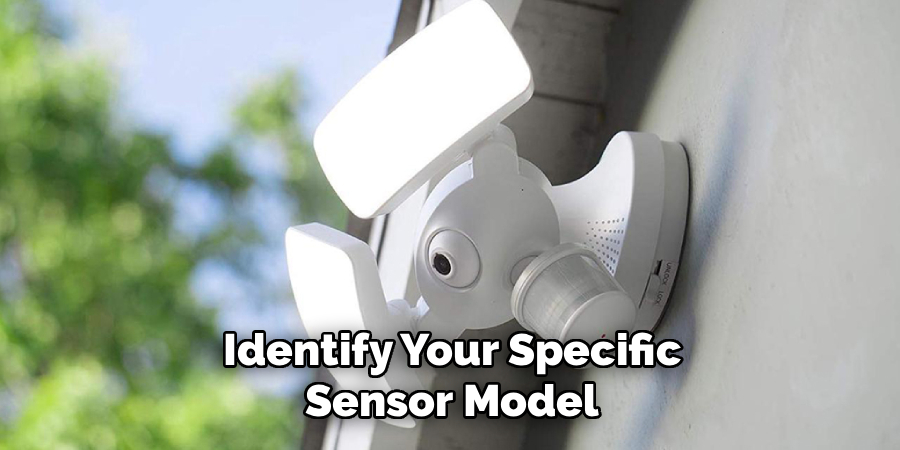
You might find a small slider switch labeled “on-time” or “test,” which indicates how the device processes signals. Knowing whether your sensor uses passive infrared (PIR) technology or ultrasonic waves will help you determine the most effective method for keeping the light active. This initial inspection prevents you from wasting time on techniques that won’t work for your specific hardware configuration.
Step 2: Utilize the Rapid Switch Method
The most common and effective trick for many standard hardwired motion detectors is known as the rapid switch technique. This feature is often built into the circuitry by manufacturers specifically for this purpose, even if it isn’t clearly advertised. To do this, locate the wall switch that controls the fixture.
Turn the switch off and then back on again very quickly, usually within one or two seconds. If successful, the light should blink or stay solid, indicating it has entered manual override mode. This bypasses the motion detection logic and forces the current to flow continuously to the bulb. It is the easiest way to solve the problem without tools, ladders, or complicated wiring adjustments.
Step 3: Adjust the Sensitivity and Time Dials
If the rapid switching method does not work, you will need to physically adjust the settings on the sensor unit itself. Most units have dials or knobs located on the bottom or side of the detector head. These controls typically manage sensitivity (often labeled “Sens” or “Range”) and duration (labeled “Time”). To keep the light on for as long as possible, turn the “Time” dial to its maximum setting.
While this isn’t a permanent “always-on” fix, it extends the duration the light remains active after triggering. Simultaneously, increasing the sensitivity ensures that even slight movements, like leaves blowing or a pet walking by, will re-trigger the timer, effectively learning how to trick a motion sensor to stay on for extended periods.
Step 4: Cover the Day/Night Sensor Photocell
Many motion detectors are paired with a photocell, which prevents the light from turning on during daylight hours to save electricity. If you need the light to stay on during the day or want to trick the system into thinking it is night, you need to block this sensor. Locate the small round lens, often distinguished by a cloudy or patterned look, separate from the main motion lens.
Use a piece of opaque black electrical tape to cover this photocell completely. By blocking the ambient light, the unit assumes it is pitch black outside. This forces the light to engage whenever motion is detected, regardless of the sun’s position, giving you more consistent control over when the fixture operates.
Step 5: Reposition the Sensor Head Angle
Sometimes the issue isn’t the internal settings but where the sensor is actually looking. If the sensor is pointed too high or towards an area with no activity, it will shut off constantly because it doesn’t see you. Get a ladder and carefully adjust the angle of the sensor head. Point it toward areas of high activity or constant movement, such as a busy street, a tree with swaying branches, or a flag fluttering in the wind.
By aiming the detector at a source of perpetual motion, you are effectively feeding it constant triggers. This ensures the timer constantly resets, keeping the floodlights illuminated without you having to dance around in front of them every few minutes.
Step 6: Install a Parallel Bypass Switch
For a more permanent and professional solution, you can install a dedicated bypass switch. This step requires basic electrical knowledge and safety precautions, so turn off the power at the breaker box before starting. The concept involves wiring a standard single-pole switch in parallel with the motion sensor.

When this new switch is flipped on, electricity bypasses the sensor entirely and goes straight to the light fixture, keeping it on indefinitely. When you flip the bypass switch off, the current is forced back through the motion sensor, restoring automatic functionality. This gives you the best of both worlds: automation for security and a manual override for when you need steady, uninterrupted lighting.
Step 7: Use a Reflective Object for False Triggers
If you cannot alter the wiring or reach the settings, you can try an external environmental trick. Place a highly reflective object, like a wind spinner, mirrored surface, or hanging foil decoration, directly in the sensor’s field of view. The movement of these objects, combined with the reflection of light or heat (in the case of infrared sensors), can generate enough “noise” to keep the sensor active.
The sensor interprets the shifting reflections as constant movement in its zone. While this might look a bit eclectic in your garden or driveway, it is a non-invasive way to trick the sensor into maintaining the circuit. This method works best on windy days or in areas with changing ambient light conditions.
Test and Adjust the Sensor Sensitivity
After setting up the sensor and implementing the method to keep it active, it’s crucial to test its functionality. Observe how the sensor responds to movement and environmental changes in its field of view. If the sensor is overly sensitive or not sensitive enough, most models have an adjustable sensitivity setting.
Use this feature to fine-tune the sensor to match your specific needs. Ensure it reacts reliably to intended triggers without being overly affected by environmental factors like wind or fluctuating light levels. Regular adjustments may be necessary to maintain optimal performance over time.
Frequently Asked Questions
Can I Damage My Light By Using These Tricks?
Generally, using the rapid switch method or adjusting sensitivity dials will not damage your fixture. These are often intended features designed by the manufacturer. However, covering sensors with tape for extremely long periods could potentially leave sticky residue or cause the plastic to overheat if not ventilated properly. Wiring a bypass switch carries electrical risks if done incorrectly, so always prioritize safety and consult a manual.
Why Does My Motion Light Flash On And Off?
A flashing motion light usually indicates a conflict in the settings or electrical interference. It can happen if the light from the bulb reflects back into the photocell sensor, tricking the unit into thinking it is daytime, shutting off, and then realizing it is dark again. It could also signal a power surge or a failing capacitor within the sensor unit itself, requiring replacement.
Will These Methods Increase My Electricity Bill?
Yes, keeping a motion sensor light on continuously will increase your energy consumption compared to its automatic mode. Motion sensors are designed to save money by only illuminating when necessary. By bypassing this feature, you are powering the bulbs for longer durations. Switching to energy-efficient LED bulbs can help mitigate this cost increase while providing the constant light you need.
What If The Rapid Switch Method Doesn’t Work?
If flipping the switch quickly doesn’t override the sensor, your specific model may not support this feature. Some older or budget-friendly units lack the internal circuitry for manual override. In this case, you will need to rely on physical adjustments like changing the sensitivity dials, repositioning the sensor head, or installing a hardwired bypass switch to achieve the desired result.
How Do I Reset The Sensor Back To Normal?
Resetting the sensor is usually very simple. For most models that have been put into “manual mode” via the switch method, you just need to turn the light switch off for about 30 seconds to one minute. When you turn it back on, the internal computer reboots and returns to its default motion-sensing automatic mode.
Conclusion
Taking control of your home lighting doesn’t have to be a complicated technical endeavor. By understanding the basics of how these devices operate, you can easily customize their behavior to suit your lifestyle. Whether you choose the quick switch-flip method, adjust the physical dials, or install a more permanent wiring solution, you now have the knowledge to maintain visibility whenever you need it.
These simple adjustments ensure that your evening gardening, outdoor projects, or social gatherings are never interrupted by sudden darkness again. Remember to prioritize safety when working with any electrical fixtures. Now that you know how to trick a motion sensor to stay on, you can enjoy a safer, brighter, and more convenient home environment.

About
Robert D is a distinguished figure in the world of Safety Systems and Risk Management, with a decade of expertise creating innovative and sustainable workplace solutions. His professional focus lies in merging traditional safety protocols with modern digital monitoring techniques, fostering environments that are both practical and hazard-conscious. As the lead author of SafetyRift, Robert delves into the art and science of risk mitigation, inspiring safety officers and industry professionals alike to bridge the gap between compliance and culture.
Education
RMIT University (Melbourne, Australia)
Associate Degree in Design (Industrial Safety)
-
Focus on sustainable safety infrastructure, industry-driven risk assessments, and practical implementation.
-
Gained hands-on experience with traditional hazard identification and digital monitoring tools, such as IoT safety sensors and predictive analytics software.
Nottingham Trent University (United Kingdom)
Bachelor’s in Occupational Health and Safety (Honors)
-
Specialized in systemic design with a focus on blending human behavior psychology with modern safety production techniques.
-
Participated in industry-wide projects, working with global logistics and manufacturing firms to gain real-world insights into large-scale safety deployments.
Publications and Impact
In SafetyRift, Robert shares his insights on safety design processes, protective materials, and strategies for efficient, accident-free production. His writing bridges the gap between foundational safety knowledge and modern industrial needs, making it a must-read for both budding safety coordinators and seasoned risk management professionals.
