
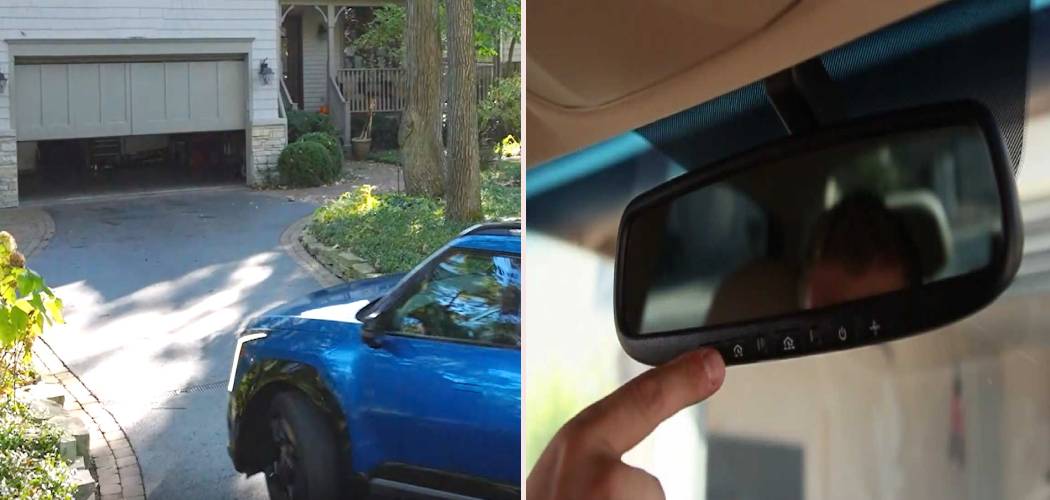
Pulling into your driveway after a long day should be a smooth experience. Fumbling for a clunky garage door remote clipped to your sun visor can feel like an unnecessary hassle. Fortunately, many modern Kia vehicles come equipped with the HomeLink system, a built-in feature that lets you sync your car directly to your garage door opener. This integrated system streamlines your arrival and departure, adding a touch of convenience and security to your daily routine. If you’ve been wondering how to program Kia garage door opener, you’ve come to the right place. This guide will walk you through the process, making it simple and straightforward.
The idea of programming a new gadget can sometimes feel intimidating, but setting up your Kia’s built-in opener is easier than you might think. With just a few minutes and a little patience, you can ditch that old remote for good. This process typically involves clearing any previous codes from your Kia’s HomeLink system, pairing it with your handheld garage door remote, and then syncing the vehicle with the main garage door opener unit in your garage. We’ll break down every part of the process so you can get it done quickly and confidently.
Step-by-Step Guide to Programming Your Kia’s Garage Door Opener
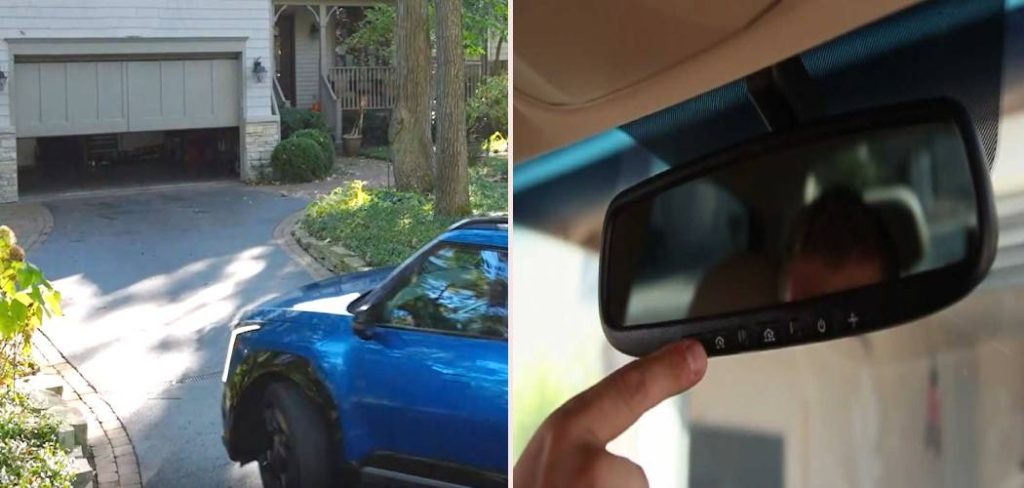
Before you begin, park your Kia outside the garage but with the front of the vehicle facing the garage door. This ensures a strong signal transmission during the programming steps. Also, grab your current handheld garage door remote; you’ll need it for the initial pairing. For safety, make sure no people or objects are in the path of the garage door. It’s also a good idea to have a fresh battery in your handheld remote to prevent any signal issues.
Step 1: Clear Previous HomeLink Settings
Your Kia’s HomeLink system might have codes stored from the factory or a previous owner. The first step is to perform a master reset to ensure you’re starting with a clean slate. This prevents any interference from old signals.
To do this, locate the HomeLink buttons on your rear-view mirror, overhead console, or sun visor. Press and hold the two outer buttons simultaneously. Keep them held down for about 20 seconds. The indicator light (usually a small LED near the buttons) will begin to flash slowly and then change to a rapid flash. Once it starts flashing rapidly, you can release the buttons. This confirms that all previously stored codes have been erased, and the system is ready for new programming. If you only want to reprogram a single button, you can typically press and hold that specific button until the light starts flashing, but a full reset is often the best way to start fresh.
Step 2: Pair Your Handheld Remote with Your Kia
Now it’s time to teach your Kia the signal from your existing garage door remote. This step essentially copies the frequency from your handheld device to the HomeLink button of your choice.
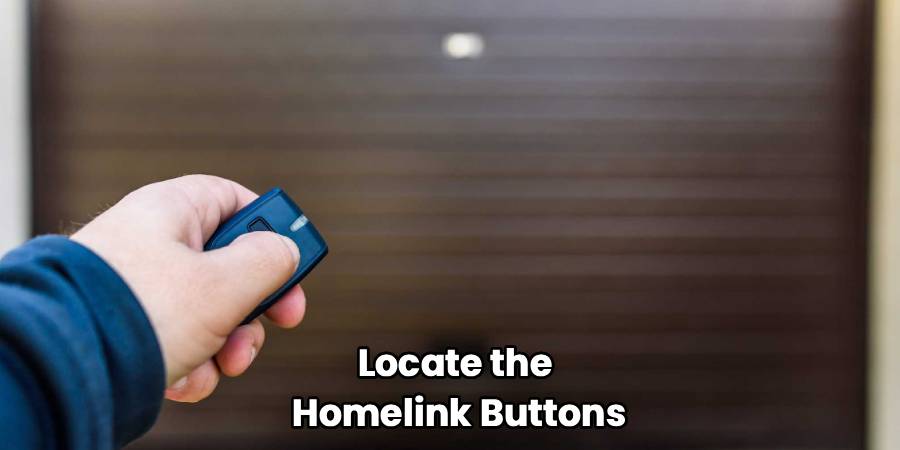
Pick one of the three HomeLink buttons you wish to use for your garage door. Press and hold this button. While you are holding the HomeLink button, take your handheld garage door remote and hold it about one to three inches away from the HomeLink buttons in your Kia. Now, press and hold the button on your handheld remote that opens the garage door.
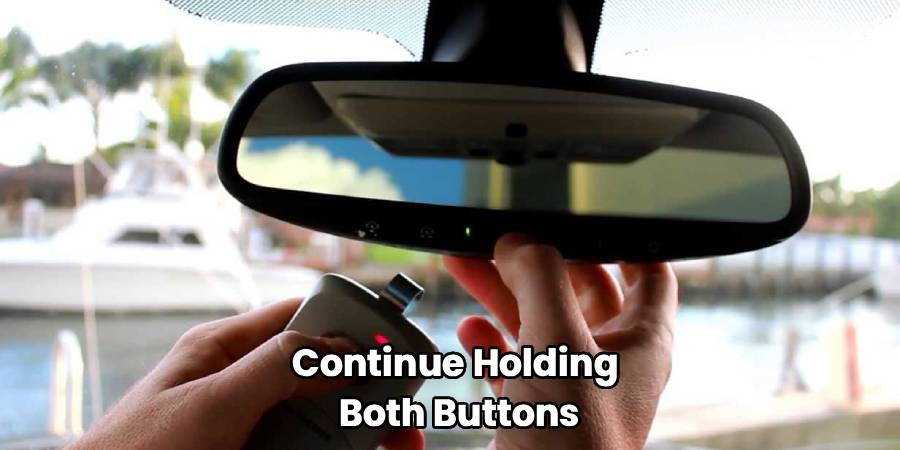
Continue holding both buttons. The indicator light on your Kia’s HomeLink system will flash slowly at first and then change to a rapid flash. This rapid flashing indicates that the system has successfully learned the frequency from your remote. Once you see the light flash quickly, you can release both buttons.
If the light doesn’t change to a rapid flash and instead stays solid, it usually means your garage door opener uses a “rolling code” system for security. Don’t worry, this is very common. It just means there’s one more step to complete the process. If your light flashed rapidly, your programming might be complete. Test it by pressing the programmed HomeLink button. If the door moves, you’re all set! If not, proceed to the next step.
Step 3: How To Program Kia Garage Door Opener with Rolling Codes
Most garage door openers manufactured after 1995 use a rolling code technology. This security feature changes the access code every time you use the remote. If your Kia’s HomeLink light turned solid in the previous step, it means your opener has this feature, and you need to sync the car directly with the motor unit in your garage.
Go into your garage and locate the main garage door opener motor. You will likely need a stepladder to reach it safely. On the back or side of the motor unit, you should find a “Learn,” “Smart,” or “Program” button. The color of this button can vary (it might be purple, red, orange, or green), and there might be a small LED light next to it.
Press and immediately release this “Learn” button. Be careful not to hold it down, as doing so can erase all remotes linked to the opener. After you press the button, you will have about 30 seconds to complete the next part.
Quickly return to your Kia (within that 30-second window). Press and release the HomeLink button you chose in Step 2. You may need to press and release it two or three times. Watch the garage door. It should move or the opener lights may flash, confirming that the sync was successful. Your Kia is now officially paired with your garage door opener.
Step 4: Test the Programmed Button
The final step is to make sure everything works as expected. Press the newly programmed HomeLink button in your Kia. The garage door should open or close. If it works, congratulations! You have successfully programmed your garage door opener.
If the door does not respond, there may have been an issue during the process. The most common problems are not holding the remote close enough during the initial pairing, the battery in the handheld remote being too weak, or not completing the “Learn” button step within the 30-second time frame. Don’t get discouraged. Simply go back and repeat the steps, paying close attention to the indicator lights and time limits. Sometimes it takes a second try to get the timing just right.
Frequently Asked Questions
Here are some common questions and answers that can help you troubleshoot or understand the process better.
What if the indicator light on my HomeLink doesn’t flash?
If you press the HomeLink buttons and see no light at all, the system may not be receiving power. This typically means the vehicle’s ignition needs to be on or in the “accessory” mode. Turn your key to the accessory position or press your vehicle’s start button without putting your foot on the brake. This should power up the HomeLink system. If it still doesn’t work, there could be a fuse issue, which may require a visit to your Kia dealer.
Why won’t my Kia’s HomeLink system program?
There are several reasons why programming might fail. First, check the battery in your handheld garage door remote. A weak battery can send a poor signal that your Kia cannot learn. Second, compatibility can be an issue. While HomeLink is compatible with the vast majority of garage door openers, some very old or obscure models may not work. You can check the HomeLink website for a compatibility list. Finally, make sure you are following the steps for rolling code systems if your opener has one. Missing the “Learn” button step is a very common reason for failure.
Can I program more than one garage door to my Kia?
Absolutely. The HomeLink system in most Kia vehicles comes with three buttons, allowing you to program up to three different devices. This could include two different garage doors and a security gate, for example. Simply repeat the entire programming process for each device, assigning each one to a different HomeLink button. Just be sure to perform the master reset (Step 1) only before the very first device you program. For subsequent devices, you can skip the reset and go straight to programming the new button.
How do I reprogram a single HomeLink button?
If you want to change what a specific button does, you don’t need to do a full system reset. To reprogram a single button, press and hold the desired HomeLink button. Continue holding it for about 20 seconds until the indicator light begins to flash slowly. You can then release it. The button is now in “learn mode.” You can proceed with the standard programming steps, starting with holding your handheld remote near the HomeLink system.
Conclusion
Knowing how to program your Kia garage door opener adds a layer of modern convenience that simplifies your daily life. By following the steps outlined above, you can easily sync your vehicle to your home’s garage, eliminating the need for extra remotes and creating a seamless transition from the road to your driveway. The process, from clearing old codes to syncing with a rolling code system, is designed to be user-friendly. Take a few minutes to set up this fantastic feature—you’ll appreciate the simplicity and ease of use every time you come home.

