
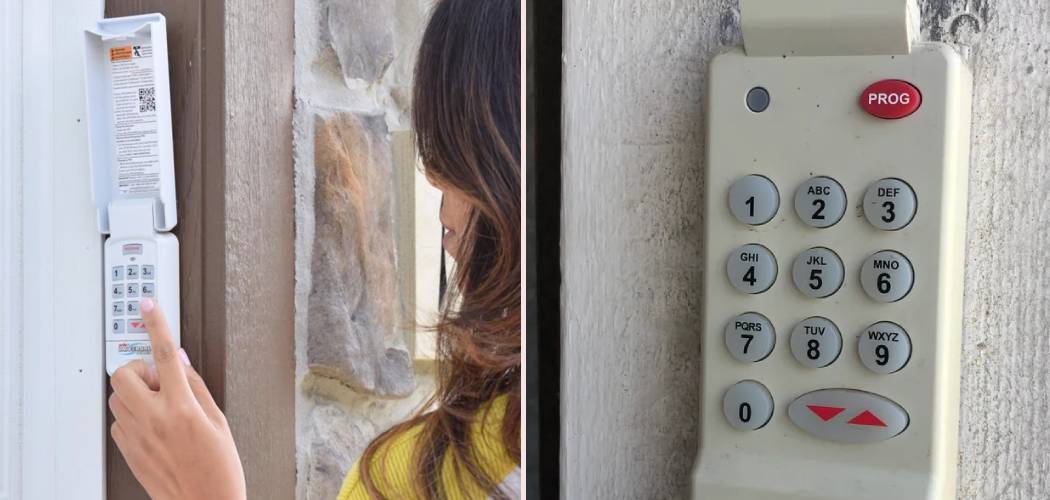
Nothing is more frustrating than pulling into your driveway after a long day, only to realize your garage door keypad isn’t working. Or maybe you’ve just moved into a new home and need to clear out the old codes for security reasons. Whatever the situation, knowing how to manage your home access is crucial. We often take these little convenience devices for granted until they stop cooperating or we need to update them. If you’re staring at that little box on the wall and wondering what to do next, don’t worry—you aren’t alone. Learning How To Reset Garage Door Keypad Genie models is actually a straightforward process that doesn’t require a degree in engineering or expensive tools.
In this guide, we are going to walk through everything you need to know. We’ll cover why you might need to perform a reset, the specific steps to get your keypad back to factory settings, and how to program a new PIN that you’ll actually remember. By the end of this article, you’ll feel confident managing your garage security and getting that door to open smoothly every time.
Why You Might Need to Reset Your Keypad
Before we dive into the technical steps, let’s talk about why this is necessary. Homeowners often need to reset their keypads for a variety of reasons. Security is usually the number one driver. If you’ve recently purchased a home, you have no way of knowing who might have the old code. Contractors, previous owners, or dog walkers from five years ago might still have access. A hard reset wipes the slate clean, ensuring that only you and your family have the PIN.
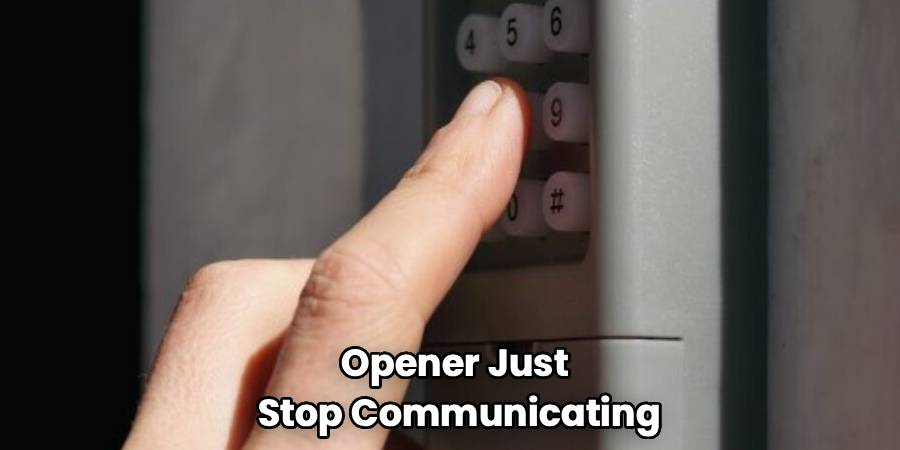
Another common reason is simply forgetting the code. We have so many passwords to remember these days—for our phones, emails, bank accounts, and streaming services—that it’s easy for a four-digit garage code to slip your mind, especially if you don’t use it every day. Technical glitches can also occur. Sometimes, after a power outage or a battery change, the keypad and the opener just stop communicating effectively. In these cases, a factory reset is like rebooting your computer; it clears out the bugs and lets you start fresh.
Regardless of the “why,” the “how” remains accessible to the average homeowner. You don’t need to call a professional technician and pay a service fee for something you can do yourself in about ten to fifteen minutes.
Step-by-Step Guide to Resetting Your Keypad
This section is the heart of the process. We are going to strip away the confusion and look at the most common methods for getting your Genie keypad back to square one. Most Genie keypads, specifically the Intellicode models which are very popular, follow a similar logic. However, it is always a good idea to have your specific model number handy just in case, though these steps cover the vast majority of units installed in the last 20 years.
Step 1: Prepare Your Keypad for the Reset
Before you start pressing buttons, take a moment to inspect the unit. If the keypad is old, the buttons might be sticky or the battery might be dead. It is often wise to put in a fresh 9-volt or AA battery (depending on your model) before attempting a reset. If the battery is weak, the signal might not be strong enough to register the programming changes, leading to frustration.
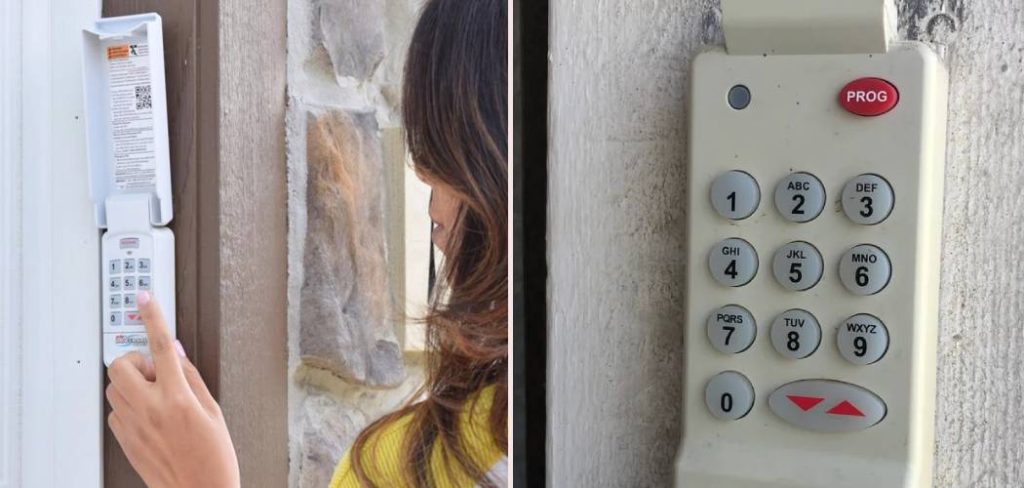
Slide the cover up and locate the “Program” key and the “Up/Down” arrow key. These are the two primary buttons you will be using to wipe the memory. Ensure you have a step ladder handy if you need to reach the “Learn” button on the actual garage door opener motor unit on your ceiling, as you will need to access that later for reprogramming.
Step 2: Perform the Factory Reset on the Keypad
This is the critical moment where you wipe the old codes. To clear out factory settings or any previous PINs, you need to press and hold both the “Program” key and the “Up/Down” arrow key simultaneously.
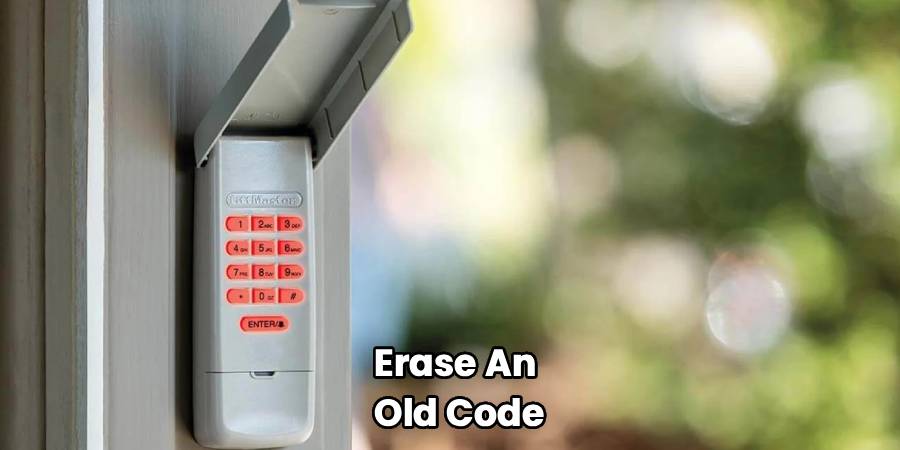
Hold these buttons down for about five seconds. You are watching for the LED light on the keypad. It should flash or blink, typically twice, and then the light will go out. Once the light goes out, you have successfully cleared the memory. This action essentially tells the keypad to forget everything it knows. It is now a blank slate, ready for new instructions. If you were searching for How To Reset Garage Door Keypad Genie specifically to erase an old code from a previous homeowner, this step has accomplished that security goal.
Step 3: Enter Your New Personal Identification Number (PIN)
Now that the old data is gone, you need to establish a new code. Choose a number that is easy for you to remember but hard for others to guess. Avoid “1234” or your house number, as these are the first things a potential intruder might try.
With the keypad reset, press the numbers “3,” “5,” and “7” in that order. This is a standard initiation sequence for many Genie models. After pressing 3-5-7, press the “Program” key once. Now, enter your chosen PIN (usually 3 to 8 digits long). Press the “Program” key again. The LED usually blinks to confirm that the keypad has accepted this new string of numbers as its temporary internal code, but it isn’t synced to your door yet.
Step 4: Locate the Learn Button on the Opener
This step requires you to move from the wall keypad to the main motor unit hanging from your garage ceiling. You are looking for the “Learn Code” button. On most Genie units, this button is located behind the light lens cover or near where all the wires plug into the machine.
The button is often small and round or square. It might be accompanied by a small LED light. If you have an Intellicode unit, this button is your gateway to syncing accessories. If you can’t find it, check near the antenna wire that hangs down from the motor. Once you locate it, get ready to move quickly, as you usually have a 30-second window to complete the next step.
Step 5: Sync the Keypad to the Opener
Press and release the “Learn Code” button on the motor unit. You should see a small LED light on the motor blink. This indicates the opener is in “listening” mode, waiting for a signal from a remote or keypad.
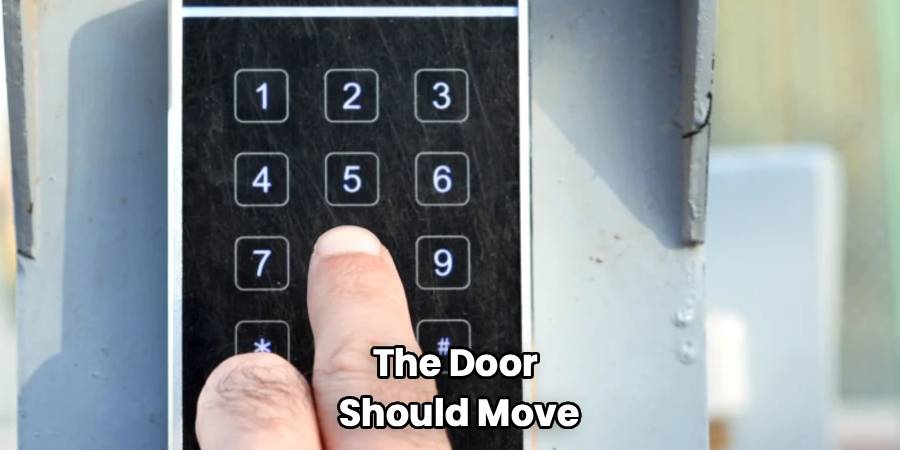
Safely but quickly step back down from the ladder and go to your wall keypad. Enter your new PIN that you decided on earlier. Press the “Up/Down” arrow key. The LED on the motor might stay solid or flash. Press the “Up/Down” arrow key again. Press it a third time. By this point, the garage door opener should engage, and the door should move. If the door moves, congratulations! You have successfully paired the devices.
Step 6: Troubleshooting If the Door Doesn’t Move
If the door didn’t move after the third press, don’t panic. The most common issue is timing. The “listening” window on the motor unit is short. If you took too long to get from the ladder to the keypad, the opener might have timed out.
Simply go back up the ladder, press the Learn button again, and try entering the code and pressing the arrow button. Also, ensure you aren’t holding the Learn button down for too long on the motor unit; usually, a quick press and release is all that is needed. Holding it down too long on some models can erase all remotes associated with the opener, not just the keypad, which would mean reprogramming your car remotes too.
Common Questions About Genie Keypads
Even with a clear guide, technology can be quirky. Here are some of the most frequently asked questions homeowners have when dealing with their Genie garage access systems.
How To Reset Garage Door Keypad Genie Without the Old Code?
This is the most common scenario. People panic thinking they need the old code to create a new one. The good news is that you absolutely do not need the old PIN. The factory reset method described above (holding Program + Up/Down) overrides everything. It is designed specifically for situations where the code is lost or unknown. By performing the hard reset, you are bypassing the need for any previous authorization credentials.
Will Resetting the Keypad Affect My Car Remotes?
Generally, resetting the keypad itself does not affect your handheld remotes or the Homelink system in your car. The keypad reset we described clears the memory of the keypad unit on the wall. However, if you pressed and held the “Learn” button on the ceiling motor unit for a long time (usually over 10 seconds), you might have cleared the receiver’s memory entirely. If that happened, your remotes would stop working. But if you followed the standard keypad reset instructions, your handheld remotes should continue to function as normal.
Why Does My Keypad Blink Rapidly But Not Open the Door?
Fast blinking usually indicates a battery issue or a “vacation lock” feature being active. First, change the battery. It’s a cheap fix and solves 90% of keypad issues. If the battery is fresh and it’s still blinking rapidly without working, check your wall console (the button inside your garage). Some wall consoles have a “Lock” switch or button that disables all radio signals (remotes and keypads) for security while you are on vacation. Ensure this lock is switched off.
Can I Program Multiple Doors to One Genie Keypad?
Yes! Many Genie keypads allow you to operate multiple doors, typically up to three. The process involves programming a specific PIN for each door. After you enter your PIN, you usually press the Up/Down key a specific number of times to designate which door you want to control. For example, you might set a PIN for the left door and a different PIN for the right door. Consult your specific model’s manual for multi-door setups, as the keystrokes can vary slightly, but the capability is built into most modern Genie Intellicode keypads.
What is the Difference Between Intellicode I and Intellicode II?
You might see these terms when looking up your model. Intellicode I (often rolling code technology) is the standard for most openers made since the mid-90s. Intellicode II was introduced later and offers different encryption. The programming steps are very similar, but Intellicode II keypads sometimes require a specific button press sequence to switch modes if you are trying to talk to an older Intellicode I opener. However, modern universal Genie keypads are smart enough to bridge this gap automatically in most cases.
Conclusion
Taking control of your home’s access points brings a genuine peace of mind. Learning How To Reset Garage Door Keypad Genie systems is a simple, effective way to ensure your home remains secure and accessible only to those you trust. It eliminates the worry of lost codes or previous owners having access, and it fixes those annoying glitches that happen with electronics over time.
By following the steps outlined above—clearing the factory settings, choosing a memorable PIN, and syncing it with your opener—you save yourself the cost of a service call and gain a little bit of DIY confidence. Whether you are upgrading your security or just trying to get into your garage without hunting for a remote, a reset is a quick fix that anyone can handle. So, grab that ladder, change those batteries, and get your keypad working perfectly again today.

