
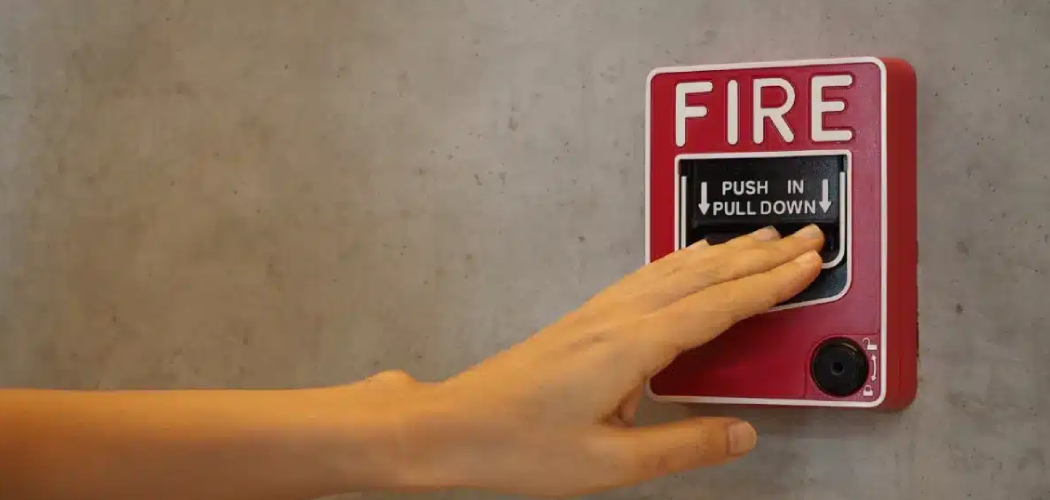
The piercing sound of a fire alarm is designed to capture your attention instantly, but once you have determined that there is no immediate danger, that noise can become overwhelming and disruptive. Many building owners, facility managers, and homeowners with integrated systems often feel intimidated by the complex array of buttons and flashing lights on their main control box.
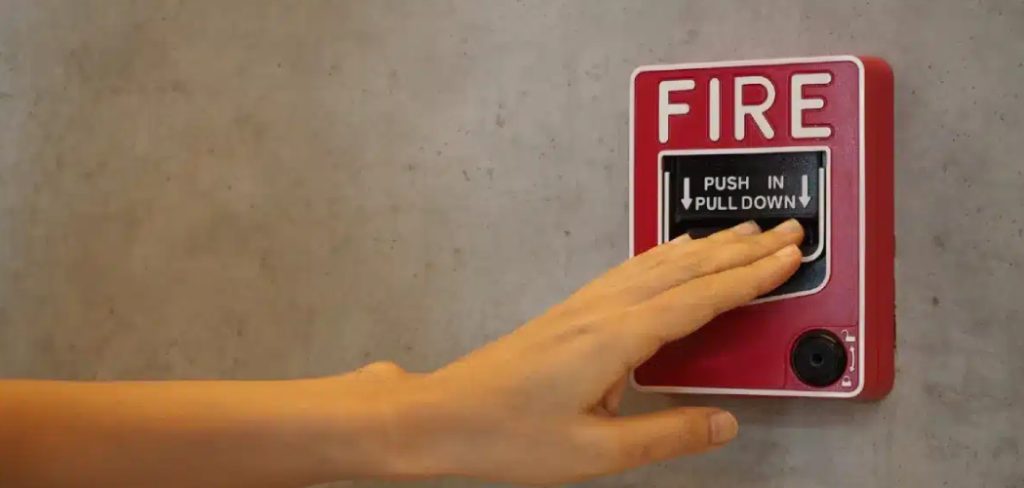
Panic is a natural reaction, but managing the system is actually quite straightforward when you understand the basic logic behind the electronics. This guide is designed to walk you through the process safely and calmly, ensuring you can manage false alarms without stress. By the end of this article, you will understand how to silence and reset a fire alarm panel correctly, ensuring your property remains safe and your peace of mind is restored.
Why Knowing Fire Panel Basics Is Crucial
Understanding the mechanics of your fire safety system is about more than just stopping a loud noise; it is a fundamental aspect of responsible property management and safety. When an alarm triggers, it creates a chaotic environment that can impede clear thinking and communication. By knowing how to interact with the panel, you take control of the situation, allowing for a calmer assessment of potential threats.
Furthermore, improper handling of these systems can lead to costly service calls from the fire department or your monitoring company. If you constantly rely on external technicians to flip a switch, you waste time and resources. Being able to distinguish between a genuine emergency and a nuisance alarm—caused by burnt toast, dust, or humidity—empowers you to act appropriately. Mastering this skill ensures that your system is always ready to protect you when it truly matters, rather than being disabled or ignored due to frustration.
7 Step-by-Step Guide: How to Silence and Reset a Fire Alarm Panel
Step 1: Locate the Panel and Retrieve Keys
The very first thing you must do is locate your main fire alarm control unit, which is typically a red or beige metal cabinet mounted on a wall in a common area, utility room, or near the main entrance. Most commercial and high-end residential panels are locked to prevent unauthorized tampering, so you need to have the specific key handy. This key is often kept in a specialized lockbox nearby or on a dedicated facility key ring.
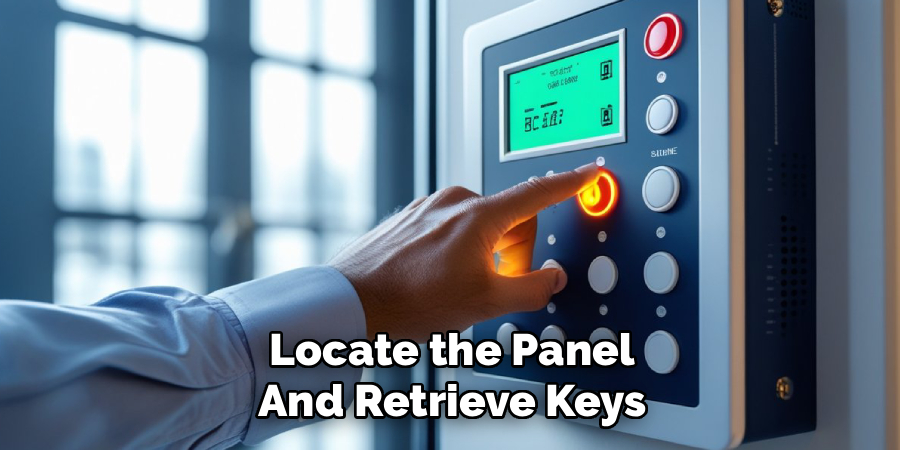
Once you approach the panel, take a deep breath and prepare to focus on the display. Do not open the door immediately; instead, look through the viewing window to see the status. If the door is solid, unlock it gently. Having physical access to the controls is the prerequisite for all subsequent actions, so knowing where those keys are beforehand is vital for a quick response.
Step 2: Assess the Immediate Environment
Before you touch a single button on the panel, you must verify that there is no actual fire or emergency occurring in the building. The alarm is sounding for a reason, and silencing it while a fire spreads is dangerous and negligent. Walk through the premises or communicate with other occupants to ensure everyone is safe and that no smoke or flames are visible. If you smell smoke or feel heat, evacuate immediately and call the fire department from a safe location. You should only proceed with interacting with the panel once you are confident that the trigger was likely accidental, such as a dirty sensor or cooking fumes. This assessment phase is the most critical safety protocol you can follow because it prioritizes human life over the inconvenience of a loud noise.
Step 3: Read the Display for Zone Information
Once you have established that the building is safe, look at the LCD screen or the LED indicator lights on the panel to determine exactly which device triggered the system. The display will usually show a message like “Smoke Detector Zone 1 Hallway” or “Manual Pull Station Lobby.” Writing down this information or taking a quick photo with your phone is a very good habit to develop. This specific data tells you exactly where the problem originated, which is essential for investigating the cause later. If you skip this step and just hit buttons, you lose the history of the event, making it harder to fix the underlying issue. Understanding the specific location of the fault or alarm helps you confirm your earlier safety assessment and directs you to the exact spot that needs attention before you attempt to reset anything.
Step 4: Press the Acknowledge Button
Now that you have the information you need, look for a button labeled “ACK” or “Acknowledge” on the control interface. Pressing this button tells the system that a human being is present and is aware of the situation. Usually, pressing this will stop the internal piezo buzzer—the small screeching noise coming from the panel itself—though the main building horns and strobes will likely continue.
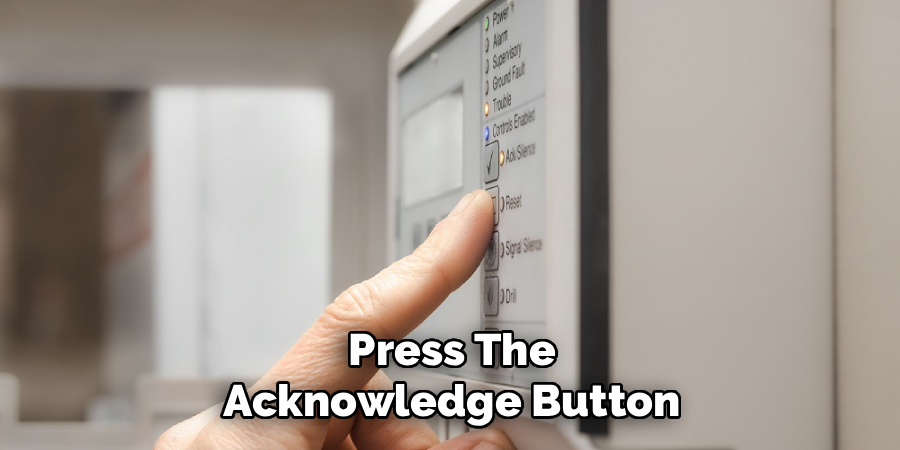
This is a deliberate design feature to ensure the alarm continues to warn occupants until you take further action. Acknowledging the event changes the status on the display from a flashing unread message to a steady state, indicating the system is waiting for your next command. This is your way of digitally shaking hands with the machine and confirming that you are taking responsibility for the alarm event currently in progress.
Step 5: Silence the Audible Signals
With the system acknowledged, you can now address the loud horns or bells that are disturbing everyone. Locate the button labeled “Silence,” “Alarm Silence,” or “Signal Silence.” Pressing this button will cut the power to the notification appliances, meaning the loud noise will stop, although the strobe lights may continue flashing depending on your specific system’s programming. This brings the noise level down, allowing you to think clearly and communicate effectively with anyone else in the building. It is important to note that silencing the alarm does not fix the problem; it simply mutes the output. This is a temporary state, often called a “trouble” or “supervisory” condition, where the panel is still active but quiet. This is a key part of learning how to silence and reset a fire alarm panel effectively without disabling the system entirely.
Step 6: Investigate and Clear the Physical Trigger
Now that the noise has stopped, you must go to the specific location indicated by the panel in Step 3 and fix the physical issue. If it was a smoke detector set off by burnt popcorn, you need to fan the air around the sensor until the air is clear. If it was a manual pull station that was pranked, you will need to open that station and reset the mechanical switch inside it. The main control panel cannot be successfully reset if the device out in the field is still in an alarm state. If you try to reset the main panel while the smoke detector is still full of smoke, the alarm will simply go off again immediately. Take your time to ensure the sensor is clean, the air is clear, and any mechanical levers are returned to their normal, upright “ready” positions.
Step 7: Reset the Main System
Return to the main control panel once you are certain the trigger device has been cleared and returned to normal. Locate the button labeled “System Reset” or simply “Reset” and press it firmly. This cuts power to the smoke detectors and sensors for a few seconds and then powers them back up, effectively rebooting the monitoring circuit. The panel will likely light up all its LEDs for a moment as a self-test and then return to a “System Normal” state, usually indicated by a green power light. If you perform this step correctly, the strobe lights will stop flashing, and the display will clear any alarm messages. This is the moment where the system returns to its vigilant state, ready to detect any future emergencies.
Verify System Normal Status
Your final task is to stand by the panel for at least one or two minutes after pressing the reset button to ensure the alarm does not re-trigger. Sometimes, a sensor might still have a small amount of residual smoke inside the chamber, causing the alarm to sound again shortly after the reset. If the green “Power” or “System Normal” light remains steady and no red “Alarm” or yellow “Trouble” lights appear, you have successfully completed the process. If the alarm does go off again, you will need to repeat the investigation process and perhaps clean the sensor more thoroughly. Watching the panel for this brief period confirms stability and gives you the confidence to lock the panel door and walk away, knowing the building is secure.
Frequently Asked Questions
What Is The Difference Between Silence And Reset?
Silence and reset serve two completely different functions during an emergency event. Silence is a temporary measure that stops the audible horns and bells so you can investigate the situation without deafening noise, but the system remains in an active alarm state. Resetting is the final step that clears the event from the system memory and returns the panel to normal monitoring mode only after the issue is resolved.
Why Does The Alarm Go Off Again After I Reset It?
If the alarm sounds immediately after you reset the panel, the initiating device is likely still active. This usually means there is still smoke in the detector chamber, a manual pull station has not been mechanically reset, or there is a legitimate wiring fault. You must go back to the source of the alarm, clear the obstruction or reset the switch, and then try to reset the main panel again.
Can I Reset A Fire Panel Without A Key?
Most fire alarm panels are strictly regulated by fire codes that require them to be locked and secured to prevent tampering. While some older or simpler models might have a simple latch, the vast majority require a specific key to access the control buttons. If you do not have the key, you typically cannot access the buttons required to silence or reset the system legally or safely.
How Do I Know Which Detector Tripped The Alarm?
The LCD screen on modern fire panels will display the specific address or zone of the device that triggered the alarm. It might say something like “Zone 2 Kitchen” or “Lobby Smoke Detector.” On older panels without screens, look for a red LED light next to a label on the zone list. Always check this display before resetting so you know exactly where to investigate.
Is It Illegal To Silence A Fire Alarm?
It is generally not illegal to silence an alarm if you have verified that there is no fire and you are authorized to manage the building. However, it is illegal and dangerous to silence or reset an alarm while a real fire is in progress or to leave a system disabled. Always prioritize evacuation and safety checks before touching the panel controls to avoid liability.
Conclusion
Managing a fire alarm system does not have to be a frightening experience. By following the logical steps of locating the panel, verifying safety, acknowledging the signal, and addressing the root cause, you can handle these situations with the confidence of a professional. We hope this guide has demystified the process and empowered you to take control when unexpected alarms occur. Remember, safety is always the number one priority, so never rush the assessment phase. Now that you know how to silence and reset a fire alarm panel, you can maintain a safe, compliant, and quiet environment for everyone in your building.

About
Robert D is a distinguished figure in the world of Safety Systems and Risk Management, with a decade of expertise creating innovative and sustainable workplace solutions. His professional focus lies in merging traditional safety protocols with modern digital monitoring techniques, fostering environments that are both practical and hazard-conscious. As the lead author of SafetyRift, Robert delves into the art and science of risk mitigation, inspiring safety officers and industry professionals alike to bridge the gap between compliance and culture.
Education
RMIT University (Melbourne, Australia)
Associate Degree in Design (Industrial Safety)
-
Focus on sustainable safety infrastructure, industry-driven risk assessments, and practical implementation.
-
Gained hands-on experience with traditional hazard identification and digital monitoring tools, such as IoT safety sensors and predictive analytics software.
Nottingham Trent University (United Kingdom)
Bachelor’s in Occupational Health and Safety (Honors)
-
Specialized in systemic design with a focus on blending human behavior psychology with modern safety production techniques.
-
Participated in industry-wide projects, working with global logistics and manufacturing firms to gain real-world insights into large-scale safety deployments.
Publications and Impact
In SafetyRift, Robert shares his insights on safety design processes, protective materials, and strategies for efficient, accident-free production. His writing bridges the gap between foundational safety knowledge and modern industrial needs, making it a must-read for both budding safety coordinators and seasoned risk management professionals.
