
Understanding the functionality of your home security system is crucial for managing your privacy and safety. While security cameras are essential for monitoring your property, there are legitimate reasons you might need to temporarily turn them off, such as during a private gathering or while performing system maintenance.
This guide provides a clear and responsible overview of how to disable security cameras. We will explore various methods, from simple software-based solutions to physically disconnecting the devices, ensuring you can manage your security system with confidence and control. This information is intended for property owners managing their own devices for privacy purposes.
Understanding Camera Control is Important
Knowing how to manage your security cameras is a key aspect of responsible ownership. It’s not about bypassing security; it’s about controlling your environment. You may host guests who feel uncomfortable being on camera, or you might need to perform maintenance or re-position a device without triggering constant alerts.
Understanding these controls also helps in troubleshooting issues, like a camera that won’t turn off or one that is malfunctioning. By learning to operate your system fully, you gain mastery over both your security and your personal privacy, ensuring the technology serves your needs without becoming an intrusion.
8 Step-by-Step Guide on How to Disable Security Cameras
Step 1: Use the Manufacturer’s App
The simplest method for deactivating most modern security cameras is through the official application provided by the manufacturer. Nearly all smart cameras, including brands like Ring, Arlo, and Wyze, are controlled via a smartphone app. To begin, open the app on your phone or tablet and navigate to the specific camera you wish to disable. You will typically find an on/off toggle, a “disarm” button, or a “privacy mode” setting directly on the device’s main dashboard. Activating this feature will stop the camera from recording and streaming video without physically unplugging anything.
Step 2: Unplug the Power Source
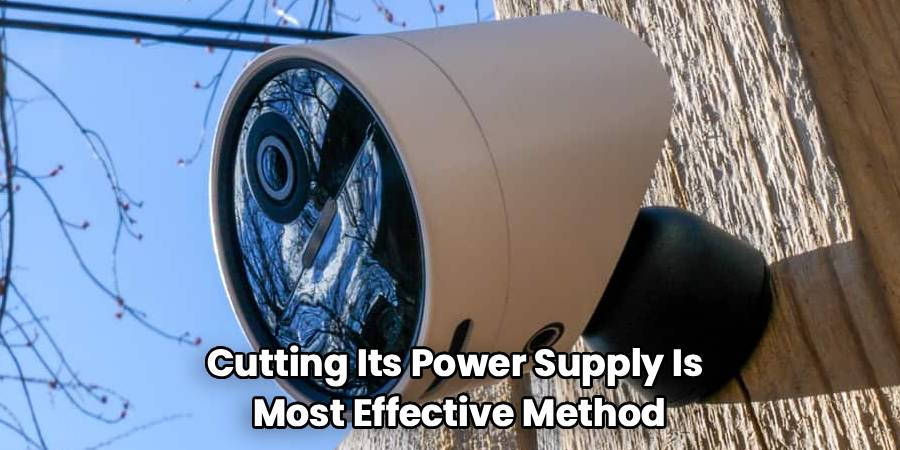
For a direct and surefire way to disable a camera, cutting its power supply is the most effective method. Locate the power cord that runs from the camera to the wall outlet. Carefully unplug it. This action immediately cuts off all power, ensuring the device can no longer record, stream, or transmit data. This approach works for both wired indoor cameras and some outdoor models that are plugged into an external socket. If your camera is hardwired directly into your home’s electrical system, this method will not be applicable, and you should proceed to other steps.
Step 3: Disconnect from the Wi-Fi Network
Many security cameras rely on your home’s Wi-Fi network to function. By disrupting this connection, you can effectively disable its smart features. Access your Wi-Fi router’s administrative settings by typing its IP address into a web browser. From there, you can locate the camera on the list of connected devices and block its access to the network. Alternatively, you can change your Wi-Fi password, which will disconnect all devices, including the camera, until you update them with the new password. This method stops the camera from sending footage to the cloud or your app.
Step 4: For PoE Systems, Disconnect the Ethernet Cable
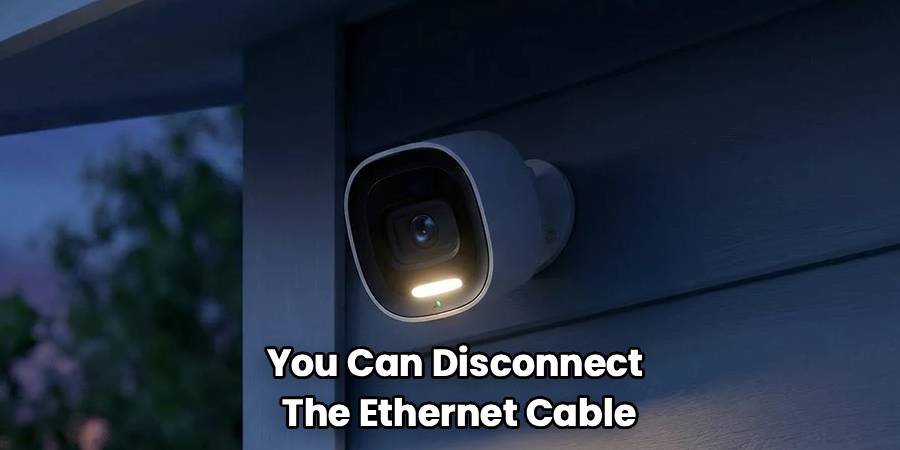
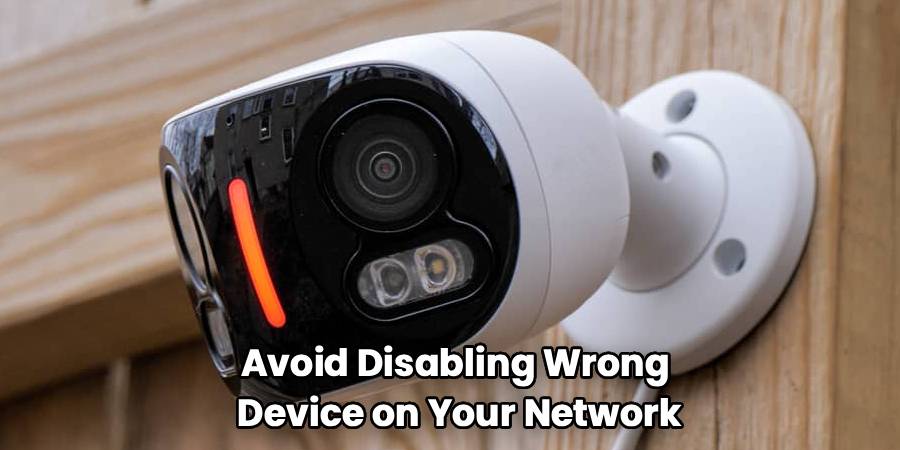
Power over Ethernet (PoE) cameras receive both data and power through a single Ethernet cable. This is common in more robust, professionally installed security systems. To disable a PoE camera, you must locate where its Ethernet cable connects. This is typically at a network switch or a Network Video Recorder (NVR). Simply unplugging the specific Ethernet cable corresponding to the camera will instantly cut its power and data connection, rendering it inactive. Be sure to correctly identify the cable to avoid disabling the wrong device on your network.
Step 5: Disable the Central Hub or Recorder
Many comprehensive security systems use a central hub, a Digital Video Recorder (DVR), or a Network Video Recorder (NVR) to manage all the connected cameras. These devices are the brain of the operation, storing recordings and managing camera settings. To disable all cameras at once, you can simply turn off or unplug this central unit. This will stop all recording and, in many cases, cut power to wired cameras connected to it. This is a practical solution when you want to deactivate the entire system for a period rather than individual cameras.
Step 6: Use Lens Covers for a Simple Solution
If you only need to ensure privacy without technically deactivating the camera, a physical lens cover is an excellent option. Some cameras come with built-in privacy shutters that you can activate through the app. If yours doesn’t, you can purchase third-party lens covers or create your own using a piece of opaque tape or a custom-fit cap. This method physically blocks the camera’s view, preventing it from seeing anything. The camera itself remains powered on and connected, but it cannot capture any visual information, offering a quick and reversible privacy solution.
Step 7: Remove the Batteries from Wireless Cameras
For completely wire-free cameras that run on batteries, the most straightforward deactivation method is to remove the power source. Most battery-operated cameras, such as those from Arlo, Blink, or Eufy, have an easily accessible compartment for their rechargeable or replaceable batteries. Following the manufacturer’s instructions, open the compartment and take out the battery pack. This will completely power down the device. This is a simple and effective step for anyone wondering how to disable security cameras that are not connected to a constant power source.
Step 8: Final Considerations on How to Disable Security Cameras
Before you proceed with any of these steps, it is essential to understand the implications. Disabling a security camera means that area will no longer be monitored, which could create a security vulnerability. Always ensure you have a valid reason for doing so and remember to reactivate the camera once your need for privacy or maintenance has passed. For hardwired systems that are integrated into your home’s electrical wiring, it is always recommended to consult a professional electrician rather than attempting to disable them yourself to avoid electrical hazards or damage to your system.
Frequently Asked Questions
Is It Illegal to Disable a Security Camera?
It is generally legal to disable security cameras on your own property for privacy reasons. However, it can be illegal to disable cameras on someone else’s property without their consent, as it may be considered tampering or vandalism. In a shared space, such as a rental property, the legality depends on your lease agreement and local laws regarding tenant privacy. Always ensure you have the right to control the cameras in question.
Will Unplugging a Camera Erase Its Recordings?
Unplugging a camera will not erase recordings that have already been saved. Footage is typically stored on a local SD card inside the camera, a separate DVR/NVR unit, or in the cloud. Disconnecting the power will only stop it from making new recordings. To delete existing footage, you would need to access the storage medium directly, either through the app, by removing the SD card, or by formatting the hard drive of your DVR/NVR.
How Can I Tell if a Security Camera Is On?
Most modern security cameras have a visible indicator light, often a small LED, that shows their status. A solid or blinking light usually means the camera is powered on and may be recording. Many IP cameras also have infrared (IR) LEDs for night vision, which may emit a faint red glow in the dark when active. However, some cameras allow the status light to be turned off in the settings, so its absence doesn’t guarantee the camera is off.
Can Security Cameras Be Jammed?
Yes, it is technically possible to jam the signal of wireless security cameras. Devices known as signal jammers can broadcast on the same frequency as the camera’s Wi-Fi connection, disrupting its ability to send and receive data. However, owning and using such devices is illegal in many countries, including the United States, as they can interfere with critical public communications. This is not a recommended or legal method for disabling a camera.
Does Covering a Camera Lens Damage It?
No, simply covering a camera lens with something opaque, like tape or a dedicated lens cap, will not damage the camera. It is a safe and effective way to ensure privacy without altering the camera’s electronic or software settings. The camera will continue to function, but it will only record a black screen. This method is easily reversible and has no negative impact on the device’s hardware or longevity.
Conclusion
Mastering the control of your security cameras is an empowering skill for any homeowner. Whether you choose to use an app, disconnect the power, or simply cover the lens, each method offers a way to balance security with personal privacy. By following the steps outlined in this guide, you can confidently manage your devices for maintenance, private events, or any other legitimate reason. We encourage you to familiarize yourself with your system’s specific features to make the process even smoother. Taking the time to learn how to disable security cameras properly ensures you remain in complete control of your home environment.

About
Robert D is a distinguished figure in the world of Safety Systems and Risk Management, with a decade of expertise creating innovative and sustainable workplace solutions. His professional focus lies in merging traditional safety protocols with modern digital monitoring techniques, fostering environments that are both practical and hazard-conscious. As the lead author of SafetyRift, Robert delves into the art and science of risk mitigation, inspiring safety officers and industry professionals alike to bridge the gap between compliance and culture.
Education
RMIT University (Melbourne, Australia)
Associate Degree in Design (Industrial Safety)
-
Focus on sustainable safety infrastructure, industry-driven risk assessments, and practical implementation.
-
Gained hands-on experience with traditional hazard identification and digital monitoring tools, such as IoT safety sensors and predictive analytics software.
Nottingham Trent University (United Kingdom)
Bachelor’s in Occupational Health and Safety (Honors)
-
Specialized in systemic design with a focus on blending human behavior psychology with modern safety production techniques.
-
Participated in industry-wide projects, working with global logistics and manufacturing firms to gain real-world insights into large-scale safety deployments.
Publications and Impact
In SafetyRift, Robert shares his insights on safety design processes, protective materials, and strategies for efficient, accident-free production. His writing bridges the gap between foundational safety knowledge and modern industrial needs, making it a must-read for both budding safety coordinators and seasoned risk management professionals.
