
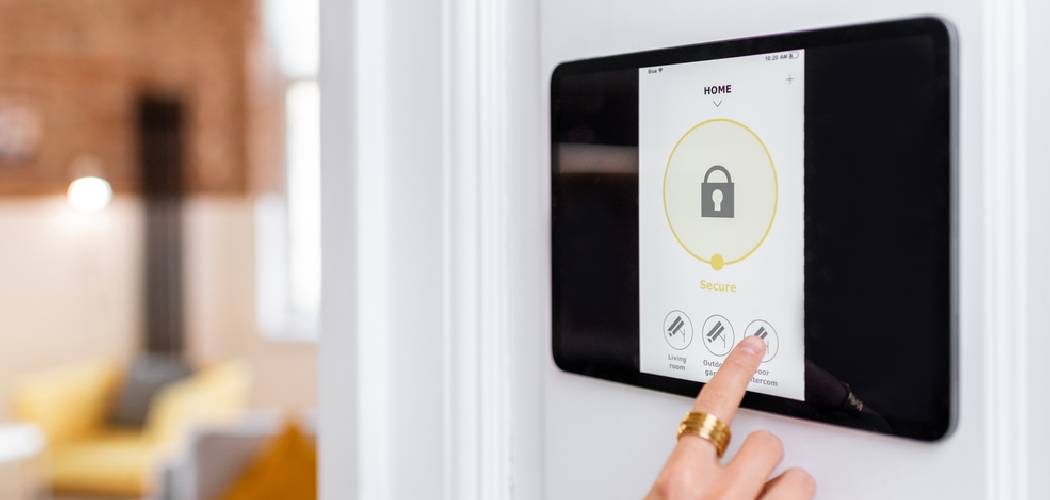
That piercing, relentless siren can be unnerving. Whether it’s a false alarm triggered by a pet, a cooking mishap, or simply an accidental activation, knowing how to turn off house alarm quickly is essential. This guide is here to walk you through the process, helping you regain peace and quiet without the panic. We will cover the standard procedures, what to do if those don’t work, and how to handle a system that keeps acting up.
A blaring security system can send your heart racing, but don’t worry. The solution is usually straightforward. Let’s get that noise stopped so you can get back to your day.
Initial Steps on How To Turn Off House Alarm
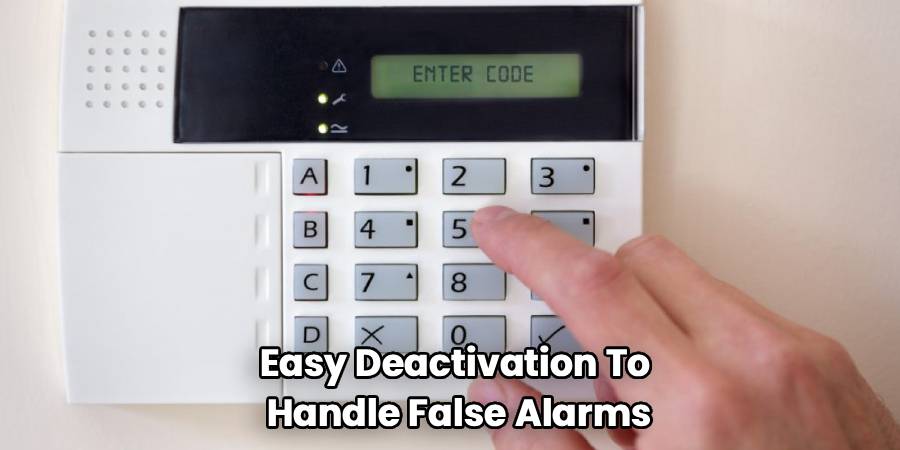
The moment an alarm sounds, your first goal is to disarm it using the intended method. Most modern systems are designed for quick and easy deactivation to handle false alarms.
Step 1: Use Your Master Code at the Keypad
This is the most common and effective way to silence a siren.
Locate the Main Keypad
Find the primary control panel for your alarm system. This is usually located near a main entry point, like the front door, back door, or the door leading from the garage into the house.
Enter Your Disarm Code
Carefully key in your unique 4-digit or 6-digit master code. This is the code you use every day to arm and disarm the system.
Pressing the correct sequence should immediately silence the alarm. The keypad display might show a message like “System Disarmed” or a steady green light.
Step 2: Use Your Keychain Fob
Many security systems come with a remote fob that makes control incredibly simple.
Press the Disarm Button
Look for the button on your fob designated for disarming the system. It often has an icon of an unlocked padlock.
Pressing this button sends a signal to the main control unit to shut down the alarm. This is a great option if you aren’t near the main keypad when the alarm triggers.
Step 3: Use the Mobile App
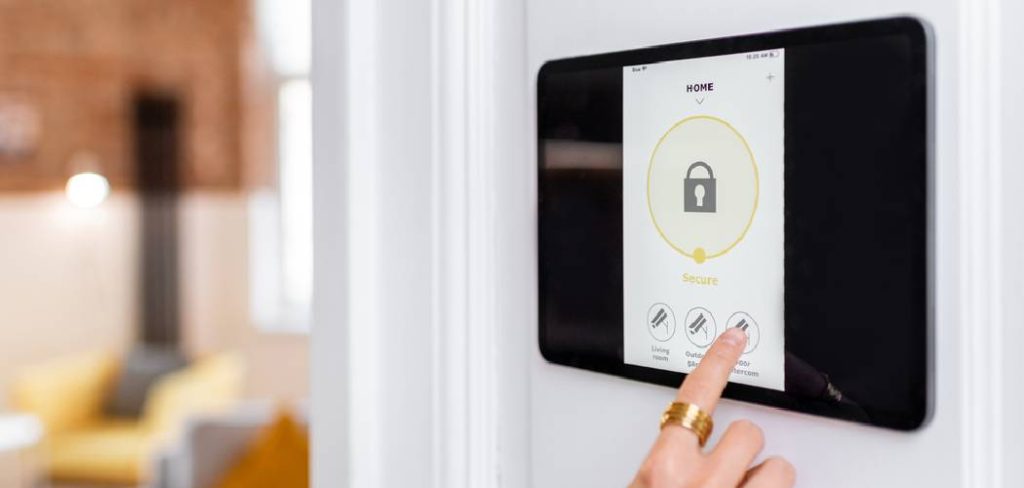
If your security system is connected to the internet, it almost certainly has a companion smartphone app.
Open the App on Your Phone
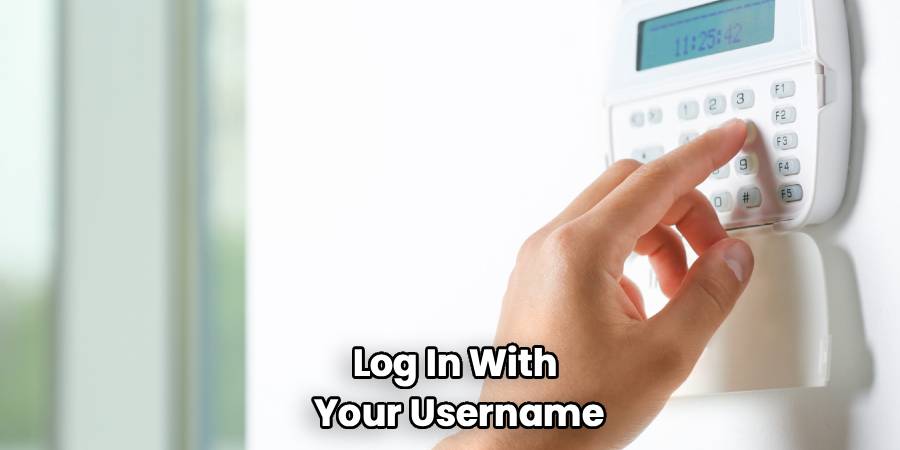
Quickly launch the security provider’s app. You may need to log in with your username and password or use Face ID/fingerprint recognition.
Tap the Disarm Function
The app’s home screen typically features large, clear buttons to arm or disarm the system. Tap the “Disarm” or “Off” button. The app should confirm that the command was sent and the system is now off.
What to Do If the Standard Methods Fail
Sometimes, entering your code or using a fob doesn’t work. This can happen due to power issues, system malfunctions, or if you’ve recently moved into a home with an existing system you’re not familiar with.
In these situations, knowing the basic steps on how to turn off a house alarm manually becomes crucial. You will need to physically power down the system.
Step 1: Disconnect the Main Power Source
Every alarm system is connected to your home’s main electrical supply. Cutting this connection is the first part of a full system shutdown.
Locate the Transformer
Your alarm system is powered by a low-voltage transformer. This is a small boxy plug that is plugged into a standard wall outlet.
Look for it in less-obvious places. Common locations include the master bedroom closet, a utility closet, the attic, the basement, or near your home’s main electrical panel.
Unplug the Transformer
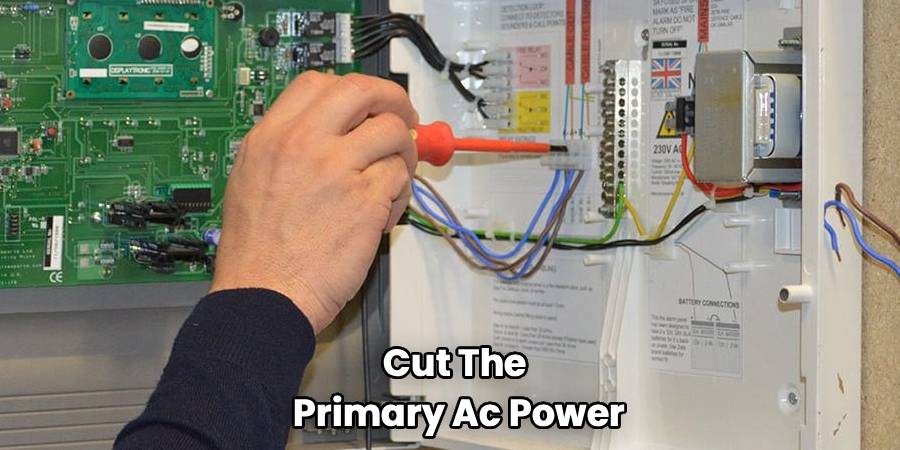
Once you find the transformer, simply unplug it from the wall outlet. This will cut the primary AC power to the security system.
The alarm might not stop immediately because it will switch to its backup power source.
Step 2: Disconnect the Backup Battery
All alarm systems have a backup battery to keep them running during a power outage. This battery is located inside the main control panel box.
Find the Main Control Panel
This is not the keypad; it’s a metal cabinet where all the system’s wiring converges. This box is typically installed in a secure, out-of-the-way location like a closet, basement, or utility room.
Open the Panel Box
You may need a key or a screwdriver to open the metal cabinet. Some are simply latched. Once open, you will see a circuit board and various wires.
Identify and Disconnect the Battery
Inside the box, you will find a large, rectangular battery, similar in appearance to a small motorcycle battery. It will have a red wire and a black wire connected to its terminals.
Carefully disconnect one of the wires from the battery terminal. You can usually just pull the connector off. It’s often easiest to start with the black (negative) wire.
Once both the main power and backup battery are disconnected, the alarm system will have no power and will completely shut down. The siren will stop.
Dealing with a Beeping Keypad
Sometimes, the main alarm isn’t blaring, but the keypad is making a constant, annoying beeping or chiming sound. This is the system’s way of telling you there’s a trouble condition that needs your attention.
Check the Keypad Display
The keypad will almost always display a message or a code indicating the source of the problem. It might say “Low Battery,” “AC Power Loss,” or show a specific zone number with a “Trouble” light.
Acknowledge the Trouble Condition
You can often silence the beeping by entering your master code and pressing a specific key, like “Off” or “Cancel,” twice. This acknowledges the fault, but it doesn’t fix it. The trouble light will likely remain on until the underlying issue is resolved.
Common Causes for Keypad Beeping
- AC Power Loss: This means the transformer has been unplugged or the circuit it’s on has lost power. Check the plug and your circuit breaker.
- System Low Battery: The main backup battery in the control panel is dying and needs to be replaced. These batteries typically last 3-5 years.
- Sensor Low Battery: A specific sensor, like a door contact or motion detector, has a low battery. The keypad should tell you which zone or sensor is affected.
- Communication Failure: The system is unable to communicate with the central monitoring station, often due to a phone line or internet issue.
Frequently Asked Questions
Here are some frequently asked questions about managing a home security system.
How do I stop a false alarm?
The quickest way is to enter your disarm code on the main keypad. If you have a remote fob or a mobile app for your system, those are also excellent and fast options. Act quickly, as monitoring services will often try to contact you before dispatching emergency services.
Will the alarm company call the police if the alarm goes off?
Yes, that is their primary function. When an alarm is triggered, the monitoring station receives a signal. An operator will typically follow a specific procedure, which usually involves attempting to call you on your primary and secondary contact numbers to verify the alarm. If they cannot reach you or if someone gives the wrong password, they will dispatch the police.
Why is my house alarm going off for no reason?
There are many potential causes for random false alarms. Common culprits include low batteries in sensors, faulty sensors, insects or pets triggering motion detectors, or loose door/window contacts. Power surges or fluctuations can also sometimes trigger a system. If it happens frequently, it’s best to have a technician inspect your system.
How do I change the battery in my house alarm?
This depends on which battery needs changing. For wireless sensors, you typically open the sensor’s plastic casing, remove the old batteries (often AA, AAA, or lithium coin cells), and insert the new ones. For the main system backup battery located in the metal control panel, you will need to open the panel, disconnect the old battery, and connect the new one. Always buy a replacement battery with the same voltage and amperage specifications.
What do I do with an old, inherited alarm system?
If you move into a home with an old system you don’t plan to use, it’s wise to power it down completely. Follow the steps outlined above to unplug the transformer and disconnect the backup battery. This prevents it from causing issues like beeping or false alarms in the future.
Conclusion
Learning how to turn off a house alarm is the best first step toward confidently managing your home’s security. By understanding how to disarm your system, troubleshoot keypad beeping, and perform a full manual shutdown, you can handle any situation calmly and effectively. Keeping your system well-maintained, with fresh batteries and regular checks, will ensure it works when you need it and stays quiet when you don’t. A reliable security system should provide peace of mind, not stress.

